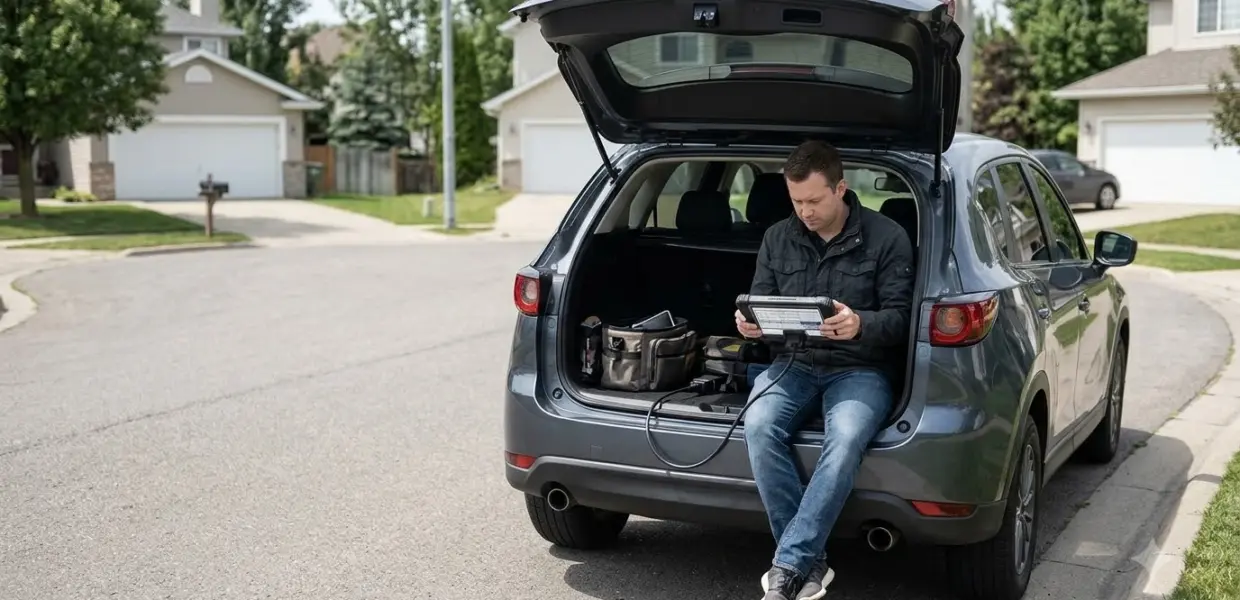

The best bidirectional scan tool is the one that runs the active tests your vehicles need, with update terms you can accept. Unlike a code reader, it sends commands to vehicle modules as well as reading data.
An auto electrician’s review covers five models for different needs, from compact coding tools to budget picks with subscriptions. Check vehicle coverage before you commit to any of them.
| Pick | Best for | Key fact |
|---|---|---|
| Mucar 892BT | Coding on a compact tool | Small, with a magnetic dongle holder |
| XTool A30M | Buyers who want free lifetime updates | App-based, landscape mode only |
| Thinkdiag2 | Enabling hidden vehicle features | Yearly subscription |
| XTool D8s | Complex service resets | Topology view, less friendly interface |
| Mucar 682 | Lowest-cost tablet scanner | One of the cheapest tablet scanners in the review |
How Bidirectional Control Works
A bidirectional scan tool both reads module data and sends commands, which is the main difference from a read-only code reader. According to OBD Planet’s buying guide, bidirectional control means the tool can both send and receive information. A scanner that only receives data can show readings, but it cannot send commands to the engine, so it is not the best bidirectional scan tool for active tests.
Reading data is one direction, and sending a test command is the other. That second direction lets you check a part instead of only looking at its readings. This is why the best bidirectional scan tool for a repair bay is one that runs commands, not only readings.
What Active Tests Let You Do
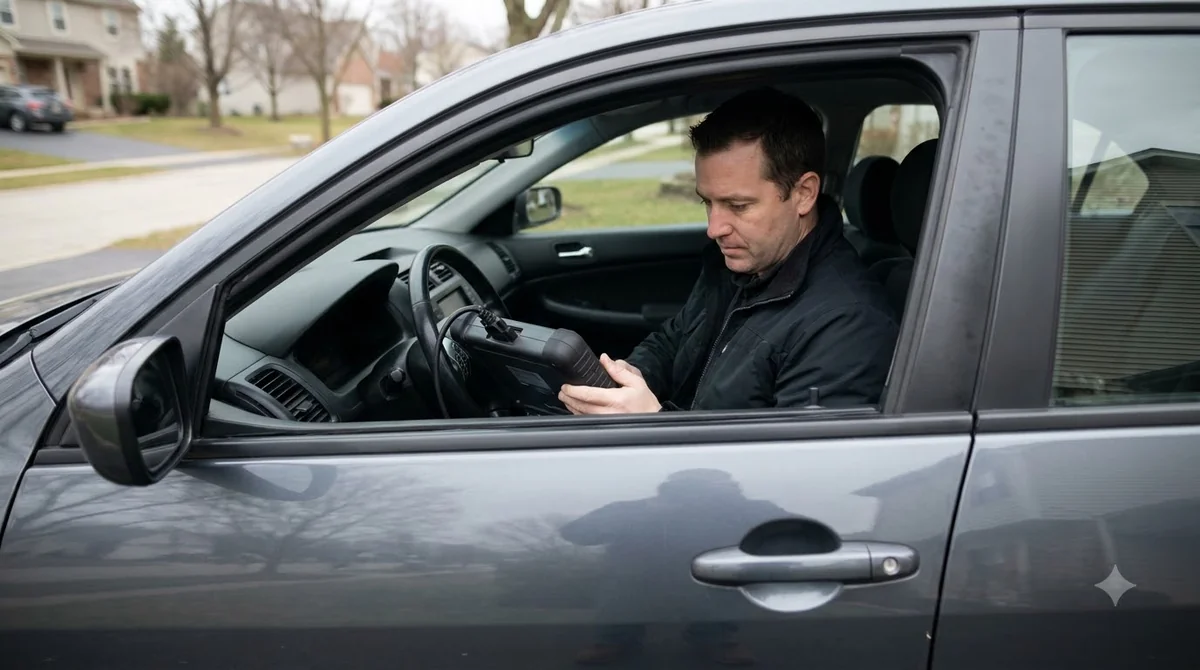
Active tests let a bidirectional tool command a component on or move it for a short test, such as a fuel pump or an electronic parking brake. An active test is temporary manual control of a component. The tools in this review list several examples:
- Valve and solenoid tests
- Manual control of the electronic parking brake, clutch and fuel pump
- EVAP leak tests
- ABS bleeding and SAS calibration
- Oil reset, battery registration and DPF regeneration
Not every tool runs every test, and the list changes with your vehicle brand and the license you hold. Check the function list for your brand before you buy, since a test that appears on one tool may be missing from another. A tool that runs the test you need most is the best bidirectional scan tool for that job. Tablet tools need activation before they work, as Launch X431 Pro Elite setup shows. One common job for these tools is a throttle body relearn, and scanners that list a throttle body relearn are compared separately. A TPMS relearn is one task to check for, and using a TPMS relearn tool explains the methods. Older OEM tools need current cards and subscriptions, as GM Tech 2 setup and updates shows. A professional-grade Foxwell scanner is covered in Foxwell NT680 Pro setup and code reading.
How to Choose the Best Bidirectional Scan Tool
Compare vehicle coverage, the active test list, coding support and update terms first, because those decide what the tool can do on your cars. Use the table below as a checklist when you shop for the best bidirectional scan tool. Each row is a point where two tools can differ a lot, even at similar prices.
| Attribute | What to check | Why it matters |
|---|---|---|
| Vehicle coverage | Your brands and model years | Support varies by tool, so a tool that suits one brand may miss yours |
| Active tests | Whether the tests you run are listed | Tests such as the fuel pump or parking brake are not on every tool |
| Coding support | Coding for your brand | Coding is separate from bidirectional control |
| Subscription and updates | Yearly fees, free or lifetime updates | Some tools need a yearly fee to keep features |
| Screen and form factor | Screen size, orientation and dongle type | A fixed screen orientation can be awkward in a tight engine bay |
| Return window | Days allowed to send the tool back | Gives you time to test it on your own cars |
For any bidirectional OBD2 scanner, coverage comes first, because the best bidirectional scan tool on paper is useless if it cannot reach your vehicle’s modules.
Top Picks for Home Mechanics
An auto electrician’s review names five models: Mucar 892BT, XTool A30M, Thinkdiag2, XTool D8s and Mucar 682, each suited to a different need. For a home mechanic, the best bidirectional scan tool covers your own brands first, then adds the coding and update terms you need.
The author of the iamcarhacker review says the scores come from testing on real cars across more than 50 tools, which is a claim to confirm yourself. The five picks compare as follows:
- Mucar 892BT: small, with a magnetic dongle holder, and praised for coding. It has no topology view.
- XTool A30M: listed with lifetime free updates, but it runs in landscape mode only.
- Thinkdiag2: can enable hidden features, but needs a yearly subscription.
- XTool D8s: good for complex service resets and has a topology view, but its interface is less friendly.
- Mucar 682: one of the cheapest tablet scanners in the review, though the author suggests paying a little more for a Mucar model with stronger ECU coding.
The coding and update terms are the deciding factors here. The best bidirectional scan tool for your bench is the one whose terms you accept.
All five models above are listed on Amazon at the time of writing:

Reasons to buy
- Large 8-inch display on Android 10 with 4GB RAM and 64GB storage
- Full-system bidirectional controls for active testing
- AI-assisted diagnostics to help interpret faults
- 35+ service functions and lifetime free updates
Reasons to avoid
- Larger and heavier than a plug-in Bluetooth adapter
- Advanced features have a learning curve for beginners
- Coverage varies by model, so check compatibility first

Reasons to buy
- Full bidirectional control and active tests
- 26 reset functions for scheduled maintenance
- Lifetime free software updates with CAN FD and FCA AutoAuth
- Up to 8 live data streams with real-time graphing
Reasons to avoid
- Needs a phone or tablet to run the app
- Coverage and functions vary by vehicle
- More complex than a basic code reader

Reasons to buy
- OE-level full-system diagnostics with CAN FD protocol support
- Bidirectional tests send commands from your phone to the ECU
- 15+ maintenance functions for common services
- Wireless Bluetooth scanner for iOS and Android with 100+ brands covered
Reasons to avoid
- Needs a phone or tablet and the Thinkcar app to run
- Some advanced functions may require paid software unlocks
- Learning curve for beginners

Reasons to buy
- Topology mapping shows how modules communicate to speed up fault-finding
- AI-assisted full-system diagnostics with active tests
- Advanced ECU coding functions for BMW and Mercedes
- 42+ maintenance and calibration services across 150+ brands
Reasons to avoid
- Mechanic-grade tool that can overwhelm beginners
- Costs more than entry-level scanners
- Some coding and special functions vary by vehicle

Reasons to buy
- 3,000+ active tests for advanced repairs
- All-system diagnostics with AI-assisted analysis
- 20+ reset functions including airbag and DPF
- Automatic VIN, real-time data and DTC lookup
Reasons to avoid
- Advanced tool with a learning curve for beginners
- Function coverage varies by make and model
- Heavier than a plug-in Bluetooth adapter
Best Budget Bidirectional Scan Tool Options
The budget picks in this review are Mucar 682 and Thinkdiag2, but Thinkdiag2 needs a yearly subscription, so count that cost before you compare prices. If you want the best cheap bidirectional scan tool, start with the coverage check, then compare update terms.
A low purchase price can cost more over time when a subscription applies. A budget choice still needs the right coverage, so the best bidirectional scan tool on a budget is the one that runs your tests for your brands.
Basic code readers are cheaper still, but they read codes only and cannot run active tests. The reviewer places a basic ELM327 adapter in that group, so it does not count as the best bidirectional scan tool for active tests. If read-only is enough, see our basic car code reader picks.
Subscriptions, Coding and Limits
Coding and key programming are separate from bidirectional control, and some tools need a yearly subscription before they enable features. OBD Planet lists key programming, ECU coding and injector coding as a separate category from active tests, so an active test list does not tell you a tool’s coding ability. For app-based coding on a BMW, see our Bluetooth adapter picks for BMW coding.
In the review last updated October 26, 2026, Thinkdiag2 is listed with a yearly subscription. A30M product page from XTOOL lists lifetime free software updates and says its active tests cover parts such as fuel pumps, injectors and A/C clutches. Confirm current terms with the seller, because they change. If the best bidirectional scan tool on your list needs a yearly fee, budget for it before you buy.
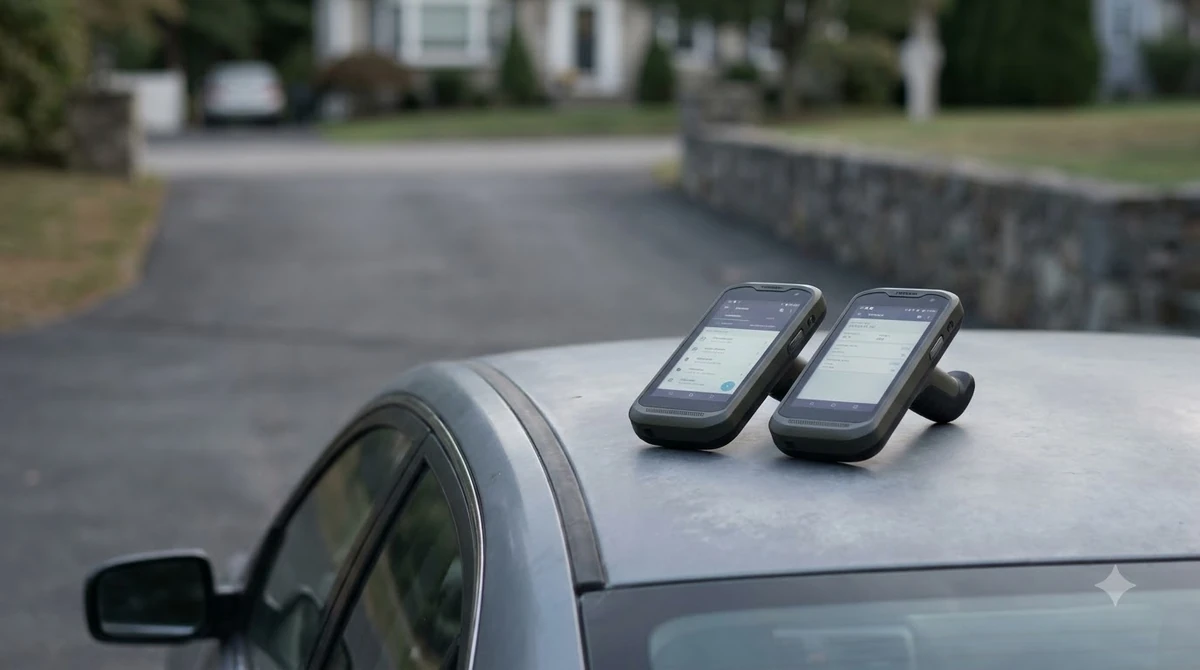
Coding support also varies by brand. The best bidirectional scan tool for coding is the one that lists your brand in its coding menu, so check that list before you buy. For VW and Audi cars, see VCDS setup and use for VW and Audi. For a tablet that reads codes and live data, see Autel MaxiCOM MK808 setup and connection. If you already use a Snap-on VERUS tablet, the Snap-on VERUS Edge scan steps cover the basic code scan.
Who Should Buy Which Tool
Pick by vehicle coverage first, then decide how much coding you need and whether you accept a subscription. If brake work is the goal, a scan tool with ABS bleeding explains what to check first.
- List the brands and model years you service most often.
- Confirm the tool lists the active tests you need for those brands.
- Decide whether you need coding or only active tests and readings.
- Check the subscription and update terms before you buy.
A home mechanic with one or two brands can usually narrow the list fast. A shop that services many brands should check coverage for every brand first, since the best bidirectional scan tool for one brand may fail on another. Using these steps, you can find the best bidirectional scan tool for your garage without guessing. If you are still unsure which type you need, read about choosing an OBD2 scanner for home use first.
Frequently Asked Questions
Is a bidirectional OBD2 scanner the same as a bidirectional scan tool?
In common use, the two terms describe the same kind of tool: an OBD2 scanner that sends commands as well as reading data. Check coverage for your brand and model years before you buy, because support varies by tool. Read the function list rather than relying on the product name alone.
Can a bidirectional scan tool code or program modules?
Coding and key programming are treated as separate from bidirectional control. The iamcarhacker review praises the Mucar 892BT for its clean coding interface and says Thinkdiag2 can enable hidden features. Check the coding list for your vehicle brand, since support varies by tool and model.
Do I need a subscription?
Some tools do. The review says Thinkdiag2 needs a yearly subscription, while the XTool A30M is listed with lifetime free updates. Confirm the current terms on the seller’s page, because update policies change and the review’s details may be out of date.
What is an active test?
An active test is temporary manual control of a component, such as a fuel pump or an electronic parking brake. It lets you command the part during diagnosis rather than relying only on the data it reports. Run only the tests your service information covers.
Is the best bidirectional scan tool always a cheap one?
No. The best bidirectional scan tool for you is the one that covers your vehicles and runs the tests you need. A low price can cost more over time if a yearly subscription applies, as with Thinkdiag2 in this review. Compare the total cost of ownership before you decide.
Should I run active tests myself?
Check the vehicle’s service information before you command a component such as the fuel pump or parking brake. Keep the vehicle stationary and follow the steps in that documentation, not a guess. Skip any test you do not understand, since a command sent to a module can change how a part behaves.
Decide by vehicle coverage first, then by the subscription and update terms you can live with. If you service one or two brands, a focused tool with the right active tests often beats a broader model you rarely use. Confirm current prices and terms on the seller’s page before you buy.