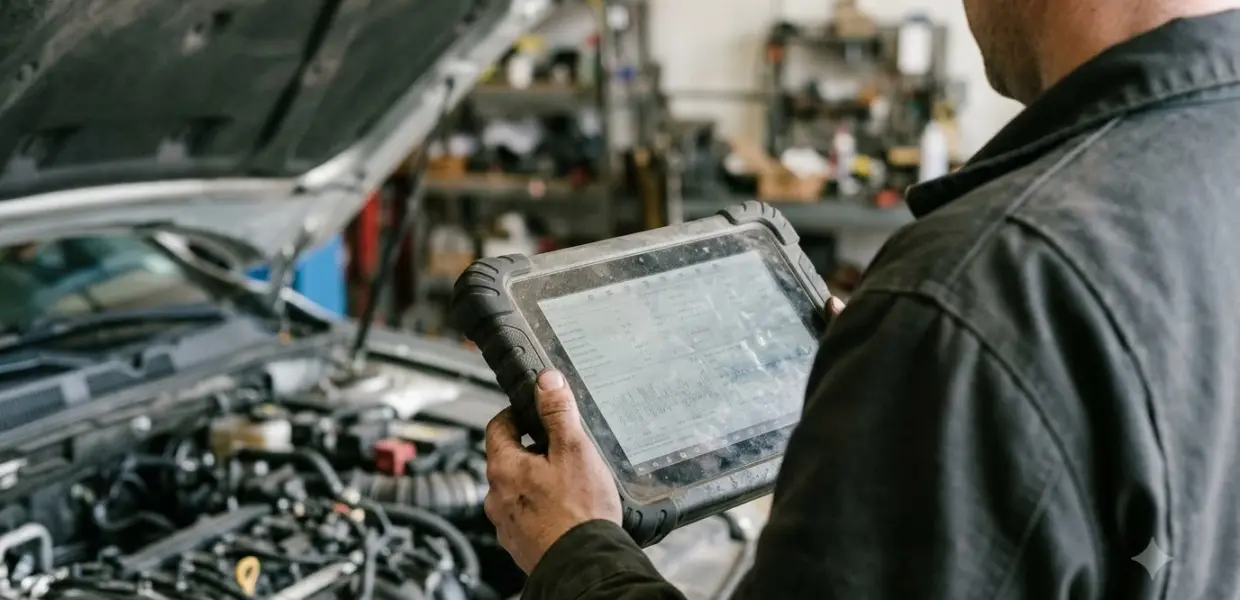

A scan tool with ABS bleeding is a diagnostic scanner that can command the ABS module to cycle its pump and valves during a brake bleed. A standard manual bleed may not reach air trapped inside the ABS hydraulic unit, which is why this function matters on many modern cars.
The right scan tool with ABS bleeding depends on whether it covers your vehicle, whether it runs an automated bleed or only shows a procedure menu, and whether you can handle the manual bleed that still follows.
Brake work affects vehicle safety. Follow your vehicle service information and the scanner on-screen warnings, and have a qualified shop do the bleed if you are unsure.
| Pick | Best for | Key fact |
|---|---|---|
| Innova 5610 | Owners who want a guided ABS bleed with on-screen prompts | Service Reset menu leads to ABS Bleeding |
| Innova SDS50 | Users who want either a bleed procedure or an automated service | ABS Bleeding sits under Workshop Tools |
| Any scan tool with ABS bleeding | Buyers whose model is not listed in a vendor guide | Confirm ABS bleed coverage for your exact vehicle before buying |
How a Scan Tool with ABS Bleeding Helps
A scan tool with ABS bleeding works by sending commands to the ABS module instead of only reading trouble codes. The module then runs its internal pump and valves while fluid moves through the unit. Standard bleeding at the wheels does not command those valves, so air can stay trapped inside the unit even when the brake lines look clear.
- Manual bleeding pushes fluid through the brake lines and calipers.
- The ABS hydraulic unit has internal passages and valves that the brake pedal cannot open.
- A bidirectional scan tool with ABS bleeding sends commands that cycle those parts during the bleed.
This function does not replace a manual bleed. A scan tool with ABS bleeding only helps move air inside the ABS unit, and you still need to purge each wheel afterward.
Scanners Known to Offer ABS Bleeding
Two Innova scanners list an ABS bleed function in their menus, which makes them the clearest examples of a scan tool with ABS bleeding that this guide can point to. Coverage depends on the make, model and year of your car, so treat any scan tool with ABS bleeding as a candidate until its coverage list shows your vehicle.
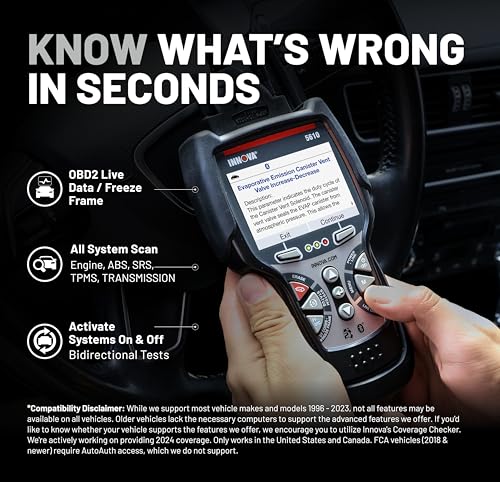
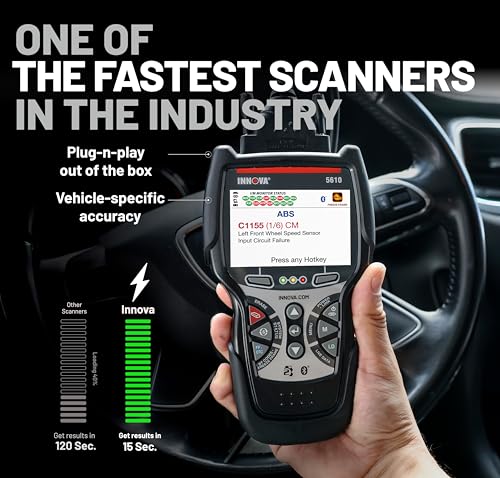
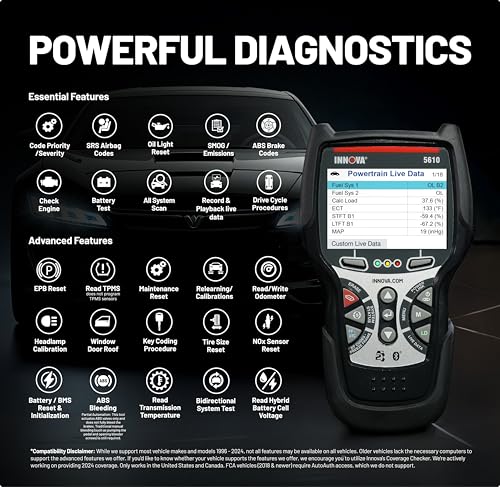
Innova 5610
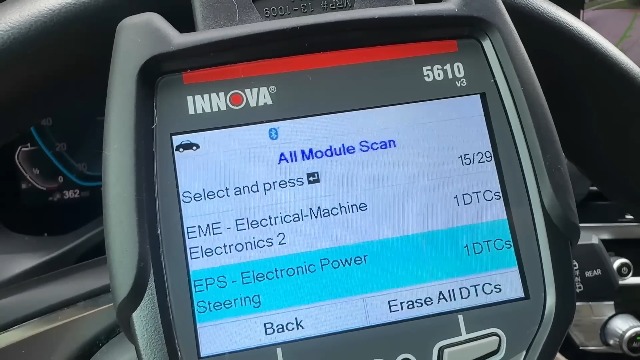
The Innova 5610 uses a Service Reset menu. Select ABS Bleeding, confirm the vehicle, then choose the ABS Module. On some GM trucks, the Automated Brake Bleed prompts you to open and close each bleeder screw in turn.

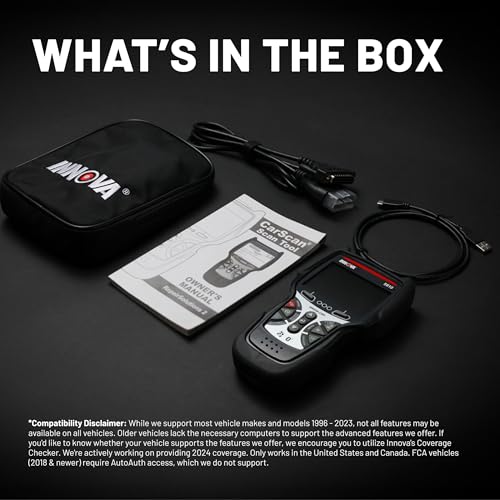
Innova 5610 OBD2 Bidirectional Scan Tool



As an Amazon Associate we earn from qualifying purchases. Product prices and availability are accurate as of the date/time indicated.
Innova SDS50
The Innova SDS50 places ABS Bleeding under Workshop Tools, as Innova’s SDS50 help article explains. It offers an ABS Bleeding Procedure that shows steps, and an ABS Bleeding Service that runs a test after you confirm the on-screen cautions.
Menu names differ by manufacturer and model, so the label on your screen may not match the examples here; the Innova 5210 step-by-step guide shows how Innova menus work in general. Read the on-screen wording before you start any cycle.
If you bleed a single car at home, the procedure menu lets you read the steps before you commit to an automated run. If you service several vehicles, an automated service saves time, but it still needs the same manual bleed afterward.
What to Check in a Scan Tool with ABS Bleeding
Before you buy a scan tool with ABS bleeding, check bidirectional control, vehicle coverage, and whether the tool runs an automated bleed or only a procedure menu. The table below lists what to look for and why each item matters.
| Attribute | What to look for | Why it matters |
|---|---|---|
| Bidirectional control | The scanner sends commands to modules, not just reads codes | The bleed needs commands sent to the ABS module |
| Vehicle coverage | Your make, model and year appear on the ABS bleed list | Coverage varies by vehicle and by tool |
| Automated bleed or procedure only | Whether the tool runs the cycle or only shows steps | Some models show steps but do not run the cycle |
| Power supply | A fully charged battery or a charger during the cycle | Low voltage can interrupt the ABS pump cycle |
| Helper or pressure bleeder | A second person to pump the pedal, or a pressure bleeder | You still bleed each wheel by hand afterward |
A basic code reader that only reads and clears codes usually cannot run this function, so compare bidirectional scan tools for a home garage first. Check the listing of any scan tool with ABS bleeding for an explicit ABS bleed entry before you buy. A weak battery can also interrupt the pump cycle, so a charger is a practical add-on; see using a battery charger safely.
How the Bleed Works, Step by Step
A scan tool with ABS bleeding runs the automated step first, and you still bleed each wheel by hand to purge the fluid. The steps below follow the Innova 5610 example for a 2020 GMC Sierra with an Automated Brake Bleed. Your vehicle and tool may differ, so follow the on-screen prompts.
- Connect the scan tool to the OBD-II port, usually under the dashboard, and open the ABS bleed menu.
- Confirm the vehicle, then select the ABS module and start the procedure.
- Read each caution on screen, then follow the prompt to open and close each bleeder screw.
- Work through the wheels in the order the tool gives. In the 5610 example, that order is right front, left front, left rear, then right rear.
- When the tool finishes, check the pedal. If it still feels spongy, repeat the cycle. If it feels firm, finish and exit the menu.
- Bleed each wheel by hand afterward, because the fluid still has to be purged at every wheel.
Innova’s 5610 ABS bleeding guide also notes that a helper is usually needed to pump the pedal unless you use a pressure bleeder. Manual bleeding follows the same logic on any car and is covered in separate guides. Tighten the wheels afterward with a torque wrench for lug nuts, and see this OBD2 scanner buying guide for other scanner functions.
Safety Limits and Common Mistakes
Keep the reservoir topped up, use the fluid your manufacturer specifies, and make sure the battery is charged before you start an automated cycle. These checks prevent most of the problems that stop a scan tool with ABS bleeding cycle partway through.
- Do not let the reservoir run low during the cycle, since new air can enter the master cylinder.
- Use the brake fluid type printed in the owner’s manual or on the reservoir cap.
- Use a charged battery or a charger, because low voltage can interrupt the ABS pump cycle.
- Support the vehicle on jack stands at the manufacturer’s frame points, not on a floor jack alone; floor jack and stand safety checks covers the lifting side.
- Wear eye protection and gloves when you handle brake fluid.
Who Should Skip a DIY ABS Bleed
Skip a DIY scan tool bleed if your scanner does not list ABS bleeding for your vehicle, or if you cannot keep the reservoir full during the cycle. A DIY bleed suits someone who has a scan tool with ABS bleeding, a helper or pressure bleeder, and the vehicle service information. A pressure bleeder can replace the helper, but it still needs a sealed reservoir and the correct fluid.
This guide covers general steps only. Procedures and menu names change by make, model and year, so the manufacturer repair information remains the reference for your car.
Frequently Asked Questions
Can a basic code reader do ABS bleeding?
Usually not. A basic code reader reads and clears trouble codes but does not send commands to the ABS module. Check the listing of any scan tool with ABS bleeding for an explicit entry before you buy, and confirm it covers your vehicle.
Do I still have to bleed the brakes by hand?
Yes. The scan tool step moves air inside the ABS unit, but the fluid still has to be purged at each wheel afterward. Plan for the manual step, and allow time for a helper or a pressure bleeder.
What brake fluid should I use?
Use the fluid type your manufacturer specifies, which is printed in the owner’s manual and often on the reservoir cap. Brake fluid absorbs moisture over time, so fresh, sealed fluid from a closed container is the safer choice.
Does a scan tool clear trouble codes?
Some scan tools clear codes, but this depends on the model. Check for existing ABS or stability codes before you start, and confirm the modules report no faults after the bleed. Those checks are part of normal diagnosis, not of the bleed itself.
Should I have a shop do the ABS bleed?
A shop is the safer choice if your scanner does not list ABS bleeding for your vehicle, or if you lack a helper, a pressure bleeder, or a charged battery. Brake faults can affect stopping distance, so a mistake costs more than a service fee.
Confirm that your scan tool with ABS bleeding covers your exact vehicle before you buy. If the pedal still feels soft after the full procedure, stop and have a shop inspect the brakes, because a bleed will not fix a fault that is still present.