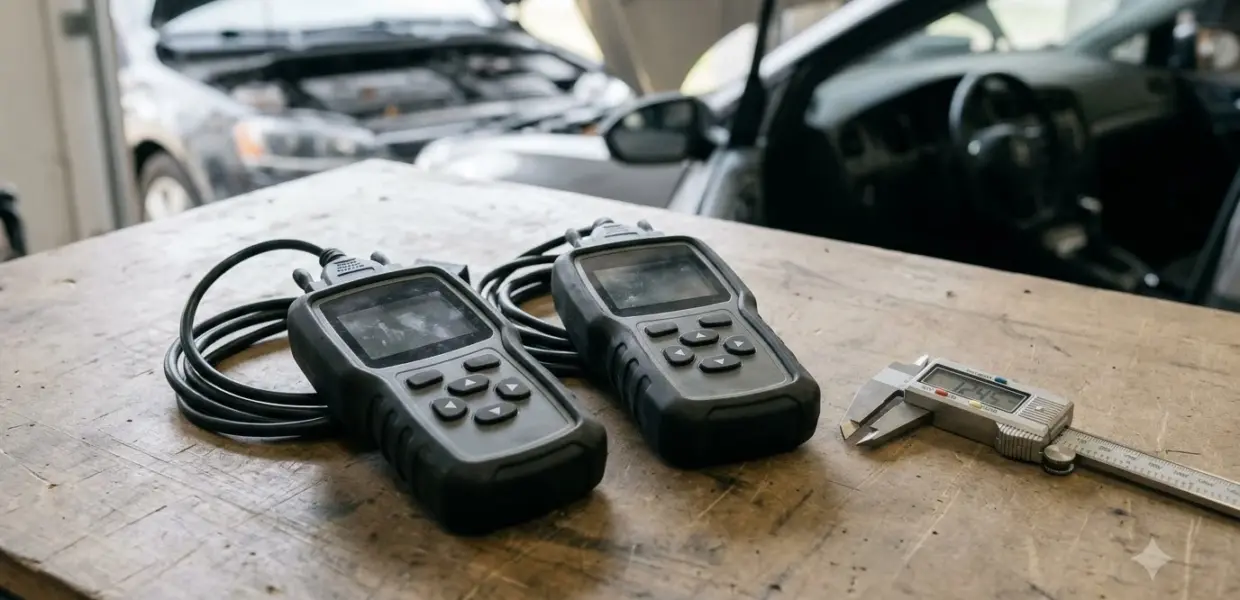

A check engine light after oil change is usually not caused by the oil itself. In the sources cited below, the best-documented trigger is a fuel cap that was not fully tightened, which lets fuel vapor escape from the emissions system.
A check engine light after oil change can also come from an unrelated fault. Check the fuel cap, dipstick and oil level first, then have any stored code read.
This article gives general information, not a diagnosis of your vehicle. Follow your owner’s manual, and have a qualified technician check any warning light that stays on.
Why the check engine light after oil change can come on
Nothing in the sources reviewed here shows that an oil change sets a trouble code by itself, so a check engine light after oil change needs a closer look. A service visit can still leave a cap loose or reveal an unrelated fault.
Three explanations come up most often when a check engine light after oil change appears right after service.
- A fuel cap that was not fully tightened after fueling, the one cause that manufacturer guidance confirms.
- An oil cap or dipstick that was not seated properly during service, which owners report but no source reviewed here confirms.
- An unrelated fault that sets a code around the same date, so the light only seems linked to the oil change.
Start with the cheapest check, a loose gas cap, because it costs nothing to test. Then check the dipstick and oil level before you consider anything more involved.
The loose fuel cap is the best-documented cause
An unsealed fuel cap is a documented reason for a check engine light after oil change, and Mazda service bulletin 01-008/15 calls it the most probable cause of code P0456 when no leak is found.
Code P0456 means the emissions system detected a very small leak. The Mazda service bulletin 01-008/15 ties that code to a fuel cap that was not completely closed after fueling, which lets fuel vapor escape. The bulletin covers several Mazda models from 2007 to 2016, so check whether your model is listed.
The bulletin also says technicians should not replace parts before detecting a leak. On some of the listed models, the cap must turn at least 80 degrees or until two clicks are heard. On others, a cap turned less than 200 degrees is not sealed.
- Turn the engine off and remove the fuel cap.
- Inspect the rubber seal for cracks, debris or damage, and wipe the threads clean.
- Reinstall the cap and turn it until it clicks at least twice.
- Drive normally for a few days and watch whether the light goes out.
If the check engine light after oil change stays on after a few days of normal driving, have the stored code read before replacing anything. A loose cap is the easiest cause to rule out, but it is not always the only one.
Oil cap, dipstick and oil level: the checks to make
When a check engine light after oil change appears, confirm the dipstick is fully pushed back and the oil level sits between the minimum and maximum marks.
A dipstick that sits partly out of its tube gives a wrong reading, so the check has to be repeated correctly. KBB guide to checking engine oil says to push the dipstick all the way back before you read it, and to keep the level between the two marks.
Some owners report that a check engine light after oil change came on after the oil cap was left loose or off. This is owner-reported only. None of the sources reviewed here confirm an oil cap link, so treat it as something to check, not a known cause.
- Park on level ground and wait until the engine has cooled.
- Pull the dipstick, wipe it clean, push it fully back, then pull it out again.
- Read the level between the minimum and maximum marks.
- If the level is low, add oil in small amounts and recheck. Do not overfill.
- Make sure the oil filler cap is closed and seated.
The oil pressure light is a separate warning
The oil pressure warning light can signal dangerously low oil pressure, not simply a low oil level, so it needs a different response from the check engine light.
KBB’s oil guide makes this distinction directly, and our guide to normal oil pressure shows what a healthy reading looks like. If the oil pressure light comes on while you are driving, stop safely and shut off the engine. Do not treat it as the same problem as a check engine light after oil change.
| Light | What it can mean | What to do |
|---|---|---|
| Oil pressure warning | Dangerously low oil pressure | Stop safely and shut off the engine |
| Check engine light, orange | A stored fault, such as a loose fuel-filler cap | Check the cap, then have the code read if the light stays on |
| Check engine light, red or blinking | A condition that needs prompt attention | Pull over as soon as it is safe and turn off the engine |
When to stop driving and get it checked
A red or blinking check engine light after oil change means you should pull over as soon as it is safe and turn off the engine, according to KBB’s warning light guide.
An orange check engine light after oil change is less urgent but still not something to ignore. KBB notes that a vehicle can seem to run normally while the warning still needs attention. KBB warning light guide also lists a loose fuel-filler cap alongside loose wiring and a failed solenoid as possible causes.
This guidance covers general warning light behavior, and a flashing check engine light has its own causes. Your owner’s manual defines the exact meaning of each light for your model, and a dealer or technician can explain what a specific code means for your car.
How to read the stored code with an OBD-II scanner
An OBD-II scanner reads the stored trouble code, which points to the fault behind a check engine light after oil change. KBB’s guide suggests a diagnostic test when the cause is not apparent.
A code such as P0456 is a starting point for any check engine light after oil change, not a verdict. Write down the exact code, then check the system it names. Mazda’s bulletin warns against replacing parts until a leak is detected, which is why the code matters more than guessing.
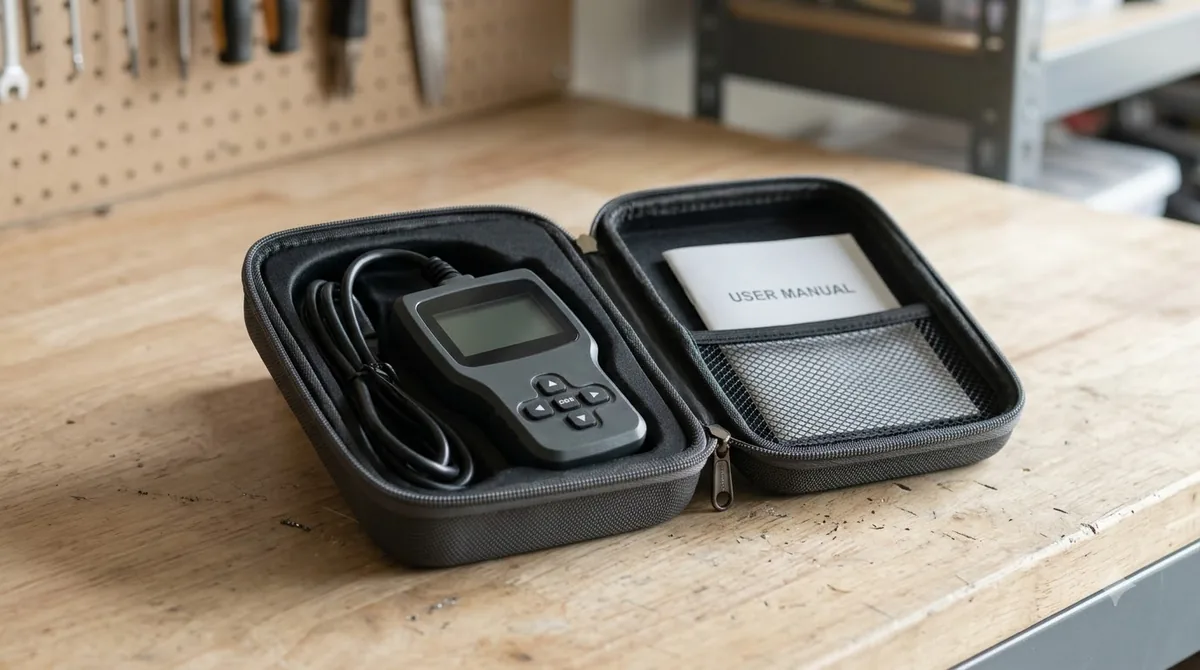
Any OBD-II reader that displays stored codes can do this job, and a repair shop can read the code for you. Resetting the check engine light without finding the cause may hide it for a while, so confirm the fix first. A model-specific example is the Dodge Grand Caravan check engine light guide, which lists causes and what to do first.
Frequently Asked Questions
Will the check engine light after oil change turn off by itself?
It can, if the cause was a fuel cap that you then tighten, since the system may stop reporting the leak once the seal holds. If the light stays on after a few days of normal driving, have the stored code read instead of waiting. Do not assume it will clear on its own.
Can an oil change cause a check engine light?
The sources reviewed here do not show that an oil change sets a trouble code by itself. A cap or dipstick left loose during service is reported by owners as a possible trigger, but no manufacturer source confirms that. A fuel cap left loose after fueling is the best-documented cause.
Is it safe to keep driving with the check engine light on?
It depends on the color and behavior of the light. KBB advises pulling over as soon as it is safe and turning off the engine if the light is red or blinking. An orange light should not be ignored, so check the cause soon and read the code.
Is the oil pressure light the same as the check engine light?
No. The oil pressure warning light can indicate dangerously low oil pressure, not simply a low oil level. If it comes on while you are driving, stop safely and shut off the engine, then follow your owner’s manual before restarting.
Do I need a scanner to find the code?
You need a tool that reads OBD-II trouble codes, such as a handheld code reader. A repair shop can also read the stored code. Prices and availability vary, and this article does not list specific prices because none were verified for this topic.
Can a loose fuel cap always turn on the light?
No. A loose cap does not always set the light. Mazda’s bulletin describes an unsealed cap as the most probable cause of code P0456 on the listed models only when no leak is found, so a leak elsewhere in the system needs testing.
If the check engine light after oil change stays on after you have tightened the fuel cap, checked the dipstick and confirmed the oil level, have the stored code read before you spend money on parts. The code, not the timing of the oil change, should decide what to fix next.