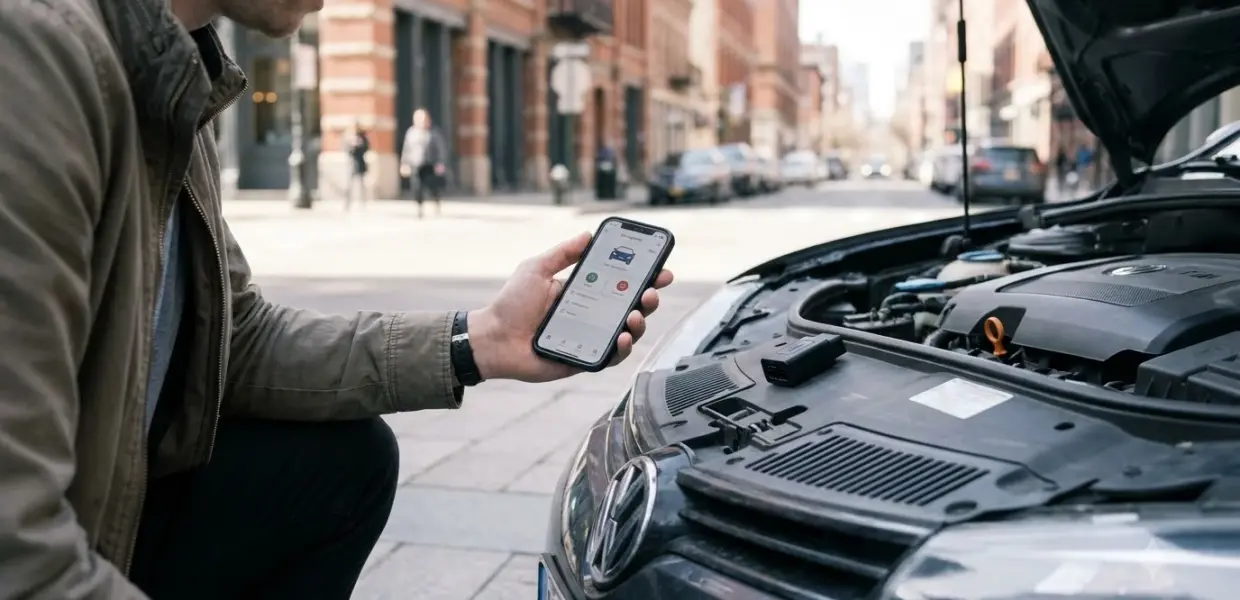

The best bluetooth OBD2 scanner depends on your phone and the car brand you work on. Most Bluetooth adapters read standard engine codes, but coding and Ford or GM network work need a more capable model.
Budget adapters handle basic code reading well. Check platform support, network coverage and subscription costs before you buy, because those three points decide which best bluetooth OBD2 scanner fits your setup.
| Pick | Best for | Key fact |
|---|---|---|
| OBDLink MX+ | Ford and GM owners | Runs on iOS, Android and Windows |
| OBDLink CX | BMW owners who code | Recommended by the BimmerCode team |
| OBDLink LX | Lower-cost Android or Windows users | No advanced Ford and GM features |
| Mucar BT200 Max | Budget full-system scans | No subscription, but no longer works with Carista |
Reasons to buy
- Turns an iPhone, Android device or Windows PC into a pro-grade scan tool
- Recommended adapter for FORScan, BimmerCode, AlfaOBD, Carista and more
- Enhanced OEM support for Ford, GM, Mazda, Nissan, Toyota, Honda, Hyundai and Kia
- Over-voltage and battery drain protection with firmware updates
Reasons to avoid
- Enhanced features vary by make and model
- Needs a compatible app, some of which are paid
- Costs more than basic Bluetooth adapters
Reasons to buy
- Made for BimmerCode and recommended by the BimmerCode team
- Full coverage of the vehicles and features BimmerCode supports
- Bluetooth 5.1 with in-app pairing for iOS and Android
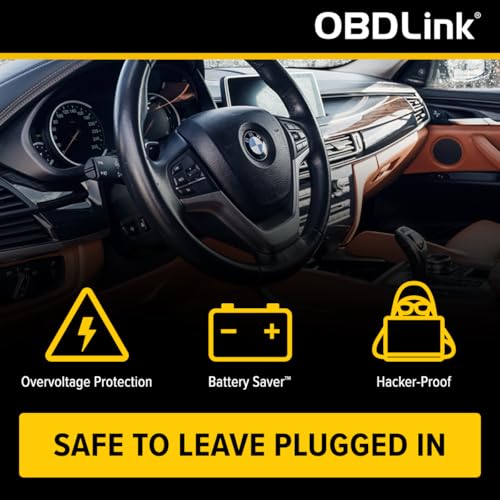
- Sleep mode and over-voltage protection let you leave it plugged in
Reasons to avoid
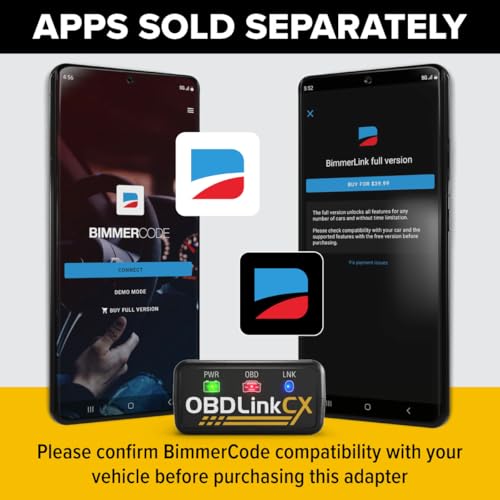
- BimmerCode app is sold separately
- Focused on BMW and Mini coding rather than all makes
- Check compatibility for your specific model first
Reasons to buy
- Fast, accurate scan tool for Android phones and Windows PCs
- Includes the OBDLink app for Android and OBDwiz for Windows
- Safe to leave plugged in without draining the battery
- Works with Torque, DashCommand and MotoScan-compatible motorcycles
Reasons to avoid
- Not compatible with Apple iOS devices
- Bluetooth 3.0 model, older than newer BLE adapters
- Does not cover hybrid or electric vehicles
Reasons to buy
- Bluetooth adapter with all-system diagnostics for ECM, transmission, ABS and more
- AI-assisted guidance in the companion app
- 15+ maintenance resets plus bidirectional active testing
- ELM327 compatible so it works with Torque and Car Scanner
Reasons to avoid
- Requires a phone and the companion app to operate
- Some functions are vehicle-dependent
- More features than a casual driver may need
How These Picks Were Chosen
This list of the best bluetooth OBD2 scanner options draws on published reviews and manufacturer pages, not on bench tests run for this site. Each pick is tied to a named source, and facts without a confirmed source were left out. For handheld and phone-based tools side by side, see our OBD2 scanner comparison by use case.
The main sources are the OBDLink product page, iamcarhacker’s Bluetooth roundup and an older AutoGuide roundup. iamcarhacker says its scores come from testing on real cars, but the page does not list its test criteria, so treat those scores as one reviewer’s view.
AutoGuide’s roundup was first published in 2022 and last updated in 2024. Use it for the platform and network limits it describes, and confirm current product listings before you buy.
If you pick the best bluetooth OBD2 scanner by rating alone, look for the reason behind the score. A high score alone does not show which networks an adapter reads or which apps it supports.
What to Compare in the Best Bluetooth OBD2 Scanner
Platform support, network coverage, app choice and subscription cost decide whether the best bluetooth OBD2 scanner for you fits your car and phone. Most Bluetooth adapters are ELM327-style devices, and iamcarhacker notes that app-based options work with any decent ELM327 adapter. The adapter is the connector, while the app decides what you can read and whether you pay extra.
| Attribute | What to check | Why it matters |
|---|---|---|
| Phone platform | iOS, Android or Windows | Some adapters skip iOS or Windows |
| Network support | Ford MS-CAN and GM SW-CAN | Basic adapters may not read these networks |
| App support | The exact apps you plan to use | Coding apps may need specific hardware |
| Subscription | Monthly or yearly fees | Fees can exceed the adapter price |
| Vehicle scope | Diesel and older model years | Some adapters exclude diesel vehicles |
Wireless does not mean wider coverage. A wireless adapter can still lack the networks your car uses, so check the network list before you compare phone platforms.
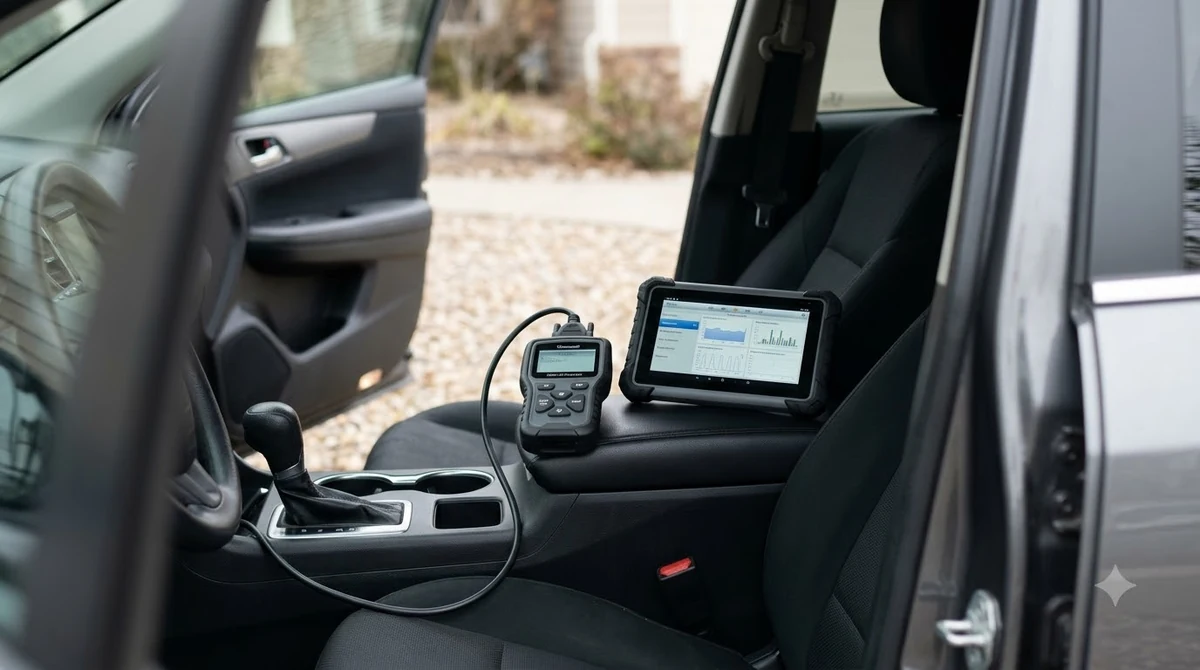
Best Overall for Ford and GM Owners: OBDLink MX+
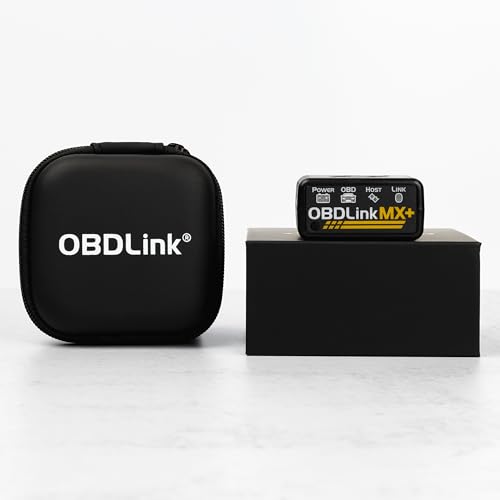
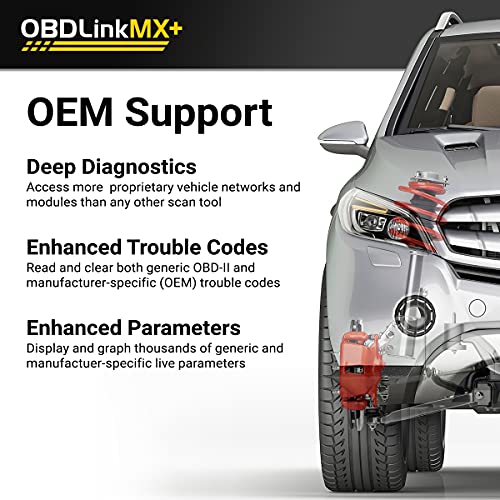
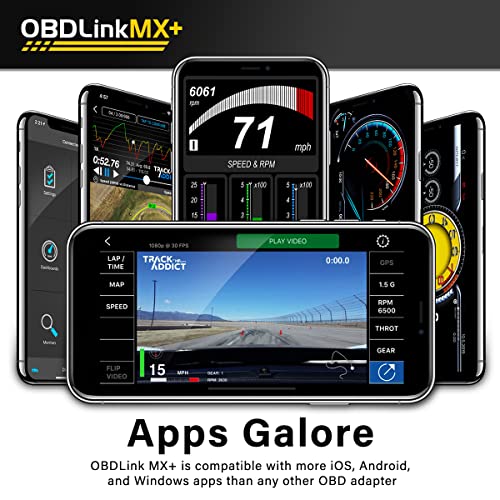
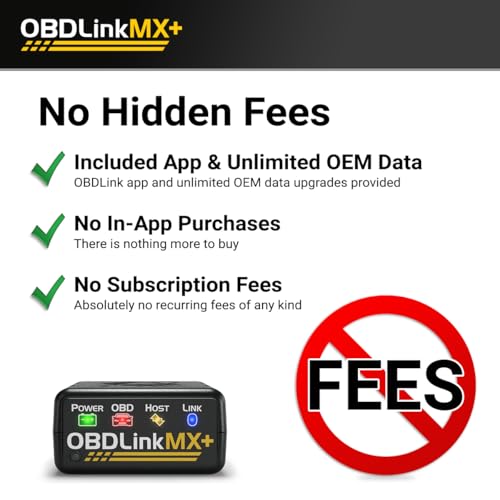
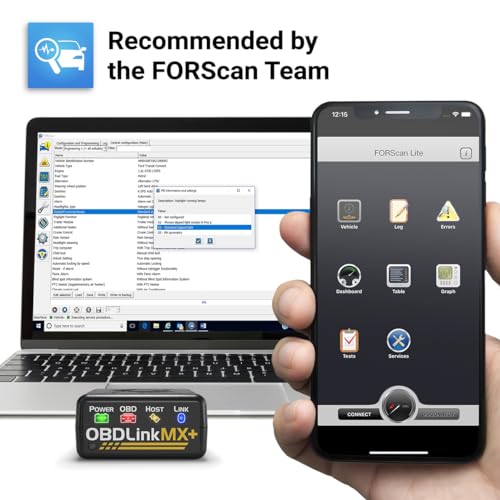
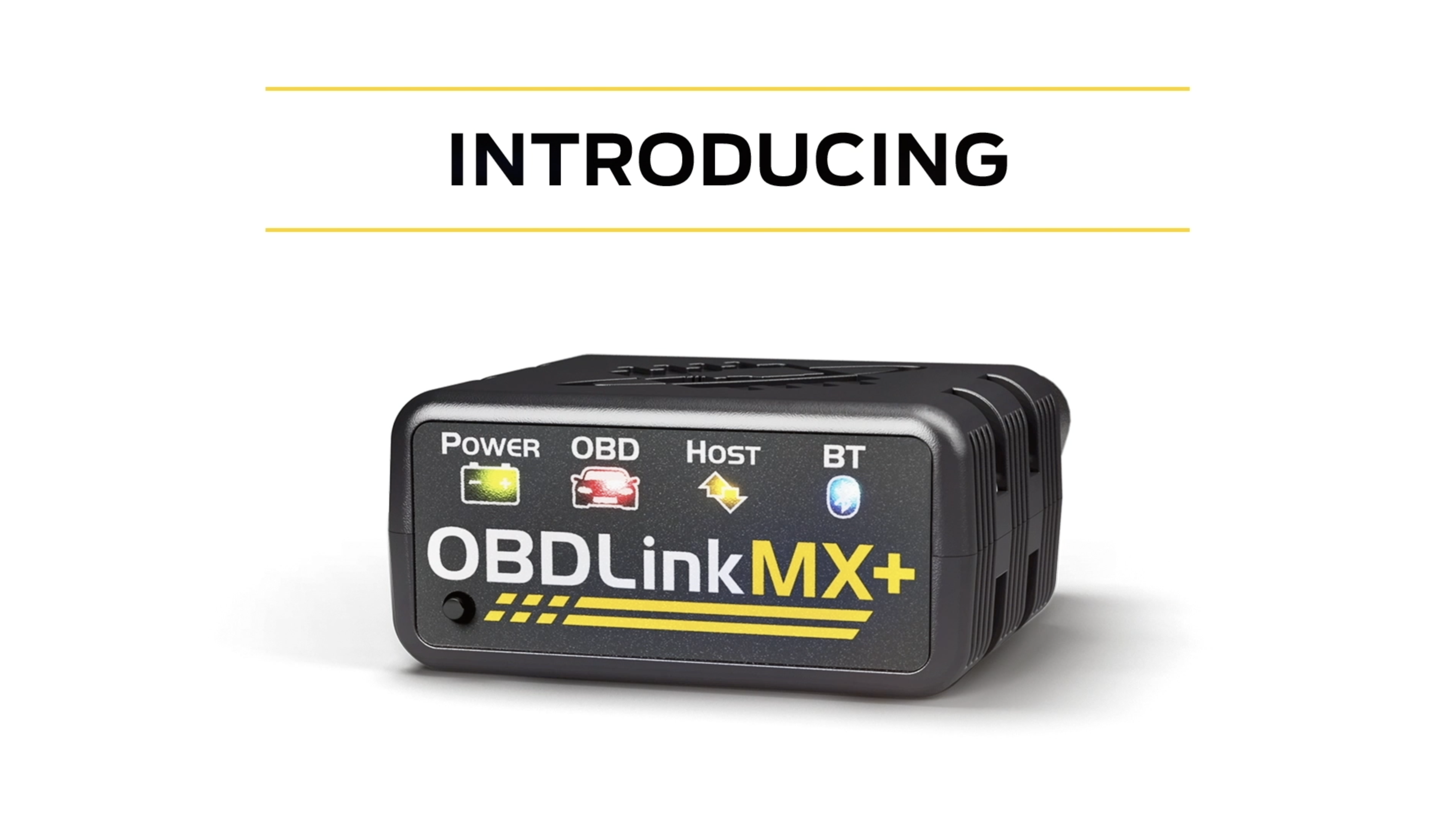
The OBDLink MX+ suits Ford and GM owners because OBDLink says it supports the proprietary Ford and GM networks, MS-CAN and SW-CAN. According to OBDLink’s product page, the MX+ runs on iOS, Android and Windows.

OBDLink MX+ OBD2 Bluetooth Scanner for iPhone




As an Amazon Associate we earn from qualifying purchases. Product prices and availability are accurate as of the date/time indicated.
iamcarhacker calls the MX+ the fastest ELM327 adapter it has reviewed, but it also says the adapter is only worth it with a clear plan for what you will read. Speed matters most for logging and heavy use, not for clearing a single code.
If you only read codes on a Honda or Toyota, the extra network support adds cost without a clear benefit. Pay for the MX+ when your car uses Ford or GM networks, or when you need Windows software on a laptop. That is where the best bluetooth OBD2 scanner for these brands earns its price.
Best for BMW Owners: OBDLink CX
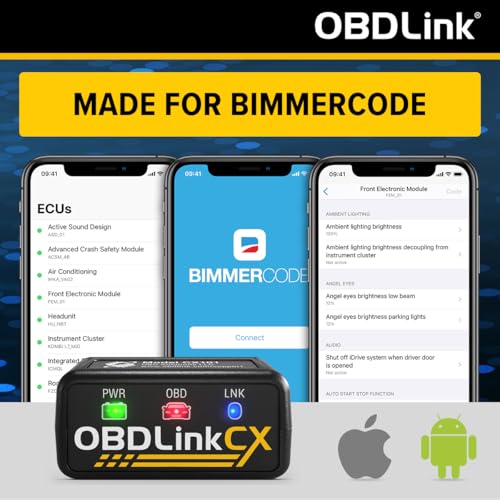
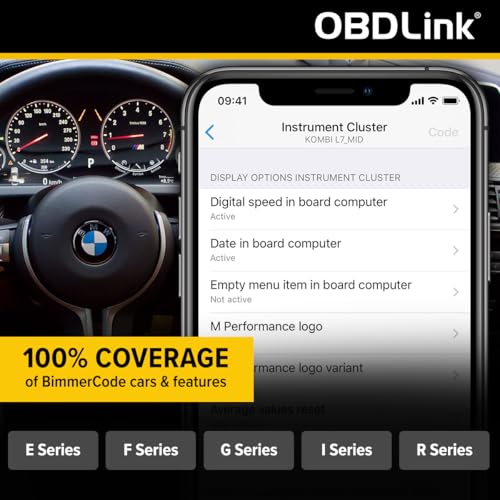
The OBDLink CX is the best bluetooth OBD2 scanner for coding BMWs in this list, because the BimmerCode team recommends it, according to OBDLink, and it runs on iOS and Android. It fits a phone-only setup, and it does not list Windows support.

OBDLink CX Bimmercode Bluetooth 5.1 OBD2 Adapter


As an Amazon Associate we earn from qualifying purchases. Product prices and availability are accurate as of the date/time indicated.
Coding changes a car’s settings, so with the best bluetooth OBD2 scanner for BMW work, read the app’s instructions and record the existing values before you write any change. An adapter does not make a coding change safe by itself, and the app’s own guidance should come first. The app setup is covered in our BimmerCode walkthrough for BMW coding.
Budget Options and What They Skip
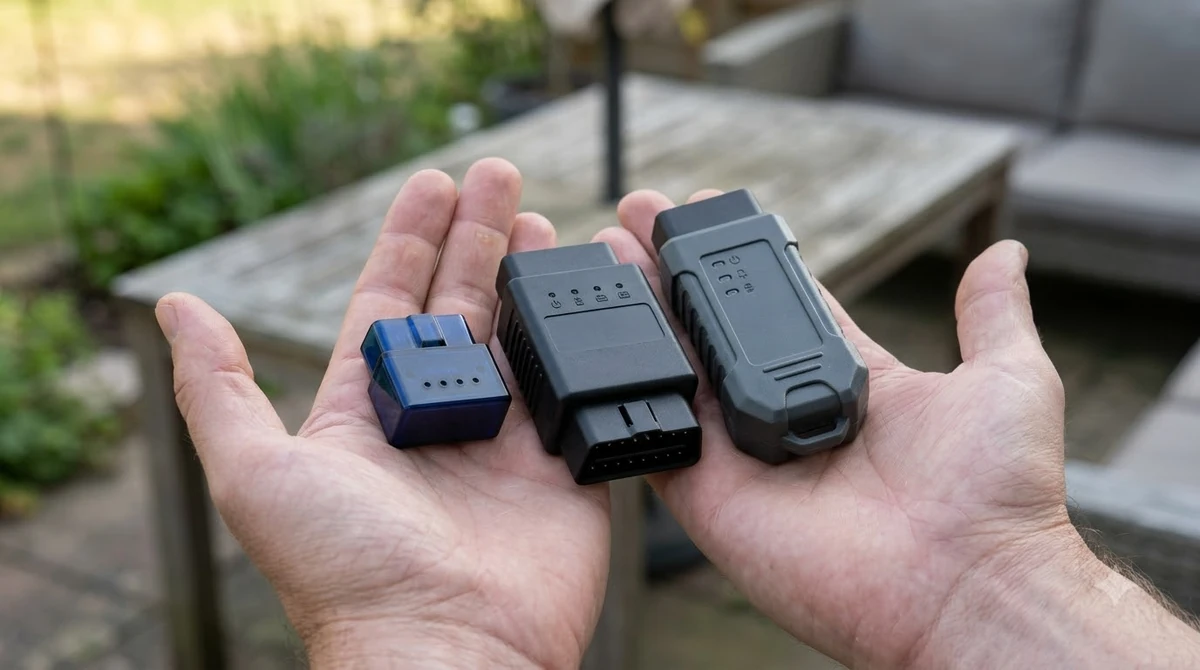
The OBDLink LX is a lower-cost option for Android and Windows users, while the Mucar BT200 Max targets full-system scans without a subscription. Both are cheaper than the premium picks, so either can be the best bluetooth OBD2 scanner for a tight budget, but each gives up something.
- OBDLink LX runs on Android and Windows, but not iOS.
- OBDLink LX lacks the advanced Ford and GM features of the MX+.
- Mucar BT200 Max is a budget full-system scanner with no subscription, according to iamcarhacker.
- Mucar BT200 Max no longer works with Carista, so check your app first.
- Kitbest works with Android only and does not work on diesel cars and trucks, according to AutoGuide.

Prime OBDLink LX Bluetooth 3.0 OBD2 Adapter

MUCAR AI-Assisted OBD2 Scanner Bluetooth Lifetime
As an Amazon Associate we earn from qualifying purchases. Product prices and availability are accurate as of the date/time indicated.
A cheap adapter is enough for basic code reading. The trade-off is network coverage or app choice, so decide which one you need before you compare prices. If you do not need a phone at all, a handheld car code reader is simpler. Chrysler owners can pair the LX with AlfaOBD, which our AlfaOBD setup for Chrysler vehicles explains. A handheld that also pairs with a phone app is covered in Ancel BD310 Bluetooth mode steps. The BAFX reader is one inexpensive example, and the guide to pairing the BAFX OBD2 reader walks through its setup.
Subscriptions and App Costs
Some apps charge a monthly or yearly fee, and the total can exceed the price of the adapter. iamcarhacker’s Bluetooth roundup lists these cost models for the scanners it reviews.
| Product or app | Cost model | Note |
|---|---|---|
| Thinkdiag2 | Yearly subscription after the first year | Subscription starts after year one |
| Carista | Monthly or yearly plans | App with paid plans |
| Mucar BT200 Max | No subscription | Does not work with Carista |
Before you pick the best bluetooth OBD2 scanner, check whether the app’s core features need a paid plan. Then confirm that the adapter works with that app at all, because a free app can still fail on an adapter it does not support.
Common Mistakes When Buying
One clear mistake is buying an adapter that lacks the network your car uses. AutoGuide notes that the Foseal WiFi model does not support SW-CAN for GM or MS-CAN for Ford, so it is the wrong choice for those networks.
- Skipping the platform check. Kitbest works on Android only, so an iPhone owner cannot use it.
- Ignoring diesel limits. The Kitbest adapter does not work on diesel cars and trucks.
- Assuming wireless means full coverage. The Foseal model does not read SW-CAN or MS-CAN.
- Overlooking battery reports. AutoGuide notes that some Veepeak users reported connectivity problems and, in some cases, battery drain.
Reading basic codes works on most adapters, so the best bluetooth OBD2 scanner for simple jobs is often the cheapest one that passes your checks. Problems start when you need ABS, airbag or coding functions, because those depend on both the adapter and the app. If you need component tests as well as codes, look at bidirectional scanners that run component tests. Once you pick an adapter, DashCommand adapter and connection setup shows how one app handles it.
How to Choose by Use Case
Choose the best bluetooth OBD2 scanner by the task you have in mind: basic code reading, live data, BMW coding, or Ford and GM network work. Work through these steps in order to narrow the list. A one-time purchase matters too, so see OBD2 scanner picks with no yearly fee before you buy. For adapters that graph sensor readings, see scanners that show live data graphs.
- Check your phone. Confirm that the adapter lists iOS, Android or Windows.
- Check your car brand. Ford and GM owners need MS-CAN and SW-CAN support.
- Check your app. Confirm that the exact app you plan to use works with that adapter.
- Check the subscription. Add any yearly or monthly fees to the adapter price.
- Pick the lowest-cost adapter that passes steps one to four.
Frequently Asked Questions
Does a bluetooth OBD2 scanner work with an iPhone?
Some do, but not all. OBDLink lists iOS for the MX+ and CX, while the LX runs on Android and Windows only. Check the platform list on the product page, then confirm that your app supports iOS before you buy.
Do I need a subscription?
Not always, which matters when you compare the best bluetooth OBD2 scanner by total cost. The Mucar BT200 Max has no subscription, while Thinkdiag2 has a yearly fee after its first year and Carista uses monthly or yearly plans. Add those fees to the adapter price before you compare totals.
Which scanner covers Ford and GM networks?
OBDLink says the MX+ supports the proprietary Ford and GM networks, MS-CAN and SW-CAN. The LX does not include those advanced features. AutoGuide notes that the Foseal WiFi model does not support them.
Can a cheap adapter read codes?
Usually yes for basic engine codes, because most adapters support the standard OBD2 protocol, so a cheap adapter can be the best bluetooth OBD2 scanner for simple jobs. Problems start with ABS, airbag and coding functions, which depend on the adapter and the app. Check the app’s list of supported systems before you buy the cheapest option.
Do I need Windows support?
Only if you plan to run Windows software. The MX+ and LX support Windows, while AutoGuide notes that BlueDriver Professional is not compatible with Windows. If you use only a phone, you can ignore this point.
Start with your phone and your car brand, then pick the best bluetooth OBD2 scanner that covers both. A cheap adapter is fine for reading codes, but Ford, GM and BMW owners should check network and app support before they spend more.