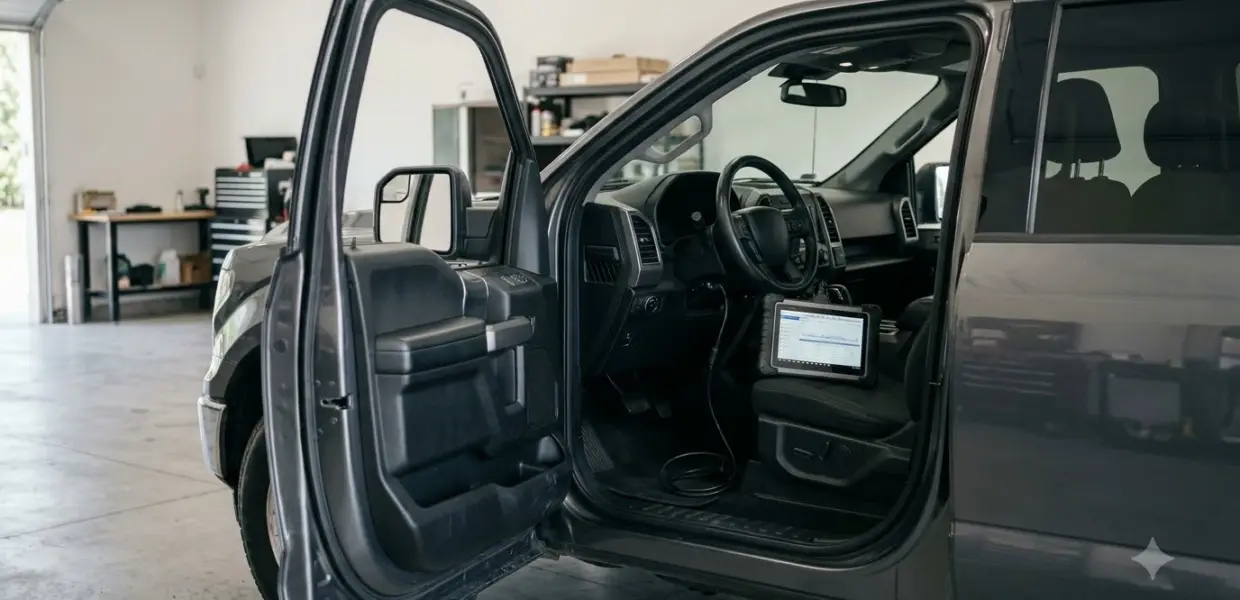

A Toyota Tacoma maintenance light reset is done by holding the trip meter knob with the engine off and the ignition on. The exact steps depend on your model year and trim.
Newer trims may offer a reset in the steering wheel display menu. If the light stays on, the reminder may need a Toyota dealer or a scan tool. Toyota’s own manual pages could not be opened for this guide, so the Toyota Tacoma maintenance light reset steps come from owner reports and must be checked against your owner’s manual.
Why the Maintenance Light Comes On
The maintenance light, shown as MAINT REQD on many Tacomas, is a service reminder that turns on at a set interval. It tells you a scheduled service such as an oil change and inspection is due.
Keep a simple service log with the mileage and date of each service. That log helps you judge whether the light is early or on schedule, and it gives a dealer the history they need.
Many online guides say the light appears every 5,000 miles or 6 months. Owners on TacomaWorld report the same 5,000-mile reminder, with some saying it flashes a little earlier. That figure is not confirmed by Toyota here, so check the service schedule in your owner’s manual for your year.
Unlike the check engine light, which reports a fault code, the maintenance reminder is not a fault. That is why a reset clears the light without repairing anything, and why the service itself still has to be done first. Toyota SUV owners who see a fault symbol rather than a reminder can read what the RAV4 check engine light means.
Once the service is complete, the Toyota Tacoma maintenance light reset clears the reminder until the next interval. The reset does not perform the service itself, so keep your receipt and the date of the work. Full-size truck owners can find the matching procedure in our Toyota Tundra maintenance light reset steps.
Toyota Tacoma Maintenance Light Reset With the Trip Knob
On many Tacomas, the Toyota Tacoma maintenance light reset uses the trip meter knob next to the odometer, with the engine off and the ignition in the ON position. Owners on TacomaWorld describe this method for second-generation trucks, and a 2021 Tacoma SR5 owner’s thread on tacoma3g describes the same knob press.
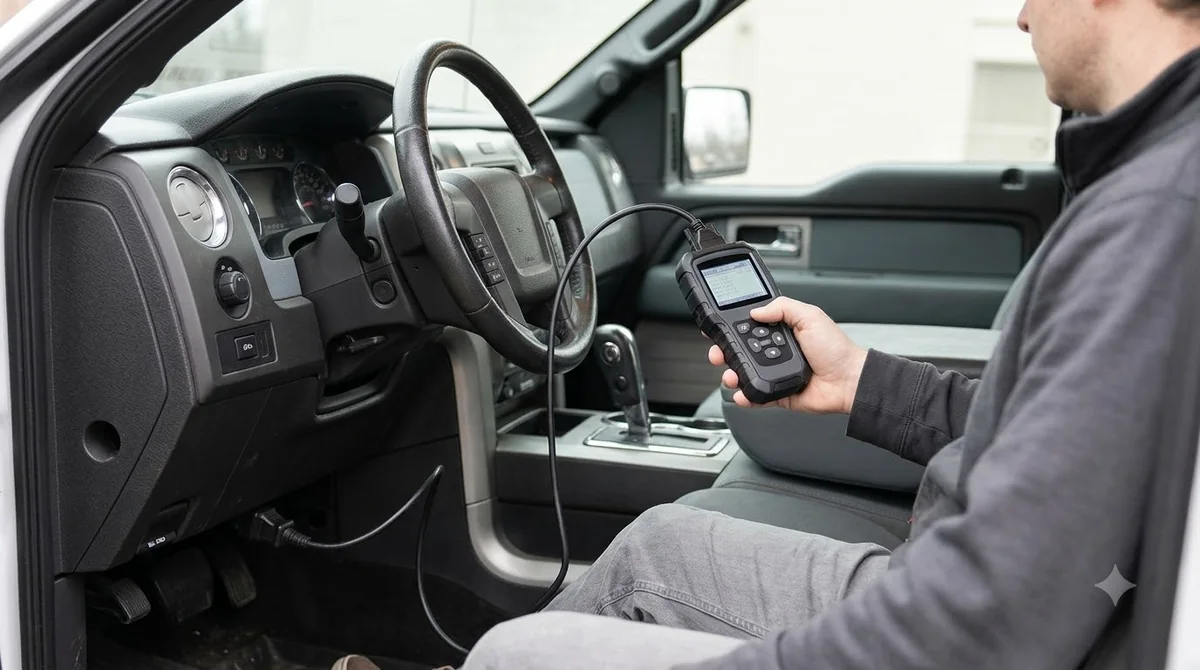
The steps owners report for the Toyota Tacoma maintenance light reset are as follows. Read them once in full before you start, so you know the order.
- Park on level ground and switch the engine off.
- Use the trip button to show the odometer on the display.
- Press and hold the trip meter reset knob next to the odometer.
- While holding the knob, turn the ignition to ON without starting the engine.
- Keep holding until the MAINT REQD light turns off, then release the knob.
Before you start
Confirm the service is complete before you start the Toyota Tacoma maintenance light reset. Owners report that the display shows dashes for a few seconds while the reset takes effect, so do not release the knob early.
Some owners report a different finish. On a 2015 Tacoma, one owner set the display to Trip A, held the trip button with the key off, turned the key on, and held until the display read zeros, then restarted the truck.
Reset Steps by Model Year and Trim
The Toyota Tacoma maintenance light reset method changes by generation and trim, so the table below lists the approach reported for each group. Confirm the steps against the owner’s manual for your truck before you press anything.
| Truck or trim | Reported reset method | What to check |
|---|---|---|
| Second generation (2005 to 2015) | Trip knob with ignition ON and engine off | Display must show the odometer, not a trip meter |
| 2015 Tacoma | Trip A selected, then hold the trip button while turning the key on | Hold until the display reads zeros |
| 2021 SR5 | Trip knob next to the odometer, held until MAINT REQD turns off | Release only after the light goes off |
| Newer trims with steering wheel controls | Maintenance reminder reset in the display settings menu | Not reported on earlier generations |
For the Toyota Tacoma maintenance light reset, the steering wheel menu is the easier route where it exists. Owners say it does not appear on earlier generations, which still rely on the knob. Scroll through the settings with the steering wheel buttons to look for the reset option.
If you own an older truck, expect the trip knob to be the only route. Sequences differ even between trucks of the same year, so write down the one that works for your own Tacoma. Owners of other Toyota models can compare Toyota RAV4 maintenance light reset steps and Toyota Camry maintenance light reset steps.
What to Do If the Maintenance Light Does Not Turn Off
If the Toyota Tacoma maintenance light reset does not work, the display setting or the hold time is the most likely cause. A Toyota dealer or a scan tool can reset the reminder when the knob method fails.
- Repeat the steps and confirm the display shows the odometer or Trip A.
- Hold the knob until the light turns off, not just until the display changes.
- Check the service reminder section of your owner’s manual for the exact button sequence.
- Ask a Toyota dealer to reset the reminder if the manual method does not work.
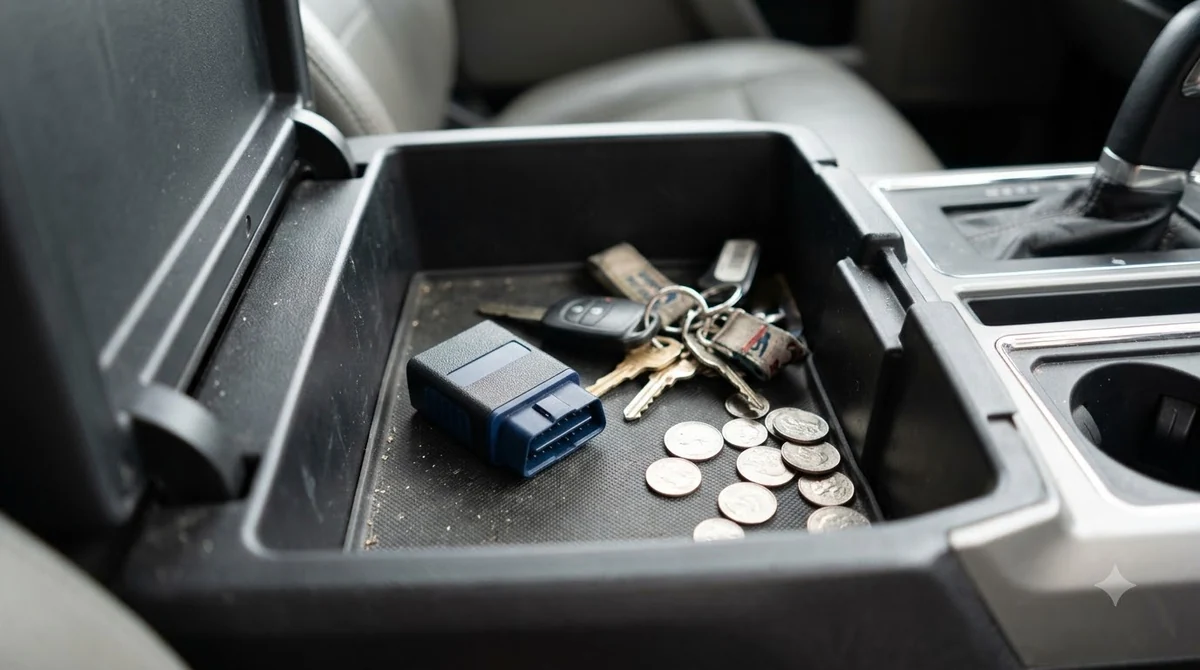
- Use an OBD2 scan tool only if it supports a Toyota maintenance reminder reset for your truck.
Scan tools read and clear fault codes, but a service reminder is not a fault code, so only some tools offer this reset. Check the tool’s list of supported functions for your truck before you buy or borrow one. For a warning light that is a real fault, see resetting a check engine light safely.
One owner reported that a dealer offered to do the reset for a fee, and then did it himself within minutes after some searching. Ask the dealer about the charge before you book it, since service fees vary by location.
The reports reviewed for this guide did not mention a security code. The owner’s manual is the place to confirm whether your truck asks for one.
Common Mistakes When Resetting the Light
Most failed Toyota Tacoma maintenance light reset attempts come from a wrong display setting or a short hold. The mistakes below appear again and again in owner reports.
- Holding the knob while a trip meter shows resets that trip meter, not the maintenance light.
- Starting the engine during the hold, which is not part of the reported method.
- Releasing the knob before the MAINT REQD light goes off.
- Skipping the owner’s manual for your model year and trim.
Owners who finish the Toyota Tacoma maintenance light reset in the driveway often save the steps to a phone first. A few minutes of preparation avoids repeated attempts with the key. Write down the display setting that worked, since it can differ between trucks and between years.
Frequently Asked Questions
Does the Toyota Tacoma maintenance light reset work with the engine running?
The reported method keeps the engine off and the ignition in the ON position. Starting the engine is not part of the steps owners describe. Check your owner’s manual before you try a different sequence.
Can I reset the Tacoma maintenance light without a scan tool?
Many owners reset the light with the trip knob or the steering wheel menu, so a scan tool is not always needed. Some trucks may still need a dealer or a scan tool that supports the reset.
How long should I hold the trip knob?
Owners report holding the knob during the Toyota Tacoma maintenance light reset until the display changes and the MAINT REQD light turns off, usually a few seconds. The exact timing is not stated in the reports reviewed, so the owner’s manual is the best guide.
How often does the Tacoma maintenance light come on?
The interval comes from the service schedule in your owner’s manual. The 5,000-mile or 6-month figure often quoted online was not confirmed for this guide, so check the schedule for your model year.
Is a security code needed to reset the light?
The reports reviewed did not mention a security code for this reset. If your truck asks for one, the owner’s manual or a Toyota dealer can confirm the correct procedure.
The Toyota Tacoma maintenance light reset steps differ by model year and trim, so the owner’s manual for your truck is the final word. If the procedure in this guide does not match your dashboard, stop and check the manual or call a Toyota dealer before you try again.