

A Toyota Camry maintenance light reset clears the reminder after the recommended service is finished, and the button sequence depends on whether your Camry has an analog cluster with a trip meter button or a multi-information color display.
Older analog clusters use a trip meter button, while newer displays use a Scheduled Maintenance menu. Identify your display first, then follow only the steps that match it.
What the Camry maintenance light means
The Camry maintenance light is a mileage-based reminder that routine service is due, and it comes on about every 5,000 miles. It is not a malfunction warning, according to TV Toyota’s guide to the maintenance required light.
A Toyota Camry maintenance light reset only clears the reminder. It does not repair anything, and it does not confirm that the car is in good condition. Treat the light as a prompt to check your service history.
Reset only after the service is done
Reset the Toyota Camry maintenance light only after the recommended service is completed, because the reminder exists to prompt that work. SlashGear’s guide also recommends scheduling the maintenance before you reset the light, so the reminder reflects the car’s real service status. The crossover version is in RAV4 maintenance reminder steps.
- Confirm that the recommended service is complete before you start the reset.
- Keep the invoice or service record with the date and mileage of the work.
- If the light stays on, confirm the physical service is complete before trying another reset.
- Resetting early hides a real reminder, and the light will return sooner than expected.
Check your display type first
Camry dashboards use two main methods for a Toyota Camry maintenance light reset, a trip meter button on analog clusters and a Scheduled Maintenance menu on multi-information color displays. TV Toyota says the analog cluster runs through roughly 2017, and the color display began rolling out around 2018. For the Honda approach, see Honda oil life percentage reset.
Those year cutoffs are approximate, so compare what you see on your dashboard with the table below before you press any button.
| Display | What you may see | Method to use |
|---|---|---|
| Analog cluster with a trip meter button | Trip A or Trip B on the odometer display | Trip meter method, roughly 2017 and earlier |
| Multi-information color display | Steering wheel arrow buttons and a cog settings icon | Scheduled Maintenance menu, roughly 2018 and newer |
| Push-button start car | A start button instead of a key | Press the start button twice with your foot off the brake to reach the ON position |
Toyota Camry maintenance light reset steps
For a Toyota Camry maintenance light reset on an analog cluster, hold the trip reset button while turning the key to ON, keep holding for about 10 to 15 seconds, then release it. TV Toyota describes this trip meter method, and NYE Toyota gives a similar sequence with about 10 seconds of hold time.
- Turn the key to accessory mode, the first position, without starting the engine.
- Set the display to Trip A if it is not already showing it.
- Press and hold the trip reset button on the dashboard.
- Keep holding the button while turning the key to ON, the second position.
- Hold for about 10 to 15 seconds, then release the button.
- Turn the ignition off, then start the engine to confirm the light is off.
Expect the light to flash and possibly give a beep before it turns off. If the light stays on, TV Toyota advises repeating the process once or twice. Guides also name the button differently, calling it the trip button in one step and the odometer button in another, so confirm the label in your manual.
Multi-information color display
Newer models use a menu for the Toyota Camry maintenance light reset instead of the trip button, with steering wheel arrow buttons. TV Toyota says this display is common on recent Camry, Corolla, RAV4, Highlander, and Tacoma models.
- Turn the key to ON, the second position, without starting the engine.
- On a push-button start car, press the start button twice with your foot off the brake.
- Use the steering wheel arrow buttons to move through the display.
- Select the cog settings icon.
- Select Scheduled Maintenance.
- When prompted, select OK to confirm the reset.
- Turn the ignition off, restart the vehicle, and check that the light is cleared.
Hybrid models
This article does not give separate hybrid steps for a Toyota Camry maintenance light reset, because the hybrid-specific reports came only from weaker sources.
TV Toyota says the multi-information display appears on current Prius and Sienna models as well as recent Camry models. SlashGear describes the color display method only as applying to newer Toyotas and does not list model years. Check the message on your dash before any Toyota Camry maintenance light reset, then follow the hybrid section of the owner’s manual before you press any buttons.
Confirm the reset worked
A Toyota Camry maintenance light reset is confirmed when the light stays off after you turn the key off and start the engine.
If the light comes back on, the service may be incomplete or the reset did not take. TV Toyota says that if the light persists after two or three attempts, the car should go to a service center for diagnosis. NYE Toyota’s guide adds that a successful trip meter reset shows the odometer at zeros, with the light flashing and a beep before it turns off.

Check your owner’s manual first
The owner’s manual for your model year is the most reliable source for the exact Toyota Camry maintenance light reset sequence, because guides differ on button names and hold times.
Search the manual index for maintenance light or maintenance required. If the manual shows different steps from the ones above, follow the manual. A Toyota dealer service department can also confirm the procedure for your car. SlashGear’s guide gives the same advice when problems occur, so check the manual or ask a dealer before repeating the steps.
When the light will not reset
If the maintenance light stays on after a correct Toyota Camry maintenance light reset, the service may be incomplete or the method may not match your display.
- Confirm that the recommended service is complete.
- Check that you used the method that matches your display.
- After two or three attempts, take the car to a service center for diagnosis.
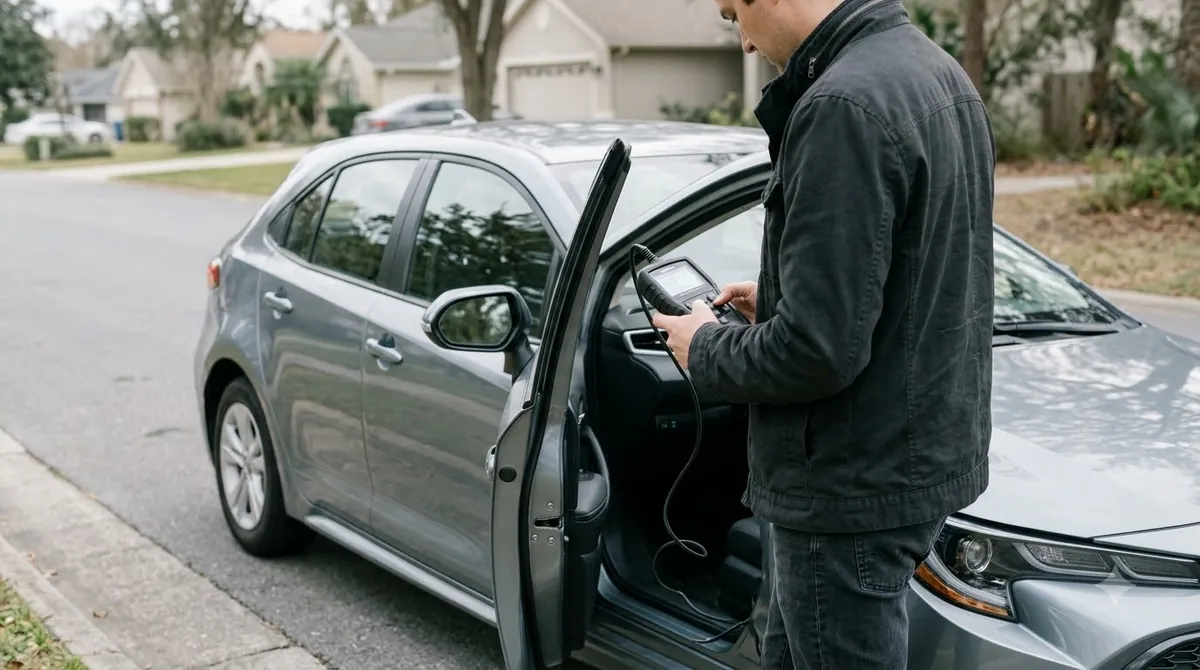
This article covers the maintenance reminder only. Diagnostic trouble codes are a separate issue, and a scan tool reads those rather than the reminder.
Frequently Asked Questions
What does the Toyota Camry maintenance light mean?
It is a mileage-based reminder that routine service is due, and it comes on about every 5,000 miles. TV Toyota’s guide says it is not a malfunction warning. A Toyota Camry maintenance light reset clears the reminder but does not repair anything, so check your service history first.
Can I reset the Toyota Camry maintenance light without a scan tool?
Yes. Both methods described here use only the key and dashboard controls, such as the trip reset button or the steering wheel arrow buttons. Use the method that matches your display, and check the owner’s manual if your steps differ.
Is the reset the same for a Camry Hybrid?
This article does not give hybrid steps, because the hybrid-specific reports came from weaker sources. TV Toyota says the multi-information display appears on current Prius and Sienna models. Check the hybrid section of your owner’s manual before pressing any buttons.
How often should I reset the Toyota Camry maintenance light?
A Toyota Camry maintenance light reset belongs after the recommended service is completed, not on a set calendar. The reminder comes on roughly every 5,000 miles, so resetting without the service only hides the next real reminder, and the light will return.
Why won’t my Toyota Camry maintenance light turn off?
The service may be incomplete, the method may not match your display, or the reset did not take. Repeat the steps once or twice, as TV Toyota advises, then take the car to a service center if the light persists.
Where can I find the reset steps for my model year?
The owner’s manual gives the exact Toyota Camry maintenance light reset sequence for your model year, and it should decide if guides disagree. A Toyota dealer service department can also confirm the steps for your car.
If the Toyota Camry maintenance light reset fails after one careful attempt, stop repeating the steps. Book a check with a Toyota service center, because a reminder that keeps coming back can mean the service was not finished or the reset did not match your display. Use the owner’s manual as the final word.