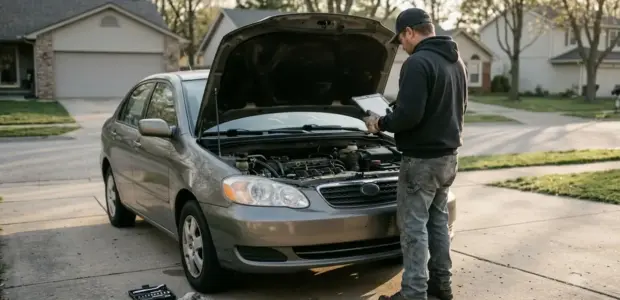

The Toyota RAV4 maintenance light reset depends on your dashboard, so identify your display type before you press any button. The reset only clears the reminder. It does not replace the service the light is reminding you about.
Gauge clusters with an odometer button, 2013 to 2018 multi-information displays and 2019 to 2024 touchscreens each use a different path. If your screen does not match these steps, check the owner’s manual for your model year.
Which Display Does Your RAV4 Have?
Your RAV4 uses one of three reset methods, depending on the display in front of you. Look at the dashboard before you press anything, because each display has its own menu path. The sedan with the same system is covered in Camry service reminder by display.
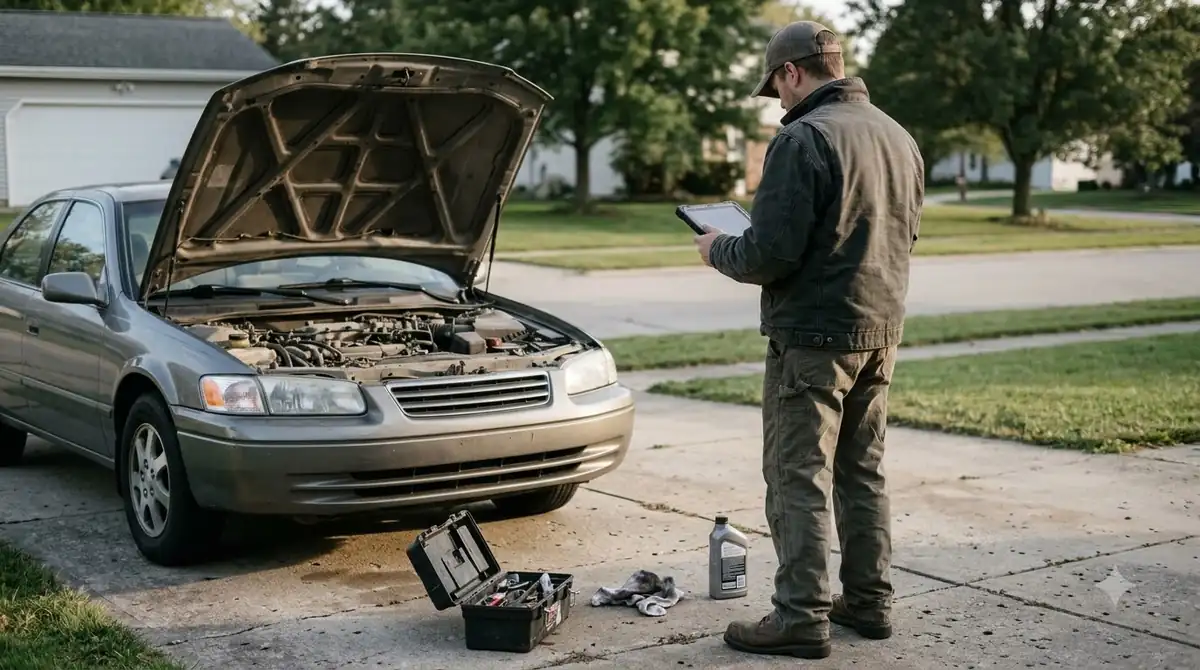
The grouping below is a general guide to how the displays line up with model years. The years are approximate, so confirm your own model year in the owner’s manual before you follow the steps.
| Display | Typical model years | How the reset starts |
|---|---|---|
| Gauge cluster with odometer button | Older generations, roughly 2006 to 2012 | Trip or odometer button with the ignition on |
| Multi-information display | 2013 to 2018 | Steering wheel menu, then Scheduled Maintenance |
| Digital display with touchscreen | 2019 to 2024, including Hybrid | Accessory mode, then Vehicle Settings |
Once you know which display you have, the Toyota RAV4 maintenance light reset is a short sequence of button presses or menu choices. Check your display type against the table before you start, because pressing the wrong control can change a setting you did not mean to touch.
Reset With an Odometer Button
On a RAV4 with an odometer button, you clear the light by holding the button with the ignition on and the engine off until the light starts flashing.
A Toyota dealership guide describes this sequence and says to hold the button for about 10 seconds. Follow these steps on a gauge cluster.
- Turn the key to the first position without starting the engine.
- Press and hold the odometer button for about 10 seconds, until the light starts flashing.
- Release the button and start the engine.
- Check the light. If it is off, the reset worked. If it is still on, repeat the steps.
Do not rush the hold. If you release the button early, the reset may not register, so start the Toyota RAV4 maintenance light reset again from the first step. The button has to stay pressed until the light flashes, not just for a quick tap.
Older analog clusters use the trip button instead, so the Toyota RAV4 maintenance light reset on those models follows a different path. One vendor guide says to set the display to ODO, turn the ignition off, then hold the trip button while you turn it back on, until the display shows zeros or dashes and the light goes out.
Reset on the Multi-Information Display
On a 2013 to 2018 RAV4 with a multi-information display, the Toyota RAV4 maintenance light reset runs through the steering wheel menu under Scheduled Maintenance, with the engine off. Button layouts differ by trim, so read the screen before you press a control.
- Turn the ignition on without starting the engine.
- Use the left steering wheel buttons to open the settings menu.
- Select Scheduled Maintenance.
- Confirm the reset on the screen.
If no menu appears, the same vendor guide says to hold the trip button while you turn the ignition on, the same method as the older gauge cluster.
If the Toyota RAV4 maintenance light reset does not appear in this menu, return to the settings screen and look for Scheduled Maintenance again. Check the screen after each press so you know which menu you are in.
Toyota RAV4 Maintenance Light Reset on the 2019 to 2024 Digital Display
On a 2019 to 2024 RAV4 with the digital touchscreen, you reset the light in Vehicle Settings while the car is in accessory mode. Accessory mode keeps the screen on with the engine off, so the menu stays available.
The same path is described for RAV4 Hybrid models, though the wording on your screen may differ slightly. Use these steps for the touchscreen version of the toyota rav4 maintenance light reset.
- Shift into accessory mode with the engine off.
- Use the steering wheel arrows to highlight the gear icon, then open Vehicle Settings.
- Select Scheduled Maintenance.
- Press OK or Reset.
- Confirm with Yes on the screen.
If Scheduled Maintenance does not appear, confirm that accessory mode is on, then open Vehicle Settings again. Once the screen confirms, start the car and check the dashboard. If the light is gone, the Toyota RAV4 maintenance light reset is complete.
When Should You Reset the Maintenance Light?
Reset the light only after the scheduled service is done, because the reset clears the reminder and does not record any work. The Honda method is in Honda oil life reminder resets.
A Toyota dealership guide makes the same point and says to reset only once the maintenance is actually complete, as covered in Orem Toyota’s reset guide.
- After a completed oil change, by you or a shop
- After a tire rotation or inspection that covered the scheduled items
- Not when the service has been skipped or postponed
- Never to hide a warning light that is still on
The service interval is listed in the owner’s manual, so check it against your records. Keep the date and mileage for each service, so you know when the next reminder should appear.
Resetting early has a cost. The light goes off, but the service it reminded you about is still due, and a tire rotation or oil change you planned can slip past its interval. Treat the Toyota RAV4 maintenance light reset as the last step of a completed service, not a way to clear the dashboard.
When the Steps Do Not Match Your Screen
If your screen does not match these steps, your model year or trim may use a different menu, so the owner’s manual for that year is the reference to follow.
Menu names and button positions change between generations and software updates. A hybrid model may use slightly different wording, so read the screen before you press anything new. Toyota’s owner’s manual is the official source, and a dealer can confirm the steps if you cannot find your model year online.
The Toyota Camry uses its own menu path, so do not mix Camry steps with the RAV4 steps above.
When you search for help, use your exact model year along with the words toyota rav4 maintenance light reset and your display name, such as touchscreen or gauge cluster. That keeps the results closer to your dashboard.
If the Light Stays On After a Reset
If the maintenance light stays on after you restart the car, repeat the reset steps once, then take the car to a Toyota dealer if it still does not clear. If a different lamp stays on, read warning lamp meaning guide.
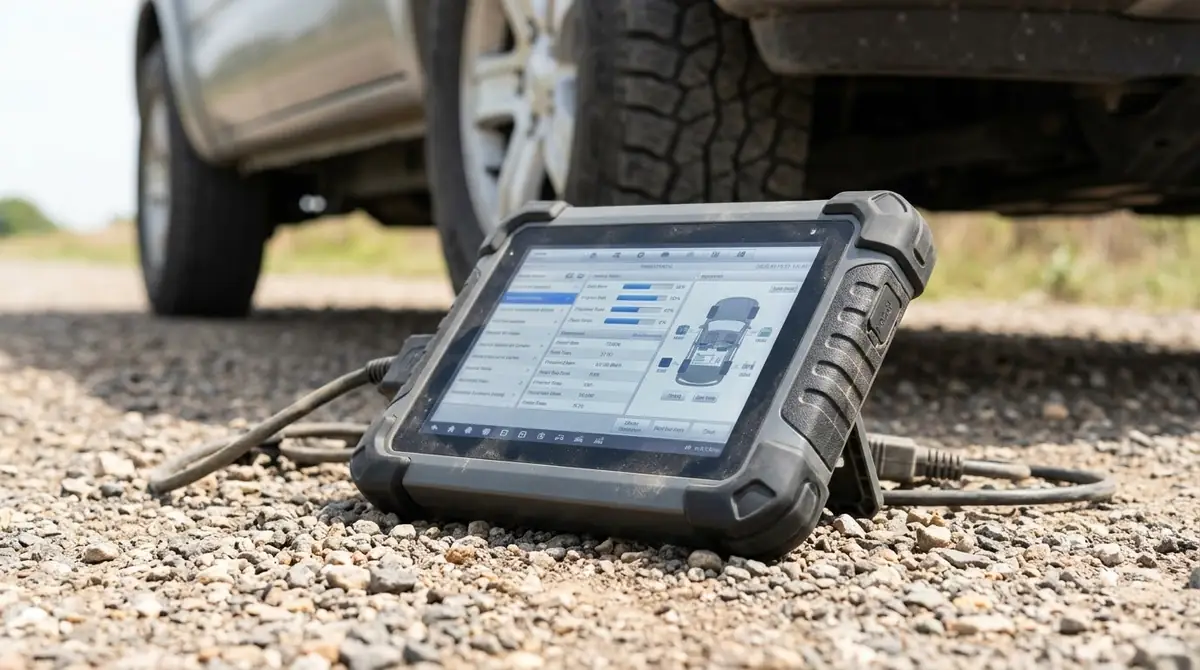
Some dealership guides say to repeat the Toyota RAV4 maintenance light reset whenever the light is still on after the restart. If a second attempt does not work, the menu may not match your model year, or the service may still be due. A dealer has dealer-level diagnostic software that can check the reminder.
A check engine or other warning light is a separate problem. A consumer OBD-II scanner reads trouble codes, so use one to find the cause of that light before you try the maintenance reset again.
If the message reads Engine Maintenance Required rather than Maintenance Required, that wording can point to an engine-system fault. Read the trouble codes before you attempt another Toyota RAV4 maintenance light reset.
Frequently Asked Questions
Does the Toyota RAV4 maintenance light reset work the same on a RAV4 Hybrid?
Hybrid models often use the same touchscreen path as other 2019 to 2024 RAV4s, but menu names can vary. Check your screen wording and the owner’s manual for your model year before you start, and do not press anything you do not recognize.
Does resetting the light change my service history?
No. The reset clears the reminder in the car, but it does not record a service or prove that work was done. Keep receipts or a log of each oil change, tire rotation and inspection, with the date and mileage, so you can prove the work later.
Is the maintenance light the same as the oil change light?
Not always. Depending on the display, the light may cover oil and other scheduled items together. Check your owner’s manual for the service interval that triggers the light on your model, and reset it only after that service is complete.
Will the light come back after a reset?
Yes. The car sets a new reminder for the next service interval, so the light returns after the car has driven the distance or time listed in the owner’s manual. A Toyota RAV4 maintenance light reset does not extend that interval.
Can I reset the light without a scan tool?
Yes, for the display methods above. The Toyota RAV4 maintenance light reset uses the buttons or the touchscreen menu, not a scan tool. A consumer OBD-II scanner reads trouble codes and is the right tool for a check engine light, not for the maintenance reminder.
Before you reset anything, confirm the service is done and match your display type to the steps above. If the light comes back right away, stop and check your owner’s manual or a Toyota dealer before trying again.