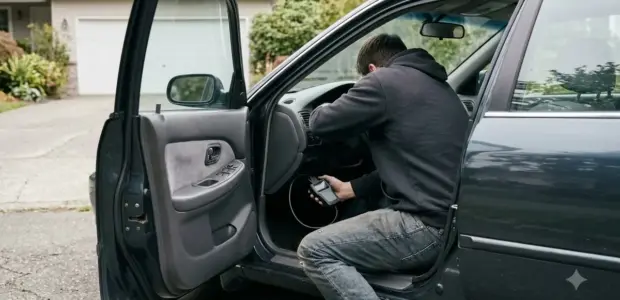

How to use FORScan starts with installing the Windows app, plugging an ELM327 or J2534 adapter into the car’s OBD-II port, and clicking Connect. FORScan is diagnostic software for Ford, Lincoln and Mazda vehicles that reads trouble codes and live data.
Reading codes is the safest place to start. Module settings are a separate step, and the official guide advises against clearing codes before they are investigated.
What You Need Before You Start
Before you learn how to use FORScan, you need a Windows PC, an ELM327 or J2534 adapter, and a Ford, Lincoln or Mazda vehicle.
- Windows PC: the official desktop app is listed for Windows.
- Adapter: an ELM327-based or J2534 PassThru adapter, both supported by FORScan.
- Vehicle: a Ford, Lincoln or Mazda, the brands named on the official site.
Serial (COM) adapters usually need no driver. USB and Bluetooth adapters need their driver installed first.
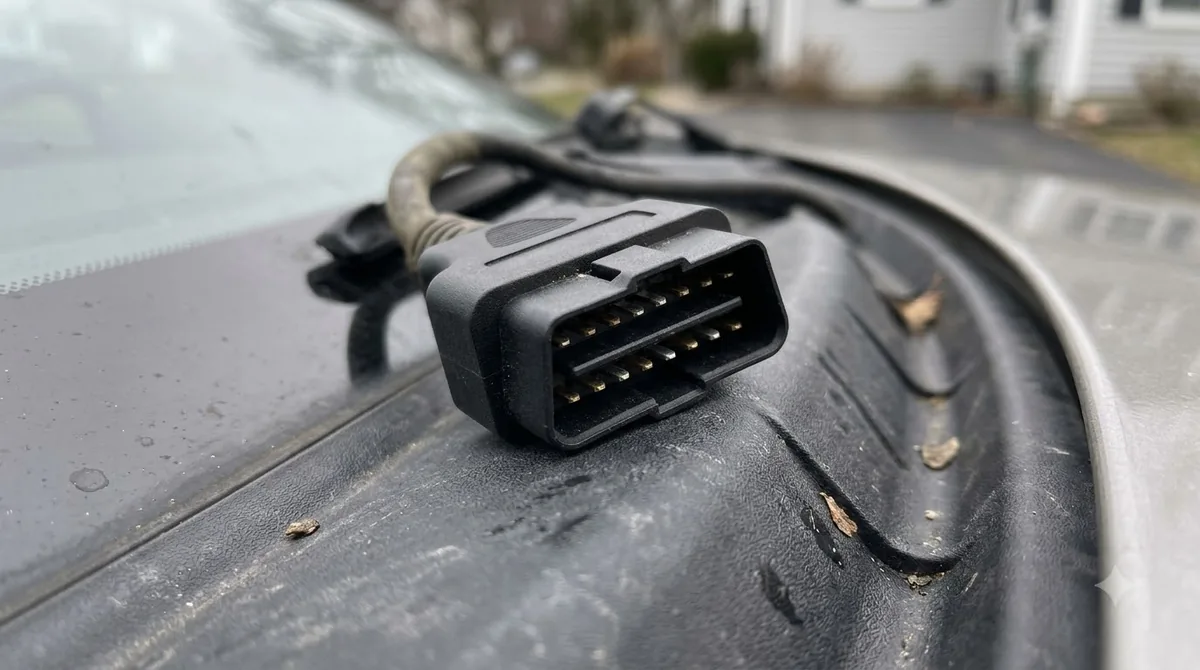
Watch for counterfeit packages. The official site warns that some suppliers sell fake FORScan adapter packages, so buy from a seller you trust. Getting the adapter right makes the rest of how to use FORScan much easier.
FORScan Platforms and Versions
As of November 3, 2026, the latest listed Windows version is 2.3.71, released May 8, 2026. The official site lists separate Android and iOS apps as well.
Knowing how to use FORScan on a phone differs from the desktop app, so check the platform first.
| Platform | Latest listed version | Release date | Use |
|---|---|---|---|
| FORScan for Windows | 2.3.71 | May 8, 2026 | Full desktop app |
| FORScan Lite and Demo (Android) | 1.5.31 | May 14, 2026 | Mobile app |
| FORScan Lite and Viewer (iOS) | 1.5.31 | May 9, 2026 | Mobile app |
The FORScan official site also says a Wine version is no longer supported. It names Ford, Lincoln and Mazda as the supported brands. The site describes FORScan as diagnostic software that receives regular vehicle database updates, service functions and configuration functions. That range is why the safety notes later in this guide matter.
How to Use FORScan Step by Step
Install the Windows app, plug the adapter into the OBD-II port, turn the ignition to ON, and click Connect. Each step below covers one part of how to use FORScan.
- Download the latest installer from the official FORScan website, run it, and finish the setup prompts.
- Plug the ELM327 adapter into the OBD2 port, which is usually under the dashboard.
- Turn the ignition key to ON.
- Open Settings, go to the General tab, and leave COM port and Baud rate on Auto, the recommended setting.
- Launch FORScan, go to the Vehicle section, and click Connect.
- Wait while FORScan reads the VIN and module part numbers. The main menu unlocks when this finishes.
Plug the adapter in before you open the app, so FORScan can find it during the first connection attempt.
Once you know how to use FORScan on the connection screen, you can turn on Auto-connect in the same General tab so the app connects at startup. Changes to these settings take effect after you reconnect. The FORScan Windows quick guide (version 1.3.x) lists the same steps.
Reading and Clearing Trouble Codes
FORScan tries to read trouble codes from every available module when it starts. You can re-read them with the re-read button among the functional buttons. A handheld alternative is in Actron scan tool steps.
Learning how to use FORScan for codes starts with this startup scan. Select an entry to see its details below the list.
To clear codes, click Reset DTC. The module menu next to it lets you choose All modules or one specific module.
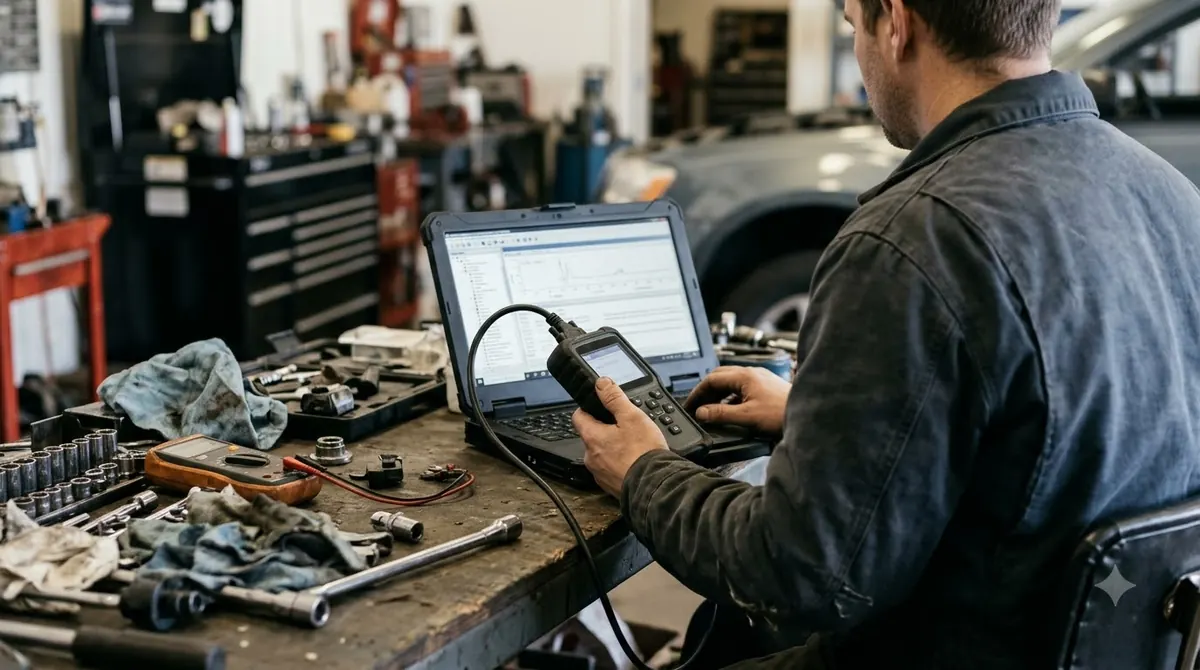
Clearing is not the first step. The official guide advises against clearing codes until they have been investigated and the underlying faults are fixed. Looking up what each code means is a separate topic for another guide.
- Clearing codes before the cause is found.
- Choosing All modules when only one module needs attention.
- Skipping a fresh re-read after a repair.
Once you know how to use FORScan safely, read first and clear last.
Checking Live Data on the Dashboard
The Dashboard holds up to 30 gauges and streams live data after you click Start. Refresh rate has four settings, with Normal as the default.
This view is part of how to use FORScan for diagnosis, not just for codes.
- Open the Dashboard section.
- If it is empty, click Setup and pick PIDs from the list.
- To change a gauge, double-click it and select a different PID.
- Click Start to stream data and Stop to end it.
- Set Refresh rate to Slow, Normal (default), Fast or Fastest.
For graphs, the Oscilloscope section shows up to 8 PIDs and can save and reopen logs.
Once you know how to use FORScan on the dashboard, a few well-chosen gauges are easier to read than a full screen.
The Dashboard is the fastest way to watch several PIDs at once while a fault is active. The menu labels in this section come from the version 1.3.x guide, so newer releases may name them differently.
Safety Limits: Module Changes and Clearing Codes
Reading codes is the lower-risk step. A 2013 FORScan warning says not to use MS CAN functions on certain late-generation Ford CAN vehicles until the problem is understood. A generic scan tool is covered in entry-level Innova scan tool use.
The warning names models such as the Focus Mk3 and Mondeo Mk4 as examples on that page. Write down the code and the module before any change, so you can explain later what you did and why.
Before you learn how to use FORScan for module work, read the official warnings for your exact model.
- Clear codes only after the fault is fixed.
- Check the official site for current warnings on your model before any change.
- Treat module settings as a separate task from reading codes.
Module changes are a different skill from how to use FORScan for basic code reading. The Windows guide has no warnings about backing up modules, so check before you change anything.
These cautions cover reading codes and basic settings only. They do not replace the official warnings for each model.
Fixing the No ELM Found Error
No ELM found means FORScan cannot reach the adapter. Check that the adapter is firmly connected and its LEDs are on. For other brands, see AlfaOBD for Chrysler vehicles.
Fixing this error is part of how to use FORScan on a first connection.
- Confirm the adapter is firmly connected to the laptop and the vehicle, and check its LEDs.
- Set the COM port and baud rate back to Auto, then try again.
- If it still fails, test the adapter with other OBD2 software to find out whether the fault is FORScan or the adapter.
Adapter quality matters here, so review the adapter notes in the first section before you buy.
Frequently Asked Questions
Can I learn how to use FORScan on a Mac?
The official changelog says a Wine version is no longer supported, and the desktop app is listed for Windows. Check the official download page before you buy an adapter for a Mac setup, because listed platforms can change between releases.
Can I use FORScan on an Android phone or iPhone?
Yes, the official site lists FORScan Lite and Demo for Android and FORScan Lite and Viewer for iOS, both at version 1.5.31. These mobile apps are separate from the full Windows desktop app, so check which one you need before you start.
Do I need a driver for my adapter?
Serial (COM) adapters usually need no driver. USB and Bluetooth adapters need a driver installed first, so do this before you learn how to use FORScan on a car.
How much does FORScan cost?
Prices and licence options change, so this guide does not list a price. The official site says Windows licence sales were suspended in December 2024 and resumed in February 2025 through partner sites. Check the current options on the official download page.
Do I need a workshop manual?
You can learn how to use FORScan to read codes without one. Some forum users report that a workshop manual helps with pinpoint tests and diagnostic charts, so consider one for deeper repairs. Look for the manual that matches your exact vehicle year and model.
If you are still deciding how to use FORScan on a car you care about, start with reading codes only. Module changes are a separate step, so check the official warnings for your model before you touch any setting.