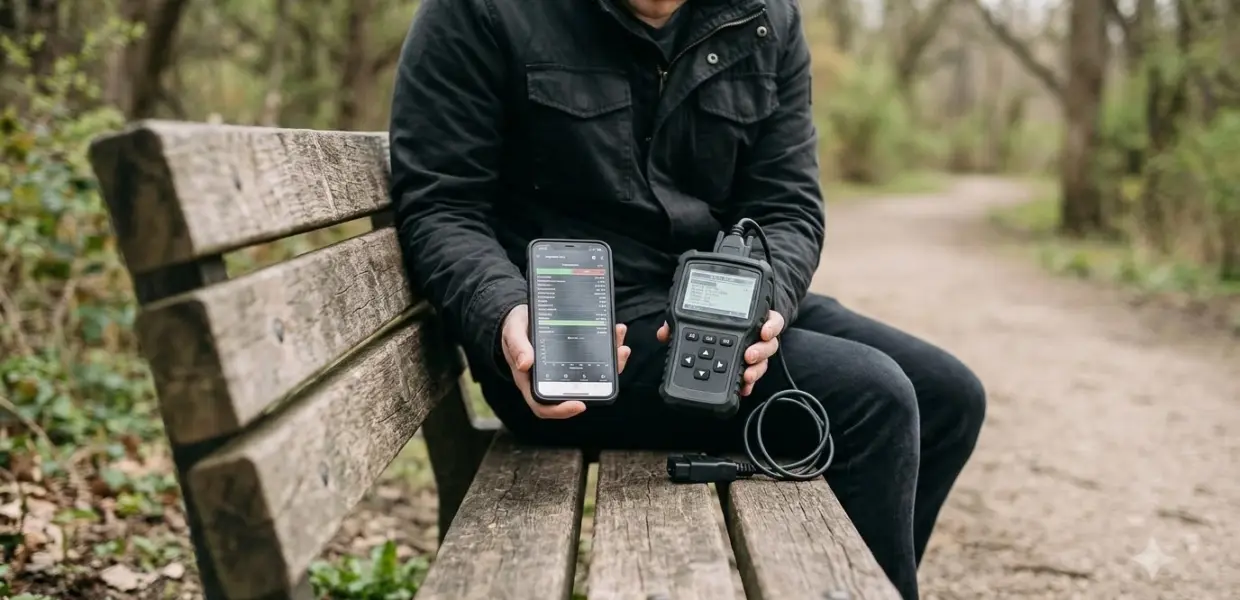

The best OBD2 app for most drivers is BlueDriver, a free iPhone app that builds repair reports from trouble codes. Its Bluetooth sensor is sold separately, and this guide compares four apps as of November 4, 2026.
Your phone platform and car brand decide which app fits. iPhone users need a compatible adapter type, Android users have more options, and for Ford, Lincoln, and Mazda owners, the best OBD2 app may be FORScan.
| Pick | Best for | Key fact |
|---|---|---|
| BlueDriver | Repair reports and brand coverage | Free app, sensor sold separately |
| OBD Fusion | Dashboards, logs, and Android Auto | Enhanced diagnostics through in-app purchase |
| Car Scanner ELM OBD2 | Cross-platform use and VW coding | Pricing not stated on the official site |
| FORScan | Ford, Lincoln, and Mazda owners | Windows software with trial and paid licenses |
BlueDriver: Best for Repair Reports and Brand Coverage
BlueDriver suits drivers who want plain explanations of trouble codes, because its app generates repair reports tied to the exact vehicle and code. The App Store listing says the app is free to download and that no subscription is required.
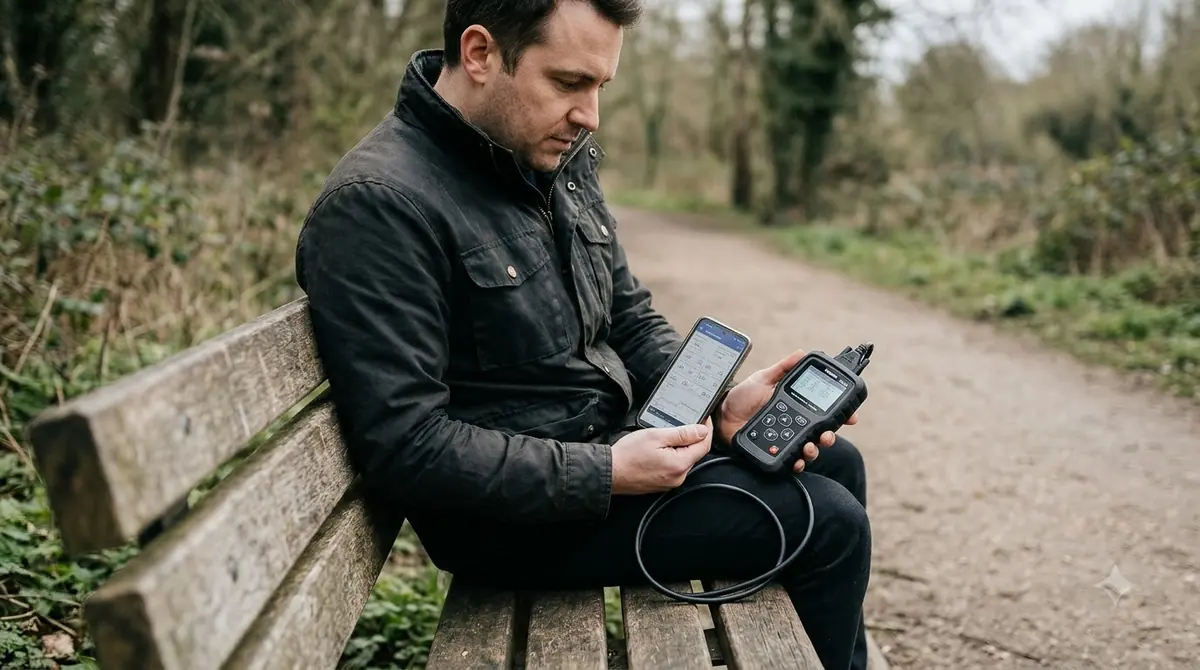
The BlueDriver Bluetooth Sensor is sold separately, so your real cost is the sensor. The listing describes enhanced diagnostics for GM, Ford, Chrysler, Toyota, Nissan, Mazda, and Mercedes models from 2005 onward, with Mitsubishi from 2008 and Hyundai and Kia from 2012, according to BlueDriver’s App Store listing.
- Repair reports generated by vehicle and trouble code
- Live data viewing with multi-PID graphing
- Limit: the listing requires iOS 16.6 or later
- Limit: the sensor is an extra purchase
Choose BlueDriver if you own a GM, Toyota, or Honda and want a clear explanation of each code. Honda and Acura coverage is listed for North America, so check your region first.
OBD Fusion: Best for Dashboards and Android Auto
OBD Fusion works on both iOS and Android, and it puts customizable dashboards, logs, and trip tracking in one app. The developer page lists iOS 17 or later and Android 7.0 or later as requirements, according to the OBD Fusion developer page.
The core app covers trouble codes, freeze frame data, live PID values, gauges, and CSV log access. Enhanced diagnostics are available through an in-app purchase, and the page does not list a base price, so check the store before you install.
- Runs on iPhone, iPad, and Android phones
- Dashboards, real-time graphs, and trip tracking
- Limit: enhanced diagnostics need an in-app purchase
- Limit: iOS needs Bluetooth LE, Wi-Fi, or supported MFi adapters
Pick OBD Fusion if you want a live dashboard on your phone or plan to use it with Android Auto, which the developer page says is supported. It is the best OBD2 app here for dashboards.
Car Scanner ELM OBD2: Best for Cross-Platform Use and VW Coding
Car Scanner ELM OBD2 runs on iPhone, iPad, and Android, which makes it practical for households that mix phone platforms. The developer site lists Wi-Fi connections, classic Bluetooth on Android, and Bluetooth LE on iPhone and iPad.
The site also lists real-time ECU monitoring, early problem detection before the check engine light turns on, fault code reading with descriptions, and data recording. Coding and service functions cover Volkswagen, Audi, Skoda, and Seat, plus Hyundai and Kia service functions.
- Runs on iOS and Android
- Early problem detection and data recording
- Coding functions for VW group vehicles
- Limit: the official site does not state pricing
Choose it if your household uses more than one phone platform, or if you own a VW, Audi, Skoda, or Seat and want coding functions. For a mixed household, it can be the best OBD2 app to standardize on. Read the current store listing before you buy, since the official site does not give pricing.
FORScan: Best for Ford, Lincoln, and Mazda Owners
FORScan suits Ford, Lincoln, and Mazda owners who need module-level access. According to FORScan’s official site, the main product is Windows software, with FORScan Lite apps for Android and iOS.
The site lists module and trouble code access, PID graphing with a dashboard, service functions, and configuration and programming for several models. It also says Wine is no longer supported, so plan on a native Windows setup.
The site lists 2-month free trial licenses and paid long-term and lifelong Extended Licenses. It also says sales of FORScan Lite licenses for Android were temporarily suspended, so check the current license status before you buy.
- Deep module and trouble code access for Ford, Lincoln, and Mazda
- 2-month free trial licenses
- Limit: the main product runs on Windows only
- Limit: Android Lite license sales were suspended at the last check
Choose FORScan if your car is a Ford, Lincoln, or Mazda and you need more than basic code reading, since it is a specialist tool rather than a general best OBD2 app for every brand.
Best OBD2 App by Need
The best OBD2 app depends on your car brand, your phone, and your budget. BlueDriver covers the most brands in this list, while FORScan is limited to Ford, Lincoln, and Mazda.
Best Free OBD2 App
BlueDriver’s app is free to download, but its sensor is sold separately. OBD Fusion charges for enhanced diagnostics through an in-app purchase, and the Car Scanner site does not state pricing, so compare the total cost as of November 4, 2026.
Best OBD2 App for Android Auto
OBD Fusion’s developer page says it supports Android Auto, so it is the app to check first if you want the data on your car screen. Confirm that your head unit supports Android Auto before you buy an adapter.
Best OBD2 App for Diesel
The official pages for these four apps did not name diesel-specific support, so do not assume it works. Check each app’s vehicle list for your engine and model year before you buy.
Best OBD2 App for GM
BlueDriver lists enhanced diagnostics for GM vehicles, which makes it the clearest choice here for GM owners. Confirm your model year on the coverage list before you buy the sensor.
Best OBD2 App for Honda
BlueDriver lists Honda and Acura enhanced diagnostics for North America. If you live elsewhere, check the coverage list before you rely on the app for a Honda repair.
Best OBD2 App for Toyota
BlueDriver lists enhanced diagnostics for Toyota, so start there for Toyota repairs. Check the coverage list for your model year, since listed coverage varies by brand and year.
Best OBD2 App for VW
BlueDriver lists Volkswagen and Audi enhanced diagnostics for North America, and Car Scanner lists coding and service functions for VW group vehicles. Pick the one that matches the job you need done.
What OBD2 adapter do you need to use these apps?
Most of these apps need a plug-in adapter that sits in the OBD2 port under the dashboard and connects to your phone by Bluetooth or Wi-Fi. The adapter is the hardware that reads your car, while the best OBD2 app shows the data.
iPhone and iPad users usually need a Bluetooth Low Energy adapter or a Wi-Fi model. The OBD Fusion developer page states that generic ELM327 Bluetooth adapters are not compatible on iOS, and it lists MFi adapters as a supported option.
Android phones usually accept classic Bluetooth, Bluetooth LE, or Wi-Fi adapters, and some work over USB on devices with USB host mode. Check which connection your app expects before you buy.
Adapter quality matters. FORScan’s official site warns about counterfeit adapters sold under its name, so buy from a reputable seller. A weak connection can make any app seem unreliable, so pick a model that your chosen app lists as compatible.
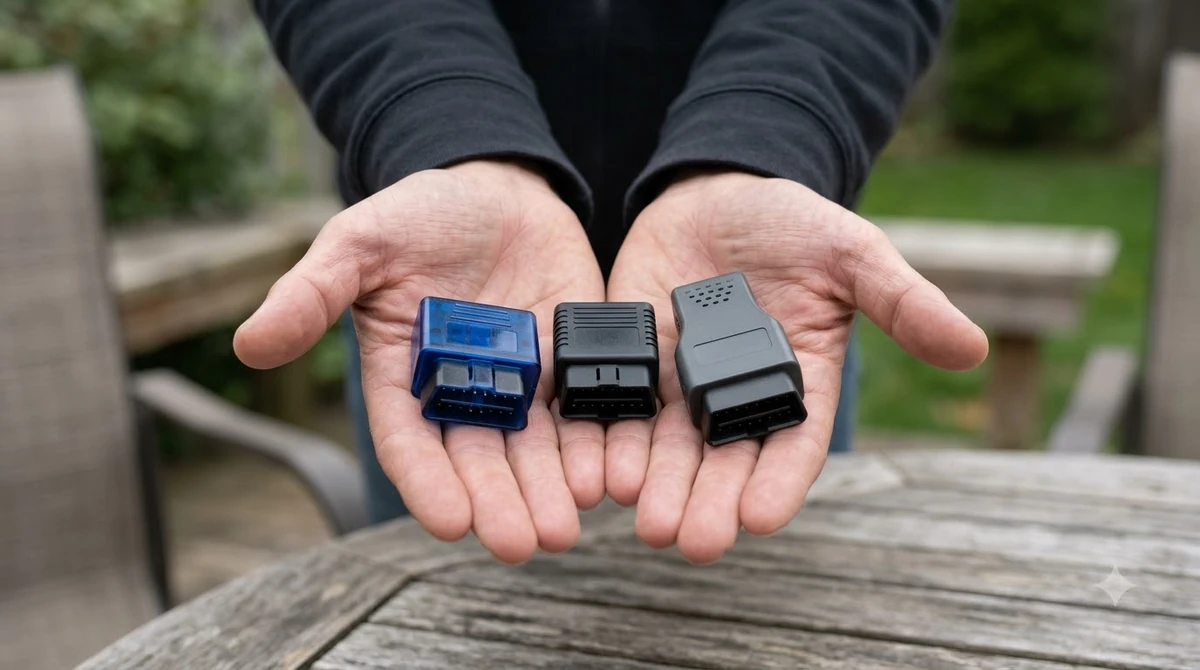
If you still need an adapter to pair with these apps, these three are common choices: two Bluetooth LE adapters that work with both iPhone and Android, and one Bluetooth 3.0 adapter that is Android only.

Reasons to buy
- Reads and clears check engine codes with freeze frame and I/M readiness data
- Bluetooth LE connection works with both iOS and Android
- Works with popular apps such as Car Scanner ELM OBD2, Torque and OBD Fusion
- Compatible with most 1996+ cars and light trucks for standard OBD-II functions
Reasons to avoid
- Needs a compatible third-party app to work
- Standard OBD-II only, so it is not a full-system scanner
- Advanced or vehicle-specific functions depend on your car and the app

Reasons to buy
- Compact plug-and-play adapter that is easy to insert and remove
- Auto-sleep and auto-wake keep standby draw as low as 3mA
- Works with iOS and Android over Bluetooth 4.0 (BLE)
- LED indicators show connection status at a glance
Reasons to avoid
- Designed for standard OBD2 data on 12V vehicles, not full-system diagnostics
- Needs a separate app and a phone or tablet to display data
- Bluetooth must stay enabled on your phone while scanning

Reasons to buy
- Fast, accurate scan tool for Android phones and Windows PCs
- Includes the OBDLink app for Android and OBDwiz for Windows
- Safe to leave plugged in without draining the battery
- Works with Torque, DashCommand and MotoScan-compatible motorcycles
Reasons to avoid
- Not compatible with Apple iOS devices
- Bluetooth 3.0 model, older than newer BLE adapters
- Does not cover hybrid or electric vehicles
How to Choose the Right OBD2 App
Choosing the best OBD2 app comes down to three factors: phone platform, car brand, and whether you want repair reports or live dashboards.
Start with your phone. The BlueDriver App Store listing is for iPhone and iPad, OBD Fusion and Car Scanner run on iOS and Android, and FORScan’s main product runs on Windows.
Next, match your brand. BlueDriver covers the widest list of brands here, while FORScan focuses on Ford, Lincoln, and Mazda. Then weigh these points before you buy:
- Phone platform and adapter type
- Car brand, model, and year coverage
- Repair reports or live dashboards
- Hardware and in-app costs
Review costs on the day you buy, because hardware prices, trial licenses, and in-app purchases can change.
Frequently Asked Questions
What is the best free OBD2 app?
BlueDriver’s App Store listing shows the app as free to download, with no subscription required. The Bluetooth sensor is sold separately, so a free app alone cannot read your car.
Which is the best OBD2 app for iPhone?
BlueDriver, OBD Fusion, and Car Scanner ELM OBD2 all list iPhone or iPad support. On iOS, OBD Fusion requires Bluetooth LE, Wi-Fi, or supported MFi adapters, so check the adapter type first.
Which is the best OBD2 app for Android Auto?
OBD Fusion’s developer page says it supports Android Auto. Confirm that your car’s screen works with Android Auto before you rely on it for driving data.
Do I need a Wi-Fi adapter?
No. Bluetooth connections are listed for most of these apps, and Wi-Fi is one option for OBD Fusion and Car Scanner ELM OBD2. Bluetooth is the simpler choice for most people, so use Wi-Fi only if your setup calls for it.
Does FORScan work on a phone?
FORScan’s main product runs on Windows. Its official site lists FORScan Lite apps for Android and iOS, but it notes that Android Lite license sales were temporarily suspended.
Do these apps work on diesel vehicles?
The official pages for these four apps did not name diesel-specific support. Check each app’s vehicle list for your engine before you buy.
Start with the app that matches your phone and car brand, then buy an adapter that the app lists as compatible. For most drivers, the best OBD2 app is BlueDriver, while Ford, Lincoln, and Mazda owners should compare FORScan first.