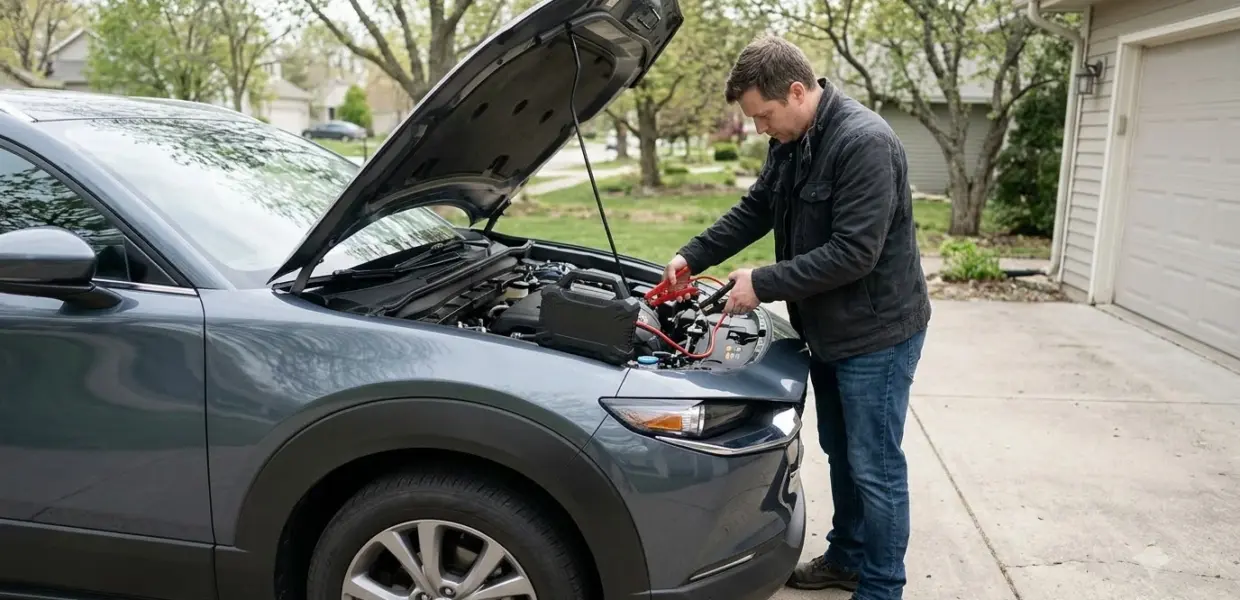

How to use NOCO GB70 comes down to six steps: charge it fully, check the battery, connect the clamps, press Power, start the car, and disconnect. The NOCO Genius Boost GB70 is a portable lithium jump starter built for 12-volt lead-acid batteries, and the official user guide explains each step.
It works only on 12-volt lead-acid batteries. Confirm that before you learn how to use NOCO GB70. If a battery reads below 2 volts, the unit cannot detect it, and the only option is Manual Override, which carries extra risk.
What the NOCO GB70 Can and Cannot Jump Start
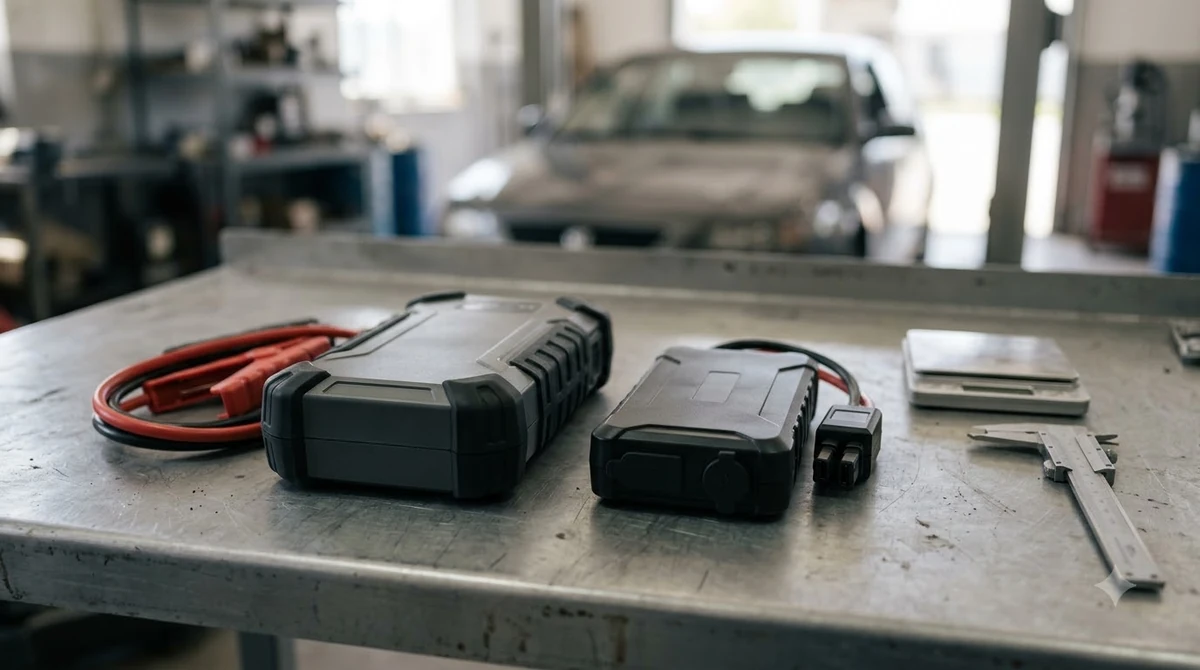
The GB70 jump starts 12-volt lead-acid batteries, with a peak current rating of 2000 A and up to 40 jump starts on a single charge. NOCO describes it as an ultra-compact lithium-ion unit for gas and diesel engines in cars, trucks, and boats.
Before you learn how to use NOCO GB70 on a vehicle, check the battery. Confirm it is a 12-volt lead-acid battery, because the official GB70 user guide states the GB70 is not suitable for any other battery type. Read your battery owner’s manual to confirm the voltage and chemistry.
| Specification | Value |
|---|---|
| Battery type | 12-volt lead-acid only |
| Peak current | 2000 A |
| Jump starts per charge | Up to 40 on a single charge |
| Lowest detectable battery voltage | 2 volts |
| Size | 8.6 x 6 x 2.5 inches |
| Weight | 5 pounds |
| Housing protection | IP65 with ports closed |
A battery below 2 volts will not light the Boost indicator, so the standard procedure will not work on it. The guide notes that the unit has spark-proof technology and reverse-polarity protection, but those features do not replace correct clamp placement.
Charge the GB70 Before First Use
The GB70 ships partly charged, so you should charge it fully before the first jump start, either from a 12-volt socket or from a USB source. Charging comes first in how to use NOCO GB70 safely. The four charge LEDs show progress, and the green 100 percent LED stays solid when the unit is full.
| Charging method | Input | Approximate time |
|---|---|---|
| 12V fast charge | 12V, 3 A (36 W) | 2 to 3 hours |
| USB charge | 5 V, 2 A | About 7 hours |
| USB charge | 5 V, 1 A | About 14 hours |
| USB charge | 5 V, 0.5 A | About 28 hours |
The guide gives these times as approximate, since the discharge level and power source change the result. Charge the unit only between 0 and 40 degrees Celsius, which is 32 to 104 degrees Fahrenheit. NOCO does not recommend charging and discharging the unit at the same time. That is one more rule to follow when you learn how to use NOCO GB70. Another unit in the same NOCO family has its own steps in these NOCO GB50 jump start instructions.
Connect the GB70 Clamps in the Right Order
Connect the red HD clamp to the positive terminal first, then connect the black clamp to the negative terminal or the chassis. Reverse that order when you disconnect, so the clamps never touch each other. Clamp order is where most mistakes happen when people learn how to use NOCO GB70.
Look for the terminal markings. The positive terminal is marked POS, P, or plus, and the negative terminal is marked NEG, N, or minus. The guide’s instructions assume a negative-ground system, which is the most common setup. Getting the markings right is part of how to use NOCO GB70 correctly.
- Connect the positive (red) HD battery clamp to the positive battery terminal.
- Connect the negative (black) HD battery clamp to the negative battery terminal or to the vehicle chassis.
- When you disconnect, reverse the sequence and remove the negative clamp first.
Keep the clamps away from the carburetor, fuel lines, and thin sheet metal parts, which the guide specifically warns against. If your vehicle has a positive-ground system, the guide says to follow the steps in reverse order. Read the vehicle owner’s manual for any precautions specific to your car. If the battery keeps going flat, 10 amp NOCO charger modes shows how to recharge it, and choosing a replacement car battery helps when it needs replacing.
How to Use NOCO GB70 to Jump Start Your Car
After the clamps are connected, press Power and wait for the White Boost LED to light, then start the car. Most vehicles start right away, so you rarely need to keep the unit connected for long. Once you understand how to use NOCO GB70 on one car, the same steps apply to most single-battery vehicles.
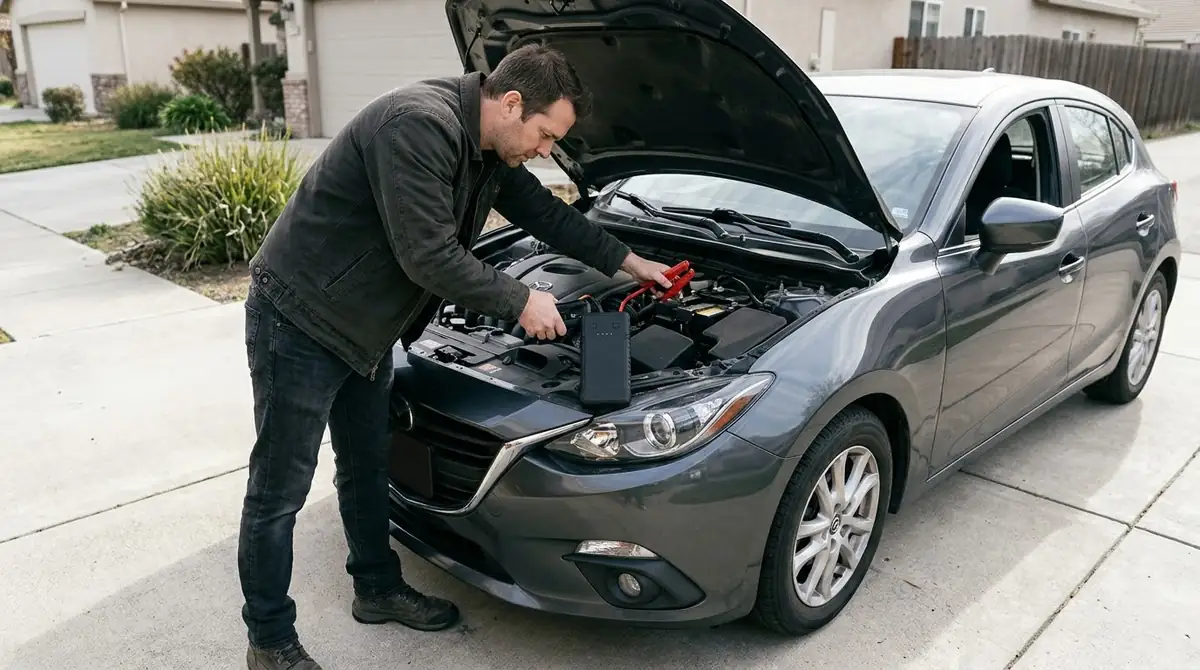
Follow these steps in order. They come from the jump starting section of the GB70 user guide, and they are the core of how to use NOCO GB70 on a dead battery.
- Confirm the battery is 12-volt lead-acid and check its voltage and chemistry.
- Confirm the HD clamps sit on the correct polarity terminals.
- Turn off every power load in the vehicle, including headlights, radio, and air conditioning.
- Press the Power button. All LEDs flash to confirm they work, then the White Boost LED lights and the charge LEDs chase when the connection is correct.
- Start the vehicle. Most vehicles start immediately, but some need the GB70 connected for up to 30 seconds. If it does not start, wait 20 to 30 seconds and try again.
- Once the engine runs, disconnect the battery clamps and remove the GB70.
If the red Error LED lights instead of the Boost LED, the clamps are reversed. Swap the connections, and the White Boost LED should light before you try again.
What the GB70 Lights Mean
A solid red Error LED means reverse polarity, while a blinking red Error LED means the internal battery is too hot. The Boost LED stays off when the battery is below 2 volts, so the unit cannot start the car on its own. Watching these lights tells you whether the jump is working as intended.
| Light | Meaning | What to do |
|---|---|---|
| Solid red Error LED | Reverse polarity detected | Reverse the battery connections |
| Blinking red Error LED | Internal battery too hot | Let the unit cool in a cooler place |
| Boost LED off with clamps connected | Battery below 2 volts | Remove all loads and try again, or use Manual Override with care |
| Solid White Boost LED | Ready to jump start | Try starting the vehicle |
| Pulsing charge LED | Charge is below that band’s level | Keep charging until the LED stays solid |
What to Do When the Car Does Not Start
If the car does not start, wait 20 to 30 seconds and retry, but never make more than five consecutive jump starts within 15 minutes. The guide asks you to let the unit rest for 15 minutes after that limit. Respecting those limits is part of how to use NOCO GB70 safely over several attempts.
- Wait 20 to 30 seconds between attempts.
- Stop after five consecutive jump starts within 15 minutes.
- Rest the GB70 for 15 minutes before trying again.
- If the engine still does not turn over after several attempts, have a shop test the battery and starting system. For a general walkthrough, see general jump box steps.
Manual Override is for a battery below 2 volts. Hold the Manual Override button for three seconds until the White Boost LED flashes, then start the car. This mode disables spark-proof and reverse-polarity protection and can deliver up to 2000 amps, so confirm polarity first and keep the clamps from touching.
When you use Manual Override, power the GB70 off before you remove the clamps. The guide gives this as a safety step because the protections are off in that mode. Compact NOCO units follow the same clamp order, and the NOCO GB20 clamp and boost steps cover a smaller model.
Using the USB, 12V and Flashlight Features
The GB70 also works as a power bank for phones and 12-volt gear. Its USB OUT port supplies 5 volts at 2.1 amps, and its 12V OUT port powers standard devices up to 15 amps.
- USB OUT: charges phones and other USB devices. Recharge times depend on the device, so check its manufacturer’s figures.
- 12V OUT: plug a standard 12-volt device into the 12V OUT port, then turn the GB70 on.
- LED flashlight: press the light-bulb button to cycle through 100 percent, 50 percent, 10 percent, SOS, Blink, Strobe, and Off.
- Auto shut-off: the unit turns off after seven hours, and you can turn it on again to continue.
Choose a lower light level for long use, since the guide says lower power settings extend battery life.
Frequently Asked Questions
Can the GB70 jump start a lithium car battery?
No. The guide states the GB70 is for 12-volt lead-acid batteries only and is not suitable for any other battery type. Check your battery owner’s manual to confirm the chemistry before you connect the unit. Knowing how to use NOCO GB70 starts with that check.
Is Manual Override safe to use?
It needs extra care. Manual Override disables spark-proof and reverse-polarity protection, so you must confirm polarity first. NOCO says to seek professional help if you are unsure about using this mode.
How many times can I jump start on one charge?
The guide says the GB70 can jump start most single-battery applications up to 40 times on a single charge. Keep the unit charged between uses.
How long should I wait between attempts?
Wait 20 to 30 seconds between attempts. Do not make more than five consecutive jump starts within 15 minutes, and let the unit rest for 15 minutes after that limit. These limits apply every time you learn how to use NOCO GB70 on a stubborn battery.
Can the GB70 charge my phone?
Yes. Connect your phone to the USB OUT port with the included cable. The port supplies 5 volts at 2.1 amps, and charging time depends on your phone.
Who do I contact for help with the GB70?
The guide lists NOCO support at 1.800.456.6626 and [email protected]. Use those contacts for questions about how to use NOCO GB70 that the guide does not answer.
Before your first jump start, read the vehicle owner’s manual and the GB70 safety information. Vehicle makers sometimes give precautions that differ from the general steps above, and the vehicle manual takes priority for your car. That check belongs in every guide on how to use NOCO GB70.