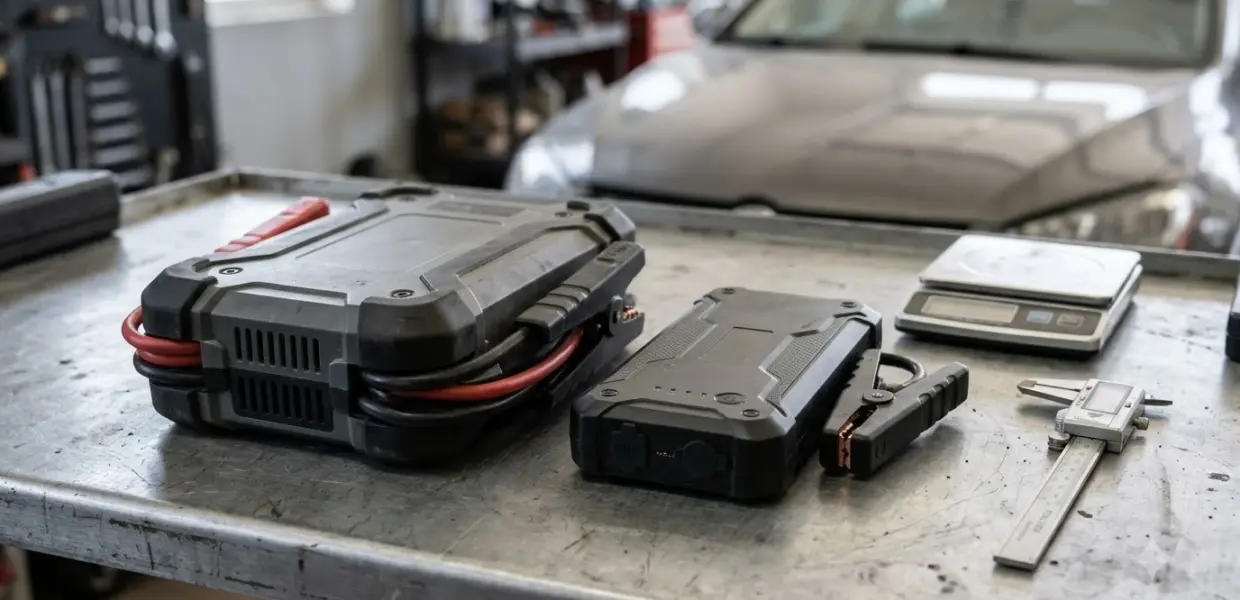

Knowing how to use NOCO GB50 comes down to three things: check that your battery is 12 volts, follow the connection order, and keep the unit charged. As of November 5, 2026, the GB50 is listed at 1,500 peak amps and up to 30 jump starts per charge.
This guide covers the basics for a typical car or truck. The exact button sequence and indicator meanings come from the NOCO manual packed with your unit, so keep it handy when you first learn how to use NOCO GB50.
Jump starting puts high current through a battery and cables. A wrong connection can cause sparks or damage, so treat each step carefully and stop if anything looks wrong.
What the NOCO GB50 can start
The NOCO GB50 is a lithium-ion jump starter designed for 12-volt batteries. A retailer listing that quotes NOCO’s specifications says the unit is rated for gasoline engines up to 7 liters and diesel engines up to 4.5 liters.
A simple check before you start is to read the battery label for its voltage, then compare the engine size in your owner’s manual with the ratings above. Treat those limits as a boundary. A larger engine than the listing rates falls outside what this guide covers, so check the NOCO manual or a shop before you attempt a start on it.
Before you learn how to use NOCO GB50 on a vehicle, confirm the battery voltage and engine size against those ratings.
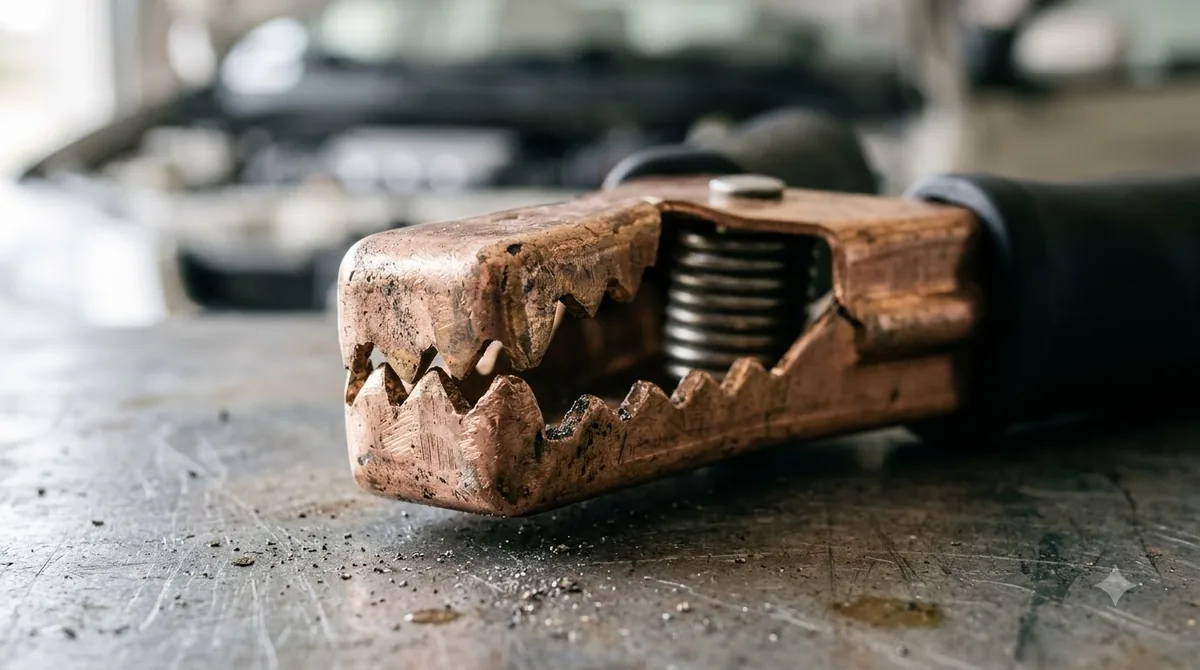
The same listing says the unit includes spark-proof technology, reverse polarity protection, and HD battery clamps that connect to any 12V lead-acid battery. Those features reduce the risk of a wrong connection, but they do not replace careful clamp placement.
Safety checks before you connect the clamps
Start with the vehicle. Knowing how to use NOCO GB50 begins before any clamp touches the battery. Turn off the ignition, and switch off the headlights, radio, air conditioning and any other power loads so the jump starter is not feeding them during the start.
Keep the fan, belts and other moving parts clear of the clamps and cables while you work. Knowing how to use NOCO GB50 safely means treating the engine bay as a live area from start to finish. Look at the battery before you clamp. A cracked case, leaking fluid or a frozen battery is a reason to stop and call for help, because a jump start does not repair a damaged battery. A battery tester walkthrough shows how to check the battery first.
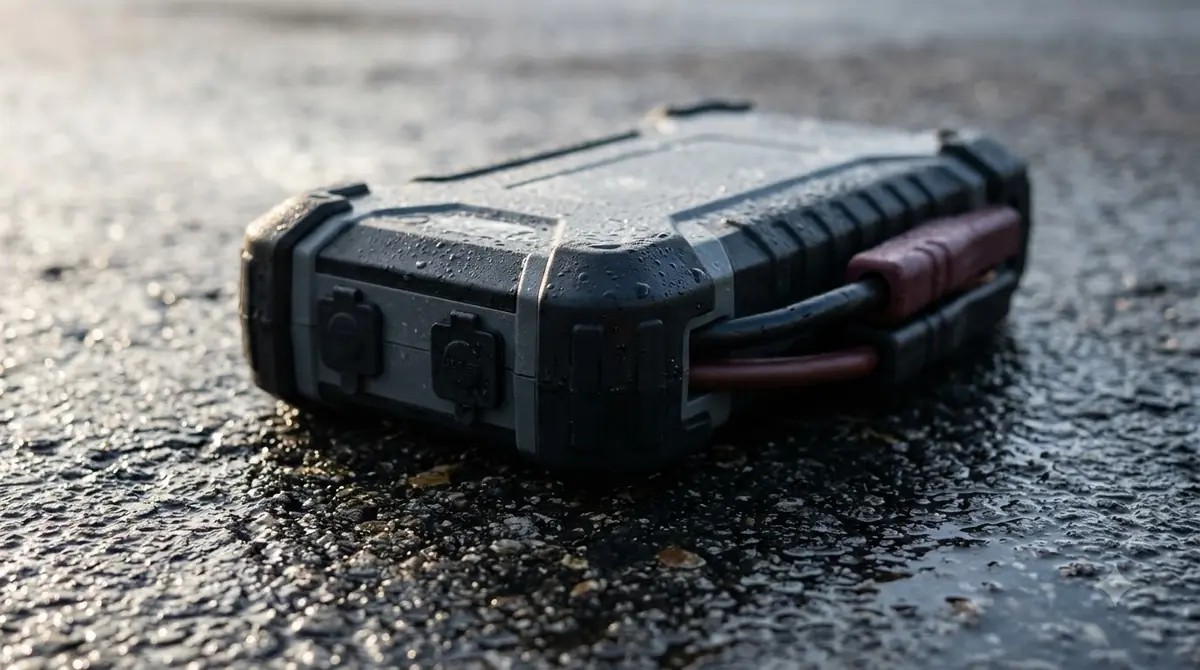
Keep the GB50 upright, dry and away from standing water while you work, and clear of anything that could short the terminals. Make sure the clamps are dry and the cable is not pinched or frayed.
How to use NOCO GB50 step by step
The steps below follow the general sequence used for most portable jump starters, which is the core of how to use NOCO GB50. Compare each step with the NOCO manual, especially the boost button and the indicator lights, before you start.
- Confirm the GB50 has enough charge. The charge status indicator shows the level, so a fully charged unit gives you the best chance.
- Clamp the red clamp to the positive (+) battery terminal of the dead battery.
- Clamp the black clamp to the negative (-) terminal of the dead battery, or to the grounding point your vehicle manual recommends, away from the battery.
- Wait for the ready indication described in your NOCO manual, then start the vehicle. Keep the engine running after it starts.
- If the engine does not start, stop and wait a few minutes before trying again, so the unit and the battery can cool.
- Remove the black clamp first, then the red clamp, so the metal clamps never touch each other while one is still connected.
After the engine starts, remove the clamps in the order above. Do not cross the clamps or let them touch each other. Crossed clamps are the most common way to cause a spark, so take a moment to check the colors before you connect.
Charging and keeping the GB50 ready
Setting a reminder to check the charge is part of how to use NOCO GB50 well, and a monthly glance at the indicator takes only seconds. Long-term care is part of how to use NOCO GB50, and the GB50 holds its charge for up to one year, according to the same retailer listing. That makes it a good spare for a garage or a trunk, but a charge check every few months is still a sensible habit.
Every jump start should end with a quick look at the charge level and the LEDs, so the next start is not a surprise. The unit has hot and cold LED indicators that show when its internal battery is outside the operating temperature range. If one of those lights is on, let the unit return to a normal temperature before you rely on it for a start.
Charge the unit fully before the first use, then note the date of the last charge so you know when the next check is due. Charge the unit with the included 12V 2.1 amp cigarette-lighter-to-USB-A charger or the USB-A to Micro-USB cable. Keep the charger plugged in only as long as the listing and your manual allow.
Using the flashlight and USB outlet
The flashlight is a handy extra, but it is a secondary feature when you are learning how to use NOCO GB50. The GB50 has a 200-lumen LED flashlight with seven light modes, which is useful when a dead battery sits in a dark engine bay. Use the flashlight only when you need it, so the battery holds its charge for the next start.
The USB outlet can charge personal devices, and the listing says it can recharge a smartphone up to six times. Charging a phone draws from the same battery, so check the charge status before you count on the unit for a start.
Common mistakes when you learn how to use NOCO GB50
Avoiding the errors below is the fastest way to master how to use NOCO GB50 on your own vehicle. The most common mistake is skipping the battery check. Using the GB50 on a 6-volt or 24-volt system, or on a battery that is cracked or frozen, can cause damage or fail to start the car.
- Starting with the power loads switched on.
- Connecting the clamps in the wrong order or letting them touch.
- Trying to start the engine for long periods, which can drain the unit quickly.
- Storing the unit discharged for a long time.
- Ignoring a hot or cold indicator light.
Store the unit where the temperature stays within its listed operating range. Keep the GB50 away from direct heat sources such as a dashboard in summer, and store it indoors when you can. Storing it correctly is part of how to use NOCO GB50 over many seasons, since the hot and cold indicators exist to warn you when the internal battery is outside that range.
Whenever you practice how to use NOCO GB50, check the hot and cold indicators, the battery condition and the clamp colors every time, not only the first time. If the engine still will not start after a few careful tries, the problem may be the starter, the alternator or the battery itself. A jump starter cannot fix those faults, so have the vehicle checked. If the engine still will not start, how to test a starter checks the battery, cables and starter voltage in order.
Related Guides
Frequently Asked Questions
Is the NOCO GB50 safe for beginners?
The GB50 includes spark-proof technology and reverse polarity protection, according to a retailer listing that quotes NOCO specs. Beginners can learn how to use NOCO GB50 safely, but they still need to follow the clamp order and read the NOCO manual before the first use.
What vehicles can the NOCO GB50 start?
The listing rates the unit for gasoline engines up to 7 liters and diesel engines up to 4.5 liters, on 12-volt batteries. Check your engine size and battery voltage before you connect.
How many jump starts does the GB50 give per charge?
The NOCO listing states up to 30 jump starts on a single charge. Actual results depend on battery condition, engine size and temperature, so keep the unit charged between uses.
Does the NOCO GB50 hold its charge in storage?
The retailer listing says the unit holds its charge for up to one year. Check the charge every few months and recharge before you store it for a long period.
Can I use the GB50 to charge my phone?
Yes, the unit has a USB outlet for personal devices. The listing says it can recharge a smartphone up to six times, so using it for a phone reduces the charge left for a jump start.
Read the NOCO manual once, check the battery voltage every time, and keep the unit charged. Those habits make how to use NOCO GB50 a quick routine when a battery fails.