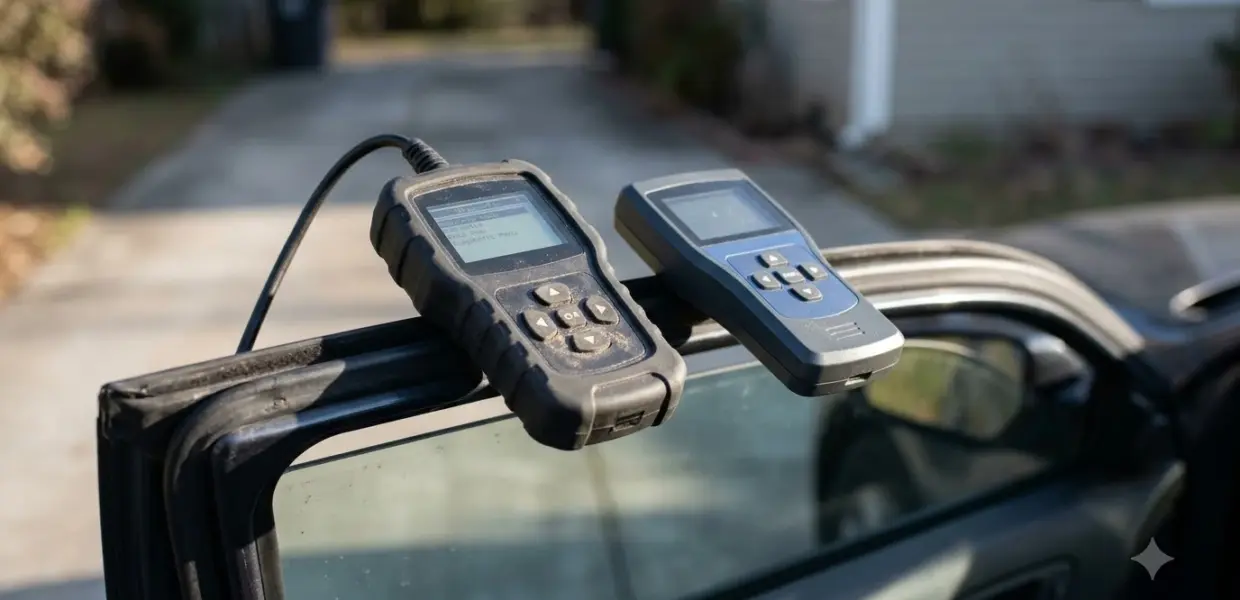

The best OBD2 scanner with live data is the one that graphs the sensors you need and covers the modules your car uses. Basic code readers often show trouble codes only, so check the live data feature before you buy.
An OBD2 scanner with live data that reads only the engine handles basic checks. If you also need brake or airbag data, choose a multi-module tool and confirm it supports your car before you buy.
What Live Data Means on an OBD2 Scanner
Live data is the stream of sensor values your car reports while the engine runs. An OBD2 scanner with live data shows values such as engine speed, coolant temperature and oxygen sensor readings as they change, which a code list alone cannot show.
The diagnostic port is a standard 16-pin, D-shaped connector defined by SAE J1962. According to Kvaser’s introduction to OBD-II, the standard became mandatory for vehicle models from 1996 onwards, which is why one scanner can work across many cars of that era and newer.
Some basic code readers only retrieve and clear trouble codes. Before you buy, check the product page for a live data feature, because a code list alone does not show how sensors behave while the engine runs. Ask the seller which modules the OBD2 scanner with live data covers, not only whether it shows live data at all. If a plain reader is all you need, compare code readers that only show codes first.
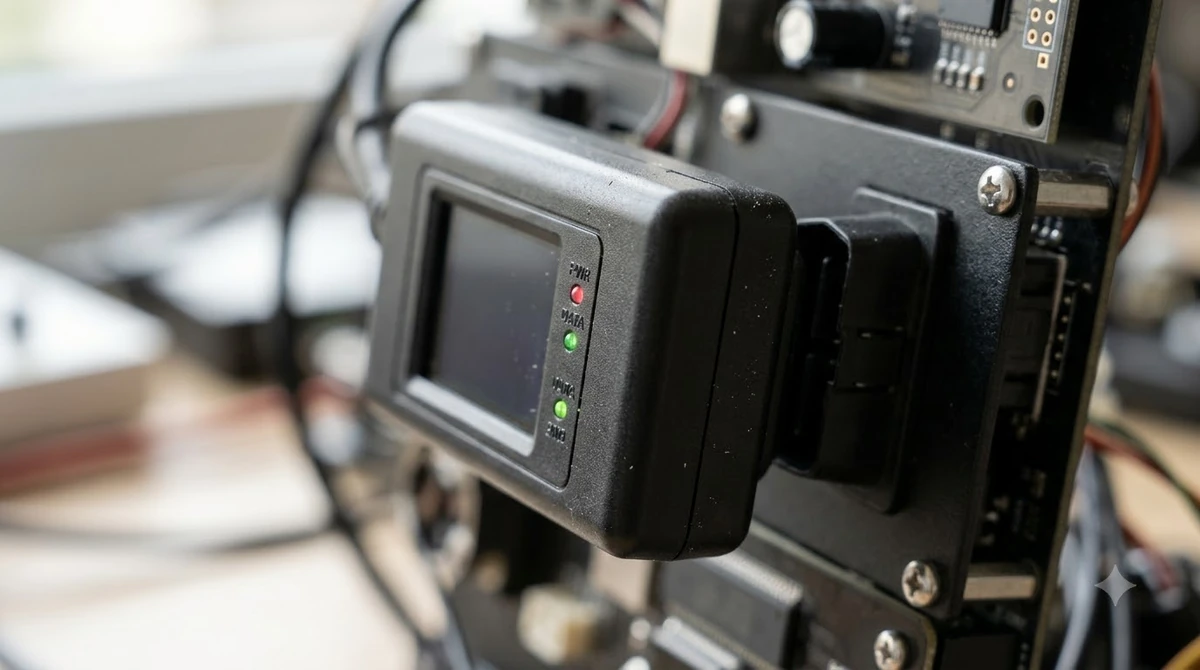
Engine data and data from other modules, such as ABS or airbag, reach the scanner in different ways. That is why a tool can read engine sensors well and still miss brake or airbag values on your car. Treat any claim of full-car coverage as a question to verify for your make and model, because a scanner with live data for one brand may not read every module on another.
For the connector and standard background, the Kvaser introduction to OBD-II gives a clear summary of the port and its history.
How to Choose an OBD2 Scanner With Live Data
Start with module coverage: an engine-only reader shows engine sensors, while a multi-module tool also reads ABS, airbag and transmission data. When you shop for an OBD2 scanner with live data, use these checks to compare models:
- Module coverage: confirm the scanner lists the systems you need, such as engine, transmission, airbag and ABS.
- Graphing: a live graph shows how a sensor changes over time, which is easier to read than a number that keeps changing.
- Screen or app: a built-in screen works without a phone, while a Bluetooth adapter depends on a phone app.
- App support: check that the app runs on your phone and lists your car make and model.
- Price band: engine-only adapters are positioned as budget options, while multi-module tools cost more, so match the tool to the job you need.
The OBDPlanet roundup of scanners with live data lists which modules each tool reads and how its graphs work. Use it as a checklist before you compare prices, and confirm each claim on the manufacturer’s own page.
Innova’s 5610 page lists live data for engine, ABS, SRS, transmission and TPMS as values or graphs, and it points buyers to its Coverage Checker. Run your car through that checker before you rely on the claim, because the systems a tool reads depend on the make and year.
Best OBD2 Scanners With Live Data Compared
Launch CRP123 covers four modules on a built-in screen, while Veepeak OBDCheck BLE and Autophix 3210 are the budget picks that read engine live data only. The table below sums up the five picks.
| Pick | Best for | Key fact |
|---|---|---|
| BlueDriver | All-in-one diagnosis | Live data from the engine and available modules, graphs, smartphone app |
| OBDLink MX+ | Users who want third-party apps | Works on iOS, Android and Windows, with dozens of third-party apps |
| Launch CRP123 | Users who want no phone | Four modules: engine, transmission, airbag and ABS; built-in 2.8-inch screen |
| Veepeak OBDCheck BLE | Budget buyers | Engine live data, graphs, works with several third-party apps |
| Autophix 3210 | Budget buyers using OBDMate | Engine live data, graphs, battery analysis, works only with the OBDMate app |
No single obd2 scanner with live data suits every car and every budget, so the table is a starting point rather than a verdict. Prices for these tools change often, so compare the current price on the seller’s page before you buy. Treat any price band as a starting point, not a fixed figure. Check the return policy and warranty on the seller’s page too, because a scanner that does not cover your car is hard to return once it is opened.

Reasons to buy
- Reads and clears codes beyond the engine, including ABS, SRS and TPMS
- No subscription required
- Verified repair reports matched to your VIN
- Bluetooth sensor works with iOS and Android
Reasons to avoid
- Not a bidirectional scan tool
- Needs a smartphone or tablet and the app
- Costs more than basic code readers

Reasons to buy
- Turns an iPhone, Android device or Windows PC into a pro-grade scan tool
- Recommended adapter for FORScan, BimmerCode, AlfaOBD, Carista and more
- Enhanced OEM support for Ford, GM, Mazda, Nissan, Toyota, Honda, Hyundai and Kia
- Over-voltage and battery drain protection with firmware updates
Reasons to avoid
- Enhanced features vary by make and model
- Needs a compatible app, some of which are paid
- Costs more than basic Bluetooth adapters

Reasons to buy
- Tests engine, transmission, ABS and airbag systems
- Includes free throttle adaptation, oil reset and SAS reset
- Live data graphing with data record and playback
- 4-inch screen and lifetime updates
Reasons to avoid
- Not a bidirectional scan tool
- Limited to three reset functions
- Wired handheld with less coverage than full-system pro tools

Reasons to buy
- Reads and clears check engine codes with freeze frame and I/M readiness data
- Bluetooth LE connection works with both iOS and Android
- Works with popular apps such as Car Scanner ELM OBD2, Torque and OBD Fusion
- Compatible with most 1996+ cars and light trucks for standard OBD-II functions
Reasons to avoid
- Needs a compatible third-party app to work
- Standard OBD-II only, so it is not a full-system scanner
- Advanced or vehicle-specific functions depend on your car and the app

Reasons to buy
- Bluetooth scanner that reads codes, freeze frame data and I/M readiness
- Live data dashboard and 0-60 test
- Free app with no subscription or ads
- Works with most OBD2-compliant cars
Reasons to avoid
- Engine and emissions data only, not ABS or airbag
- Needs a phone and the app to display results
- Not a bidirectional scan tool
Standalone Screen or Phone App
Launch CRP123 has its own screen and needs no phone. Veepeak OBDCheck BLE and Autophix 3210 use Bluetooth with a phone app, and Autophix 3210 works only with OBDMate.
Phone App or Standalone Screen
An OBD2 scanner with live data that uses Bluetooth keeps the hardware small, but it depends on your phone and on the app supporting your car. According to the OBDLink MX+ product page, the tool works with iOS, Android and Windows and is supported by dozens of third-party apps, so the app choice is wide. A standalone screen avoids that dependency entirely.
- A phone app gives you a larger display for graphs and makes it easy to compare readings.
- A standalone screen works without a phone, which suits a tool kept in the glovebox.
- OBDLink MX+ supports dozens of third-party apps, so you can change apps if one stops supporting your car.
- Autophix 3210 works only with OBDMate, so you have no app choice with that tool.
Check the app store listing for your phone before you buy an OBD2 scanner with live data that relies on an app. A tool that cannot run its app is no use for live data, however good its graphs look. For more adapters that pair with a phone, see Bluetooth OBD2 adapters for phone apps. To choose the software that runs on those adapters, read OBD2 apps compared for iPhone and Android.
Common Mistakes When Reading Live Data
A few habits can lead to wrong conclusions from an OBD2 scanner with live data. Read live data only after the engine has warmed up and is in the state you are testing, because a single value means little without that context. Watch the trend on a graph rather than one reading.
- Reading one number: a graph shows the trend, which tells you more than a single value.
- Ignoring engine state: check temperature and idle before you judge a sensor.
- Assuming every module is covered: confirm the scanner lists ABS or airbag before you buy for those systems.
- Buying for an app you cannot run: check phone compatibility before you order.
- Trusting a single source: confirm the claims on the manufacturer or seller page, not only on a review list.
Pick an OBD2 scanner with live data that matches the systems you will actually check. A budget engine reader is a reasonable first tool for a home garage, while a multi-module model suits anyone who works on brakes, airbags or transmissions. Either way, read the live data graph as a trend, and cross-check unusual values against your service manual. If you also want to command parts to run, bidirectional scanners with active tests go a step further, and a blinking dashboard light is covered in what a flashing check engine light means.
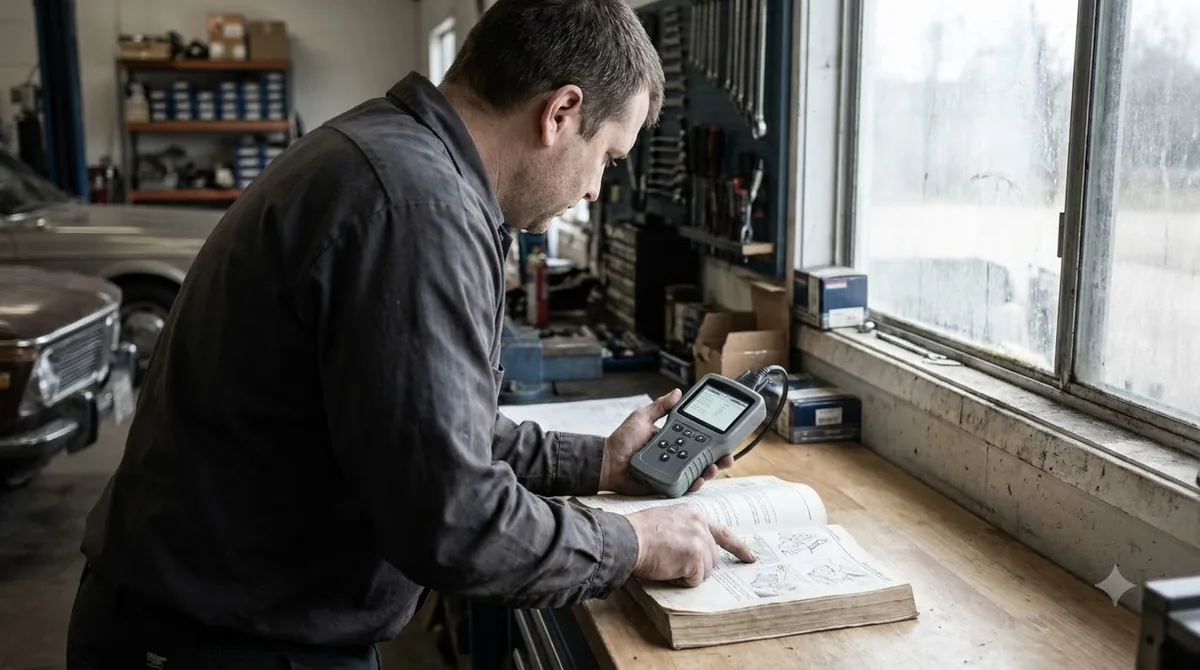
Live data helps you spot a pattern in sensor readings, but it does not replace the specifications in a service manual for your exact car.
Frequently Asked Questions
How much does an OBD2 scanner with live data cost?
Prices for an OBD2 scanner with live data vary by model and change often, so check the seller’s current listing before you buy. Engine-only adapters usually cost less than multi-module tools, so the coverage you need drives the price more than the brand does.
Can live data read every sensor on my car?
No. An OBD2 scanner with live data covers engine data most widely, while data from ABS, airbag and transmission modules depends on the tool and on your car. Check the scanner’s module list for your make and model before you buy.
Do I need a phone app?
Bluetooth adapters need an app on your phone. Standalone scanners such as Launch CRP123 have their own screen and need no phone, which makes them simpler for a glovebox tool.
What should I check on a listing before buying?
Check the live data systems the listing names, the vehicle coverage years, and the app or screen you will use. Confirm the return policy too, since a scanner that does not read your car is hard to return once opened.
Is live data enough to diagnose a fault?
Not on its own. An OBD2 scanner with live data shows what sensors report, so pair it with trouble codes and the specifications in a service manual for your car before you replace any part.
Pick an OBD2 scanner with live data by module coverage first, then by screen or app. If you only need engine data, a budget Bluetooth adapter is enough. If you need brake or airbag data, choose a multi-module tool and confirm it supports your car.