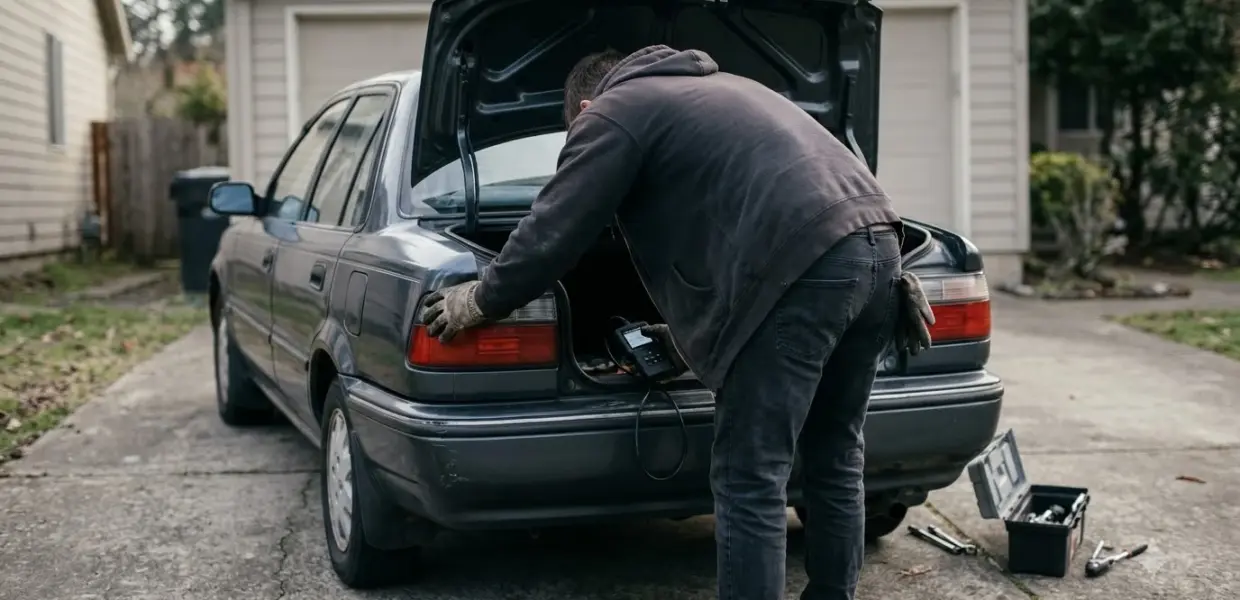

How to use an OBD2 scanner comes down to three actions: plug it into the port, turn the ignition on, and read the stored trouble codes. The same tool also shows live sensor data and readiness status, so one session can answer several questions.
A code points to a circuit or system, not always to the broken part, which is the first lesson in how to use an OBD2 scanner. Confirm the fault before you replace anything, and write the codes down before you clear them.
Work near a running engine with care. Keep hands, cables and loose clothing away from moving parts, follow your owner’s manual, and ask a qualified technician when a fault is unclear.
What an OBD2 scanner reads from your car
An OBD2 scanner reads the trouble codes and readiness data your car stores, and that data comes from up to 11 emission-related checks. The car’s computer runs these checks while you drive, so a fault can be stored long before a warning light appears on the dashboard. That early warning is why knowing how to use an OBD2 scanner matters to any owner.
According to KBB’s OBD-II guide, when the computer turns on the check engine light, at least one P0 code is always stored. Pending codes work differently, because they do not turn on the light, but a good scanner still reads them along with generic and manufacturer-specific codes.
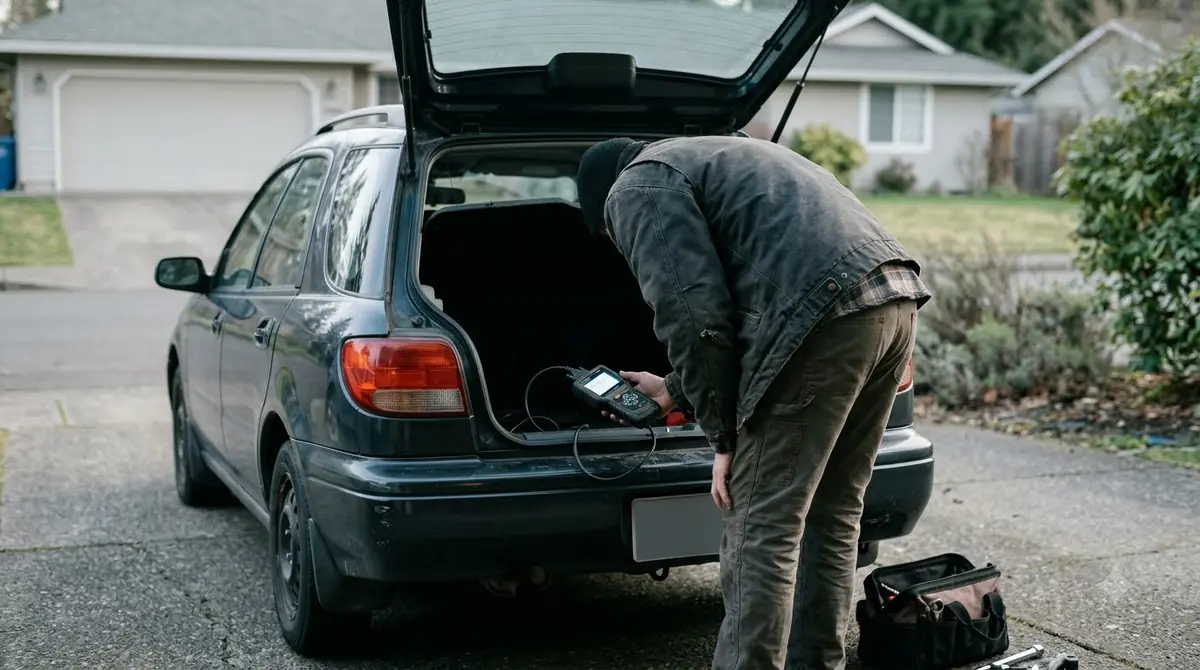
- Trouble codes, which name the fault the computer detected.
- Freeze frame data, a snapshot of engine conditions when the fault was stored.
- Live data, which shows sensor values as they change while the engine runs.
- Readiness status, which shows whether each emission check has finished.
If you are new to car diagnostics, the simplest way to learn how to use an OBD2 scanner is to read one stored code first, and only then look at live data.
Find the port and prepare the car
The OBD2 port is usually under the steering column or in the center console, and it is often hidden behind a small plastic cover. According to carVertical’s guide, you should look there first, and check your owner’s manual if the port is not where you expect.
Before you scan, park on a flat, safe surface and turn the ignition on, because a scan cannot run without it. carVertical also advises switching off the headlights, radio and air conditioning to reduce the electrical load on the battery.
Wired or Bluetooth scanner
A wired scanner plugs straight into the port, which is the simplest setup when you are learning how to use an OBD2 scanner. A Bluetooth adapter stays in the port and pairs with a phone app (see these Bluetooth OBD2 scanners for options), so check that the app supports your make and model before you buy or pair it.
Finding the port is the first skill in learning how to use an OBD2 scanner, and good preparation saves time.
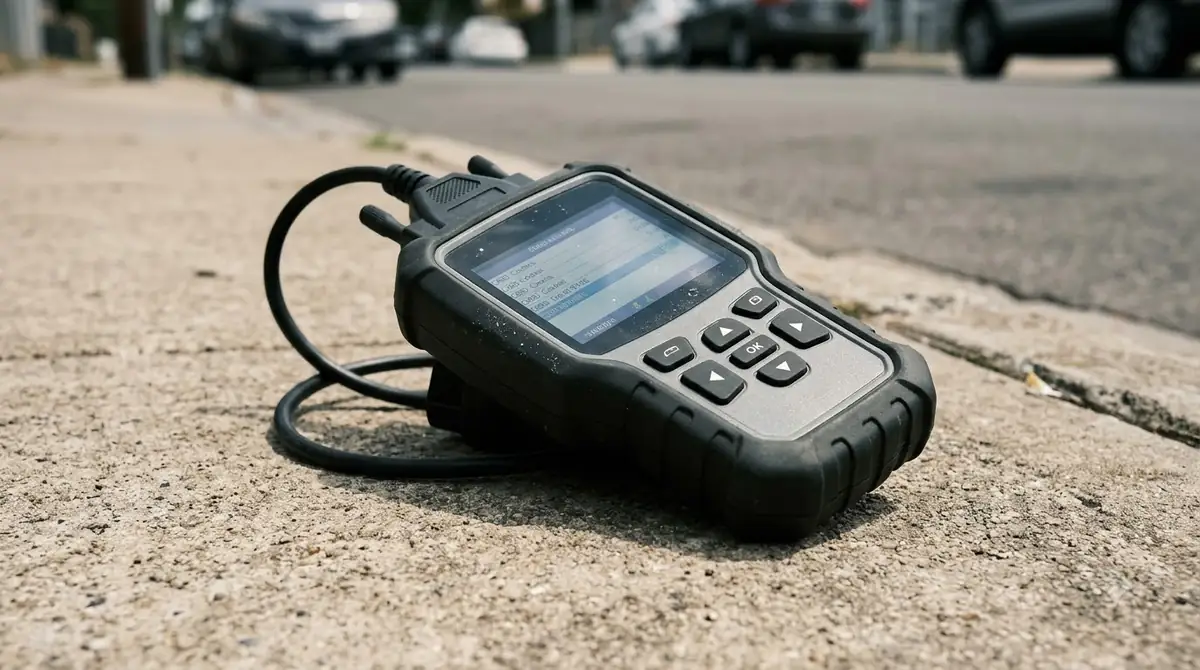
How to Use an OBD2 Scanner to Read Codes
To read codes, turn the ignition on, select your vehicle, run a fault code scan, and write down every code before you change anything.
Menu names differ between brands, so follow the words on your own screen. The routine for how to use an OBD2 scanner stays the same.
- Plug the scanner into the OBD2 port and turn the ignition on. This is the first step of how to use an OBD2 scanner.
- Select the make, model and year, or let the scanner read the VIN.
- Choose the fault code read option, or run a full scan if your tool offers one.
- Write down each code, including any pending codes, and note whether the check engine light is on.
- Look up each code in the scanner’s built-in list before you touch any part.
The scan time depends on the car and the tool. As carVertical puts it, codes often do not point directly to the faulty part, so the scan is the start of the diagnosis, not the end.
Understand codes and live data
A code such as P0171, System Too Lean, names a fault condition, but it does not name the broken part. carVertical notes that P0171 can have many causes, so you should confirm the fault with a multimeter or another test before you replace a sensor or part, for example by using an automotive multimeter.
When you learn how to use an OBD2 scanner, compare the code, the freeze frame and the live data together, then pick the one test that would prove or rule out the likely cause.
Freeze frame data helps you match the code to the moment it was stored, which is a core part of how to use an OBD2 scanner well. KBB describes it as a snapshot that stays in memory until the code is repaired or cleared, and a higher-priority code can overwrite it. When you use scanner data in a real repair, write the freeze frame values down before any clear, because they may be the only record of the moment the fault set.
Live data shows sensor values in real time, such as speed, fuel and boost pressure, and you can compare tools that stream it in this list of OBD2 scanners with live data. In carVertical’s example of a car in limp mode, the check focuses on fuel and boost pressure, intake airflow and intake manifold pressure to see which readings look normal.
Check readiness before an emissions test
Checking readiness is the last step when you use an OBD2 scanner before a test, because it tells you whether the car is ready to be tested at all. When you use an OBD2 scanner for readiness, the status shows whether each of the car’s up to 11 emission checks has run, and each one reads Complete, Not Complete, N/A or Unsupported. Ohio EPA’s readiness fact sheet, revised 09/16/2024, gives this key for inspection reports.
| Status | What it means |
|---|---|
| Complete | The on-board computer has run this readiness monitor. |
| Not Complete | The computer has not yet run this monitor. |
| N/A | The manufacturer did not equip the vehicle with this monitor. |
| Unsupported | The monitor was equipped but is no longer present, and in Ohio it must be corrected before the vehicle can pass E-Check. |
Ohio EPA says a scan tool is the best way to check whether the monitors are ready, so this step belongs in any lesson on how to use an OBD2 scanner, other than retesting the vehicle. Using the scan tool to reset the monitors also restarts the drive cycle, so plan the timing before an inspection.
After a repair or a battery disconnect, Ohio EPA advises driving for two or three days under normal conditions, including highway and city miles. The rules that apply to your own test may differ, so check local requirements.
Clear codes only after the repair is confirmed
Clear codes only after the repair is done. In any guide on how to use an OBD2 scanner, this is the step people rush, because clearing turns off the check engine light and resets the readiness monitors. Ohio EPA also notes that a battery disconnect clears stored codes in the same way.
Knowing how to use an OBD2 scanner does not make clearing codes safe at any time. Clearing is a reset, not a diagnosis, and it removes the evidence you may need for the next test. If you do clear a code after a repair, follow the steps for resetting the check engine light in the right order.
- A cleared code is not a repair, and carVertical’s guide makes the same point.
- Save or write down the codes and freeze frame data before you clear anything.
- If an emissions test is coming, Ohio EPA advises not clearing codes beforehand when you can, so the light stays on through the repair.
- If the light stays on after a correct repair, Ohio EPA says additional repair may be needed.
Keep the sequence simple: read the codes, record them, confirm the fault, repair it, then check readiness. Use this order every time. That sequence is the whole working method behind how to use an OBD2 scanner.
Frequently Asked Questions
Is it hard to learn how to use an OBD2 scanner?
No, the basic routine is short: find the port, turn the ignition on, read the codes, and record them. Most of the skill lies in confirming the fault before you replace parts, which takes some practice.
Can an OBD2 scanner damage my car?
Reading codes is a routine check, and the main risk comes from working near a running engine. Learning how to use an OBD2 scanner safely starts with your owner’s manual. Keep hands, cables and loose clothing away from moving parts, and follow the scanner’s instructions.
Do I need the engine running to read codes?
In practice, a scan starts with the ignition on, and the engine can be off or running. Turn the ignition on before you use an OBD2 scanner, because the diagnostic system cannot run without it. carVertical notes that most vehicles also allow a scan with the engine running, which is useful when you want live data.
What does P0171 mean?
P0171 is System Too Lean, which means the engine’s fuel mixture has too much air for the fuel. carVertical notes that this code can have many causes, so confirm the fault with a test before you replace parts. Good practice with an OBD2 scanner means you confirm the code before you spend money.
How long until readiness shows complete?
If an inspection is coming up, count the days before your test. Ohio EPA advises driving two or three days under normal conditions, with both highway and city miles, after a repair or a battery disconnect. Each reset starts the drive cycle over.
Why is my check engine light still on after clearing codes?
Clearing codes turns the light off, so if it returns, the fault is still present, and no scanner step will hide it. Ohio EPA also notes that if the light stays on after a correct repair, additional repair may be needed.
Use the scanner to gather facts first, then let a qualified technician confirm any repair that involves fuel, air or emissions parts. A confirmed fault, not a guess, is the real goal of how to use an OBD2 scanner.