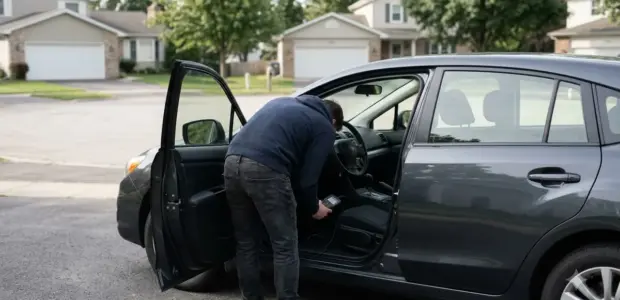

Learning how to use BimmerLink takes three steps: install the app, connect a supported OBD adapter to the car, and pair it with your phone. BimmerLink is a diagnostic app for BMW, MINI and Toyota Supra models.
BimmerLink reads and clears fault codes and shows live sensor data. It is not a coding tool. BimmerCode is a separate app for coding, and it also needs a supported OBD adapter.
What You Need Before You Start
BimmerLink needs an iPhone, iPad, Mac or Android device, a supported OBD adapter or cable, and a BMW, MINI or Toyota Supra from a covered model year.
The App Store listing says a supported OBD adapter or cable is required. The app works with supported Bluetooth or Wi-Fi adapters, so confirm the adapter type before you buy.
- iPhone and iPod touch need iOS 15.0 or later.
- iPad needs iPadOS 15.0 or later.
- Mac needs macOS 12.0 or later with an Apple M1 chip or later.
- Android phones are supported, according to the official BimmerLink website.
- Covered models include the 1 Series from 2004, the 3 Series from 2005, MINI from 2006 and Toyota Supra from 2019.
Not every adapter works with every vehicle. The BimmerCode adapter page notes that not every adapter can be used for all supported vehicles, and it does not say which adapter BimmerLink needs. Check the adapter against your exact car before you buy and before you learn how to use BimmerLink. The adapter page notes that not every adapter can be used for all supported vehicles, so a mismatch can block the connection when you learn how to use BimmerLink for the first time.
How to Use BimmerLink: Connecting to Your Car
To start a session, plug a supported adapter into the car’s diagnostic port, pair it with your phone, then open BimmerLink and connect to the car.
- Install BimmerLink from the App Store or Google Play.
- Plug the supported OBD adapter or cable into the car’s diagnostic port. Check the owner’s manual for the port location.
- Pair the adapter with your phone using the steps that come with it.
- Open BimmerLink and start a connection to the car.
- Check which functions appear in the menu, because availability depends on the vehicle and its equipment.
When you first learn how to use BimmerLink, start with reading codes and live data. Use service or feature functions only after the basic connection works.
If the app does not show the car, check the adapter and the connection before you change anything. Confirm that your car is on the covered list, re-seat the adapter, and repeat the pairing steps.
Reading and Clearing Fault Codes
BimmerLink reads and clears trouble codes from all control units in the car, so you can see which module reported each fault. Another brand-specific tool is in Volkswagen scanning with VCDS.
The official BimmerLink website says the app can read and clear diagnostic trouble codes from all control units in your car. Clearing a code removes the stored entry, but it does not repair the cause.
If the fault is still present, the code can come back. Note each code and its control unit before you clear anything, so you can check the cause and confirm the fix later.
Reading codes is usually the first job when you learn how to use BimmerLink. Each code comes from a specific control unit, so write down the unit name along with the code before you look up the repair. After a repair, clear the stored codes and drive the car to see whether the same codes return.
Live Data and Logging
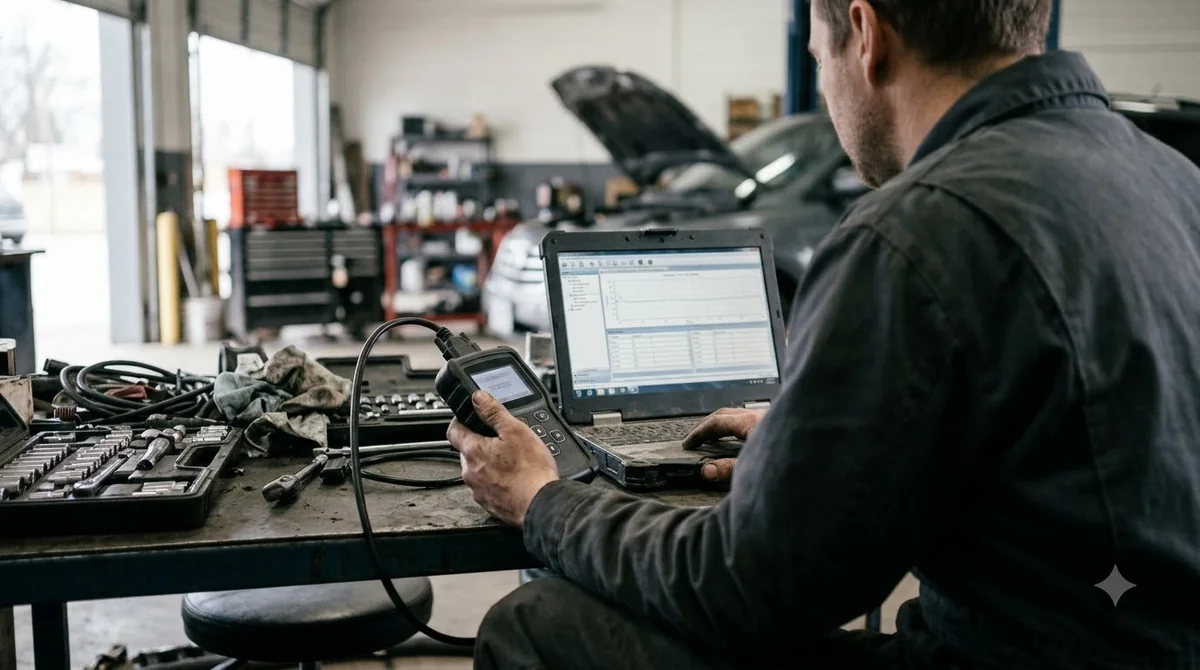
BimmerLink shows live sensor values on a customizable dashboard and can log them to CSV files for review later.
When you learn how to use BimmerLink for live data, pick the sensor values you want to watch, so the readings that matter stay on one screen. You can keep the values you use most in one view and remove the rest.
CSV logs save the values as a file you can open in a spreadsheet. A log is useful when you want to compare readings from two drives, but only if you know what each value means. Check the value names in the app against the service information for your car.
Live data also helps confirm a repair, and it is a good next step once you know how to use BimmerLink for codes. Compare the same values before and after the fix, under similar driving conditions, so the difference is clear.
Service Functions and Vehicle Features
BimmerLink can run service resets, battery registration and a few feature controls, but availability depends on the vehicle and its equipment. Supra owners can also see Toyota Techstream diagnostics.
The official BimmerLink website lists the service functions, which include service reset, battery registration, parking brake service mode and a reset of the lighting control unit’s short-circuit lock.
| Function | Applies to | Note |
|---|---|---|
| Service reset | Vehicles that support it | Resets the service display after maintenance |
| Battery registration | Vehicles that support it | Registers a new battery |
| Parking brake service mode | Vehicles that support it | Service-only function |
| DPF regeneration | Diesel cars only | Not available on petrol cars |
| Exhaust flap control | Cars with the factory exhaust flap | Availability varies by equipment |
| Active Sound Design muting | Cars with factory Active Sound Design | Availability varies by equipment |
| S55 sound tuning | M2 Competition, M3 and M4 | Sound settings for S55 models |
Service and feature functions change settings on the car, so change one setting at a time and note the original value. Treat parking brake service mode as a service-only function and follow a proper service procedure.
The App Store description also lists ZF 8HP transmission adaptation values. Equipment varies between cars of the same model, so learn how to use BimmerLink on a car you know well before you change any setting.
Common Mistakes to Avoid
The most common mistakes are buying an adapter without checking support, expecting diesel-only functions on a petrol car and clearing codes before finding the cause.
- Buying an adapter before checking your exact model and model year.
- Looking for DPF regeneration on a petrol car, because the function applies to diesel cars only.
- Expecting every menu item on every car, since feature availability depends on equipment.
- Clearing codes before writing them down.
- Running service functions without reading the vehicle’s service information first.
- Assuming BimmerLink is made by BMW. The official website says it has no connection to BMW AG.
Check the supported list before you buy, then read the codes before you clear them. That order is part of how to use BimmerLink safely, and it keeps the evidence for the repair.
BimmerLink or BimmerCode: Which App Do You Need?
BimmerLink handles diagnostics, live data and service functions, while BimmerCode is a separate app for coding, so choose the app by the job you need done. If you want to change settings, read coding BMW features with BimmerCode.
| Job | App | Notes |
|---|---|---|
| Read and clear fault codes | BimmerLink | Covers all control units |
| Live sensor data and CSV logs | BimmerLink | Customizable dashboard |
| Service reset and battery registration | BimmerLink | Depends on the vehicle |
| DPF regeneration | BimmerLink | Diesel cars only |
| Coding and personal settings | BimmerCode | Separate app and product |
The BimmerCode website describes BimmerLink as diagnostics, real-time data, battery registration, DPF regeneration and additional vehicle-specific functions. That split means you may need one app, the other, or both. If your goal is diagnostics, BimmerLink covers it on its own, so you do not need BimmerCode to learn how to use BimmerLink.
Frequently Asked Questions
Is BimmerLink free?
BimmerLink is a free download with in-app purchases. As of November 3, 2026, the App Store lists the full version at $39.99 and the CarPlay add-on at $9.99. Check the App Store for the current price before you buy.
Does BimmerLink work on Android?
Yes. The official BimmerLink website says you need an iOS or Android device plus one of the supported OBD adapters. Check the adapter list before you buy, since not every adapter works with every vehicle.
Does BimmerLink work on every BMW?
No. Before you learn how to use BimmerLink on your car, check the official list, which covers each series and model year, such as the 3 Series from 2005 and MINI from 2006.
Is BimmerLink made by BMW?
No. The official BimmerLink website says the app has no connection to BMW AG. The developer is SG Software GmbH & Co. KG, so check the developer details on the App Store listing before you learn how to use BimmerLink.
Does BimmerLink work on a Mac or iPad?
Yes, with conditions. The App Store listing says iPad needs iPadOS 15.0 or later, and Mac needs macOS 12.0 or later with an Apple M1 chip or later. Check your device’s software version in its settings before you learn how to use BimmerLink on it.
Can BimmerLink code a car?
BimmerLink is built for diagnostics, live data and service functions, not general coding. Coding is the job of BimmerCode, a separate app that also needs a supported OBD adapter. Choose the app by the job you need done, and learn how to use BimmerLink for diagnostics first.
Before you learn how to use BimmerLink, check your exact model and model year against the official list. Read the codes before you clear them, and use service functions only when you know what they change. If you need coding, that is a separate job for BimmerCode.