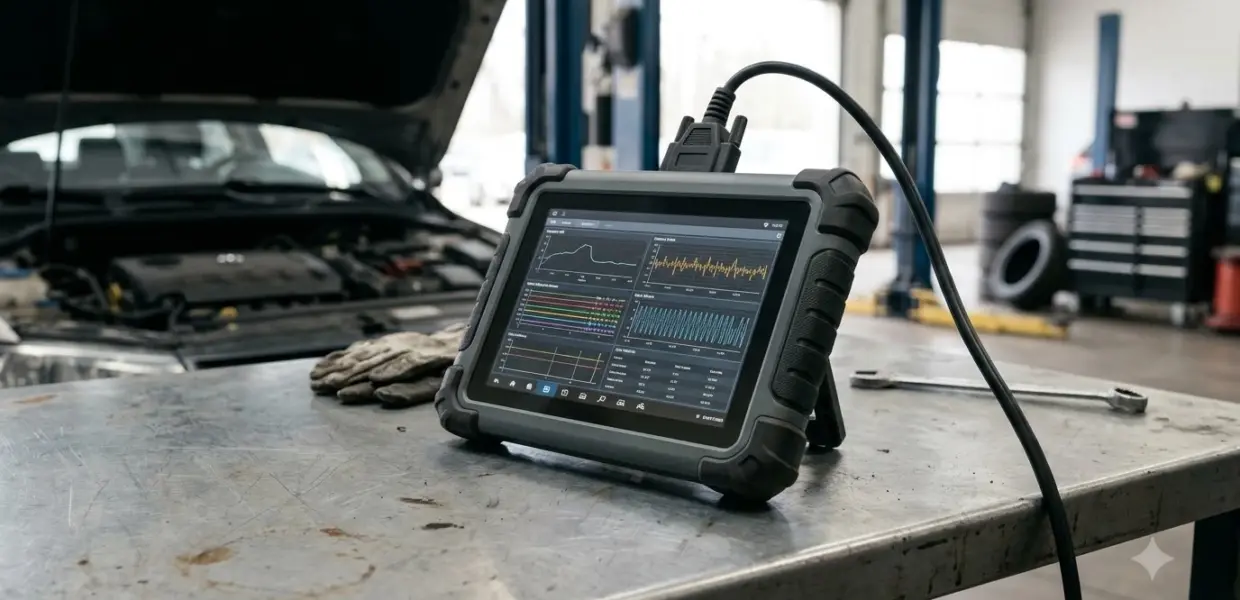

How to use Autel MX808 comes down to three steps: connect the wired main cable, identify the vehicle, then read codes or view live data. The Autel MX808 is a wired diagnostic tablet. As of 2026-11-05, the steps below follow the MaxiCheck MX808 user manual, not the MX808S or MX808TS.
For how to use Autel MX808 on a newer car, start with Auto VIN Scan on a 2006 or newer vehicle. For older cars or when the VIN does not read, select the vehicle by hand, since the MX808 supports several identification methods.
What the Autel MX808 does
The Autel MX808 is a 7-inch tablet with a 1024 x 600 touchscreen that connects to a vehicle through its main cable. According to Autel’s MaxiCheck MX808 product page, the unit is wired, while the MX808TS model uses Bluetooth instead. The page lists the tool as able to read and erase fault codes across the vehicle’s systems, show live data, and run special functions.
Before you start with how to use Autel MX808, check the basics: a fully charged tablet, the main cable in good condition, and a plan for what you want to find. A session that starts with a clear question, such as why the check engine light is on, is easier to read than one that scans everything with no goal.
In practice, how to use Autel MX808 comes down to three functions: reading codes, viewing live data, and a short list of service jobs such as oil reset. The device runs Android, so Settings, Wi-Fi and the shortcuts panel work the way they do on a standard tablet. Those menus are not needed for how to use Autel MX808 in a basic scan.
How to Use Autel MX808: Connect and Get It Ready
Learning how to use Autel MX808 starts with a working link. The MX808 needs a communication link to the vehicle before any diagnostic function works. The manual says to make sure the link is set up through the main cable first, then open the Diagnostics application from the Job Menu. Follow these steps each time you start a session.
- Plug the main cable into the vehicle’s OBD II port and into the tablet.
- Turn the vehicle ignition on, without starting the engine, unless a specific function asks you to start it.
- Power on the tablet and wait for the MaxiCheck Job Menu to appear.
- Tap the Diagnostics button to open the Vehicle Menu.
Shutdown needs the same care. The manual says to exit the Diagnostics application before powering down, because a forced shutdown during communication may lead to ECM problems on some vehicles. Long press the power button, tap Power off, then tap OK and wait for the tablet to switch off.
How to use Autel MX808 to identify a vehicle with Auto VIN Scan
The manual lists four ways to identify a vehicle: Auto VIN Scan, Manual VIN Input, Automatic Selection and Manual Selection. Auto VIN Scan is the fastest method, and the manual says it works on 2006 and newer vehicles. Use it first, then fall back to the others only when the scan does not match the car.
- In the Vehicle Menu, tap the VIN Scan button in the top toolbar.
- Select Auto Detect and wait for the VIN to appear on the screen.
- Check that the VIN matches the car. If it does not, enter the VIN manually or tap Read to acquire it again.
- Tap Yes to confirm the vehicle profile, or No if the information is wrong.
If the vehicle is older than 2006, or the VIN will not read, use Manual VIN Input or Automatic Selection. Automatic Selection starts by choosing the manufacturer and then runs the VIN scan within that brand menu. Manual Selection lets you pick the make, model and year yourself.
How to use Autel MX808 to read and erase trouble codes
Read Codes is the main job in how to use Autel MX808 for diagnostics. The screen lists each code in the Code column, its status in the Status column, and a plain description in the Description column. Use the Help button for fault information and the Search button for an online lookup of the code.
- Code column: the retrieved codes from the vehicle.
- Status column: the current state of each code.
- Freeze button: shows freeze frame data when the vehicle has it.
- ESC button: returns to the previous screen or exits the function.
Stored codes and pending codes can appear in the same session. The manual describes stored codes as current emission-related codes from the engine computer, so write down what each screen shows before you change anything. Do this each time you practice how to use Autel MX808 on a real car. That record makes it easier to tell a code that is new from one that was already there.
In how to use Autel MX808 correctly, Erase Codes should come after the repair, not before. The manual warns that erasing removes data from the vehicle, so the tablet asks for confirmation first. After erasing, run Read Codes again to check whether the codes are gone. A code that returns means the fault is still present.
How to Use Autel MX808 Live Data and Special Functions
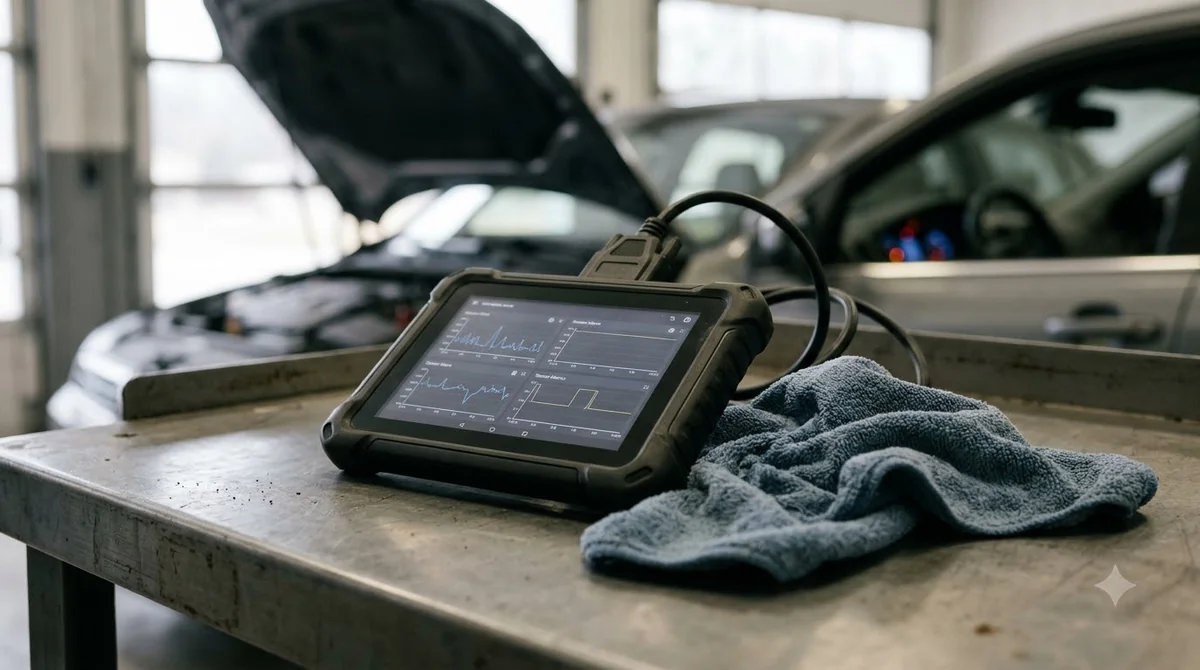
Live Data shows the values a control module reports in real time, such as sensor readings and system status. You can tick the parameters you want, record a session, and set minimum and maximum thresholds that trigger a warning when a value goes past them.
- Select the parameters with the check box beside each name.
- Use the Record button to store a session for later review.
- Set MIN and MAX values to get an alert when a reading goes out of range.
- Review saved sessions in the Data Manager application.
Special functions cover jobs such as Oil Reset, EPB, SAS and IMMO. For steering angle calibration, the manual says the battery voltage should be between 12.5 and 13.5 volts, and the tablet warns you if it is outside that range. Special functions depend on the vehicle, so check how to use Autel MX808 for your make against the manual, which notes that some functions are supported only on certain makes. Follow the on-screen steps, and use ESC to exit once a message shows the job is finished.
When the MX808 cannot help and what to check
The MX808 reads and clears codes, but it does not repair anything. A clean scan does not prove that a part works, and a code can come back after erasing if the fault has not been fixed. The table below summarizes how to use Autel MX808 when a scan does not go as planned. For tire pressure sensors, Autel sells a dedicated tool, covered in the Autel TS508WF TPMS sensor programming steps.
| Situation | Likely reason | What to do |
|---|---|---|
| The VIN does not match the car | Wrong VIN read or a VIN from a different vehicle | Enter the VIN by hand and check the plate on the car |
| The scan finds no vehicle | Vehicle older than 2006 or a cable not fully seated | Use Manual Selection and check the OBD II connection |
| A code returns after erasing | The fault is still present | Diagnose and repair the fault before erasing again |
| Tablet loses communication | Cable disturbed or ignition turned off mid-test | Exit Diagnostics, reconnect the cable, and start again |
Related Guides
Frequently Asked Questions
Does the Autel MX808 work on older cars?
The manual says Auto VIN Scan is compatible with 2006 and newer vehicles. For older cars, choose the make, model and year by hand, or enter the VIN manually if it is available. The result depends on the vehicle and its systems.
Is the MX808 wired or wireless?
The MX808 is listed as wired on Autel’s product page. The MX808TS model uses a Bluetooth connection, so check which model you have before buying cables or planning a session.
Can the MX808 clear a check engine light?
It can erase stored codes, which may turn off the light for that code. If the fault is still there, the code will come back, so repair the cause first and then erase.
Do I need a VIN before I start?
Not always. Auto VIN Scan reads the VIN from the vehicle, but if it fails, you can enter the VIN by hand or select the vehicle from the menus. Having the VIN from the registration or door plate makes the manual route faster.
What does the ESC button do?
ESC returns you to the previous screen or exits the current function. Tap it after you finish viewing codes, live data or a special function.
Why should I exit Diagnostics before turning the tablet off?
The manual says a forced shutdown while the tablet is communicating may cause ECM problems on some vehicles. Exit Diagnostics first, then power down from the tablet menu.
Treat how to use Autel MX808 as a diagnostic step, not a verdict. Write down the codes and the vehicle details before you erase anything, so the next check has a record to compare against. If a fault keeps returning, take the codes and your notes to a shop.