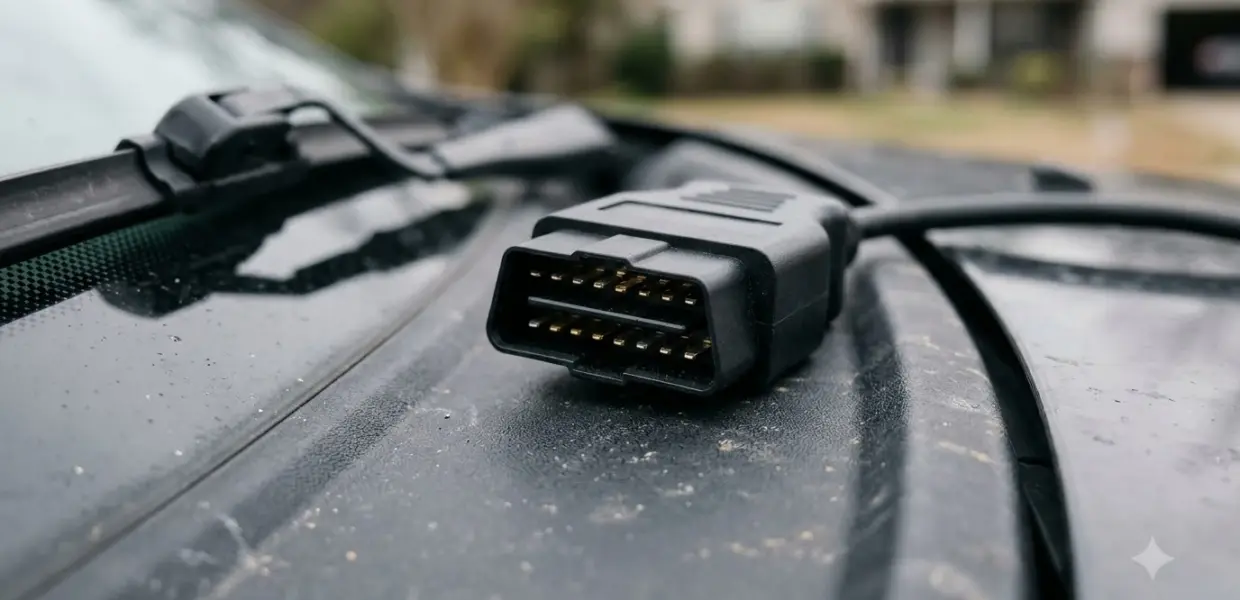

Learning how to use ANCEL AD530 means plugging it into the car’s OBD2 port, reading stored trouble codes, and checking emissions readiness before you act on the results.
The steps for how to use ANCEL AD530 are similar across handheld code readers, but menu names differ between the AD530 and the AD530 Pro. Check the model label and the manual that came with your unit first.
This is general usage guidance, not a repair instruction. Your scanner manual and a qualified technician should guide any repair or decision about a vehicle fault.
What the ANCEL AD530 Does
The ANCEL AD530 is a handheld OBD2 code reader. It retrieves stored trouble codes, shows live sensor data, checks emissions readiness, and can erase codes after a repair is complete.
Model names are easy to mix up when you learn how to use ANCEL AD530 from listings. Manuals and listings online mention the AD530, the AD530 Pro and bundled versions, so match the instructions to the exact label on your device.
ANCEL’s download page lists the AD530 under its product manuals and updates, which makes it the best starting point for the correct file.
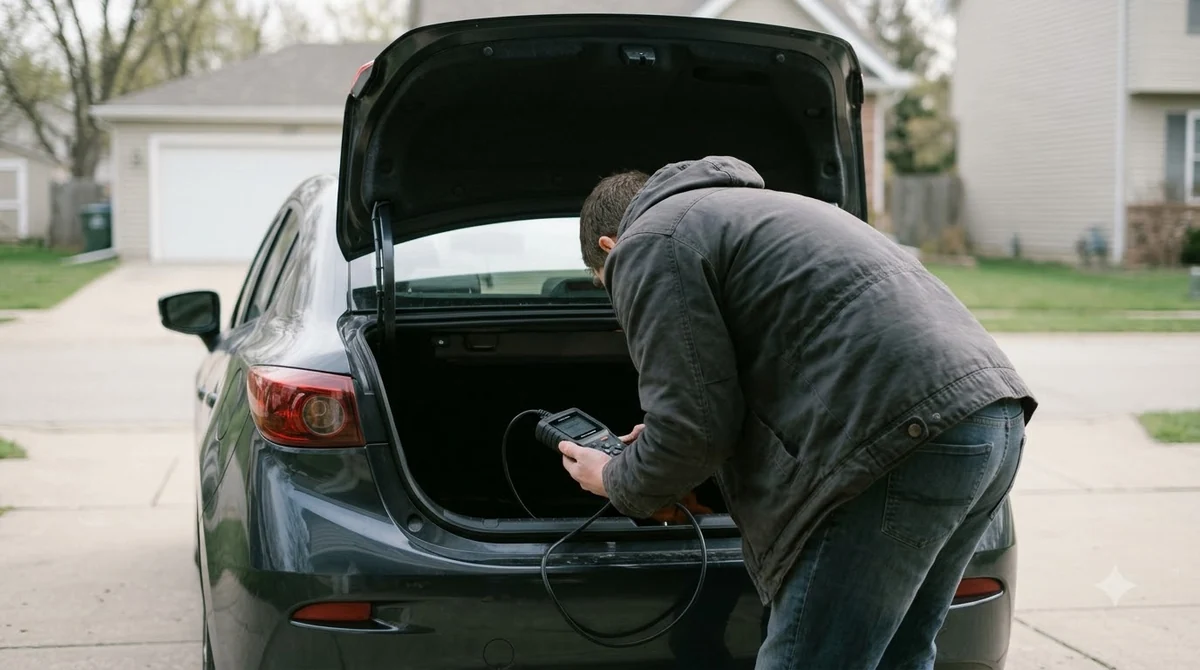
A first session goes faster when you check the ignition, the cable and the port in that order. Skipping one step is the usual reason for a blank screen, so follow that order whenever you apply how to use ANCEL AD530 on a new car.
Before You Plug It In
Good preparation is the first part of how to use ANCEL AD530 without setup problems. Switch the ignition off, park safely, and locate the OBD2 port before you open the scanner menu.
- Park the car on level ground and set the parking brake.
- Turn the ignition off before connecting or disconnecting the cable.
- Find the 16-pin OBD2 port, which is usually under the dashboard on the driver side.
- Charge or power the scanner as its manual describes, so it does not shut off mid-test.
- Keep a pen and paper or a phone ready to record every code.
Before you learn how to use ANCEL AD530 on a specific car, check that the vehicle is a model the scanner supports. Coverage varies by make, model and year, so confirm it in the manual before you rely on the readings.
How to Use ANCEL AD530 to Read Codes Step by Step
To read codes, connect the cable, turn the ignition on without starting the engine, and select the read codes function on the AD530 menu.
- Plug the cable into the OBD2 port until it seats firmly.
- Turn the ignition to the on position with the engine off, so the scanner can communicate with the computer.
- Power on the AD530 as its manual describes; many handheld readers start once they are connected to the port.
- Use the buttons on the unit to move through the menu and select an option, as your manual describes.
- Choose the read codes function, then write down each code and its description from the screen.
- Use the back or exit button to return to the previous screen when you finish.
What the Screen Shows
Each code appears with a short description. Look up that code separately before you act, because a description alone rarely names the failed part or explains why the fault occurred.
Once you know how to use ANCEL AD530 for reading codes, live data is the natural next step. Learning how to use ANCEL AD530 for live data mostly means picking one sensor. Start with the sensor named in the code, then watch its reading at idle and under light throttle, and write the values down.
Live Data and I/M Readiness
Live data shows sensor readings as text or graphs while the engine runs. It helps when a code points to a sensor, because you can watch how the reading changes at idle or during a short drive.
The I/M readiness function (check your manual for its button or menu) lists emissions monitors such as misfire, fuel system and comprehensive components. A monitor that shows incomplete is normal after codes have been cleared, so do not treat it as a new fault.
When you apply how to use ANCEL AD530 this way, compare live readings with the specification in a repair manual rather than guessing. Scope boundary: a basic handheld reader reads standard OBD2 data, so it may not reach systems such as airbag, ABS or transmission modules.
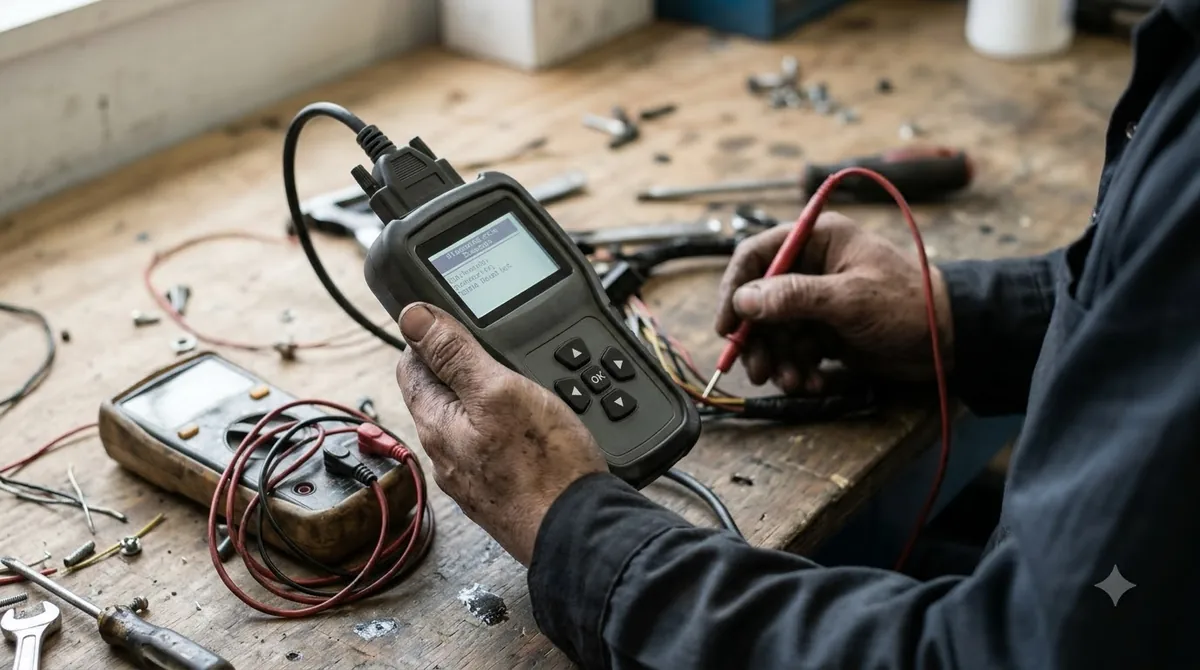
Before you move on, remember that the AD530 reads data but does not repair anything. Treat any screen result as a clue that guides the next test, not as the final answer.
A code list with several entries often means one underlying fault has triggered more than one code. Start with the earliest or most general code, then check the others again after the repair.
Erasing Codes Without Hiding a Problem
The erase function clears stored trouble codes and turns off the malfunction indicator light. It also removes freeze frame data and resets the readiness monitors, so the evidence is lost once you erase.
- Fix the cause before erasing, or the code is likely to return.
- Write down every code and any freeze frame data before you clear anything.
- Expect readiness monitors to show incomplete after clearing, until the car completes normal driving.
- Do not clear codes just to pass an emissions check.
After clearing, drive the car normally so the monitors can run again. If the malfunction light returns within a few drive cycles, the fault still exists and the code should be read again.
Erasing does not repair anything, and it should end a scan, not start one. It only resets the stored data and the light, so treat it as the last step in any scanning session, not the first.
Common Mistakes and Scope Limits
The most common mistake for anyone learning how to use ANCEL AD530 is erasing codes before the cause is found. That hides the evidence a technician needs, and the light may come back at a worse moment.
Confusing the AD530 with the AD530 Pro is another frequent error. The Pro version may offer extra functions, so follow the steps for the exact model in your hand.
This guide on how to use ANCEL AD530 covers basic reading, live data and erasing on standard OBD2 systems. It does not cover module programming, coding or repair procedures that the scanner manual does not describe.
If the first session shows no codes but the light stays on, repeat the read after a short drive. Some faults appear only under certain conditions, so a repeat check is still a useful part of how to use ANCEL AD530 correctly.
Many new owners of the ANCEL AD530 blame the scanner when a code looks unclear. In most cases the code points to a system, and the live readings are what narrow down the next test.
Related Guides
Frequently Asked Questions
Does the ANCEL AD530 work on every car?
Not necessarily. OBD2 readers work on most vehicles with a standard port, but coverage varies by make, model and year. Check the coverage list in the manual or on ANCEL’s support pages before relying on the scanner for a specific car.
Will the AD530 turn off the check engine light?
Erasing codes turns off the malfunction indicator light, but the light returns if the fault still exists. Fix the cause first, then clear the code, so the light stays off because the problem is gone.
Should I update the AD530 before first use?
Check your manual and ANCEL’s download page to see whether a software update is available for your unit before first use. Follow the update steps for your exact model, and keep the device powered throughout the process.
What is the difference between read codes and live data?
Read codes retrieves the stored trouble codes that the computer has recorded. Live data shows sensor readings in real time, so you can see how a sensor behaves while the engine runs.
Is the AD530 suitable for beginners?
Yes, how to use ANCEL AD530 for reading codes and viewing live data is easy to learn, because the menu is short. Beginners should avoid erasing codes until they understand the cause, and should read the manual before clearing anything on the device.
Can the AD530 test a car battery?
Battery testing may be offered only on some versions, such as the AD530 Pro, so the steps depend on the model. Confirm whether your unit has that function before attaching clamps, and follow the manual for correct clamp placement.
Read the codes, write them down, and fix the cause before erasing anything. When you learn how to use ANCEL AD530, use the manual for your exact model, since menu names and functions differ between versions.