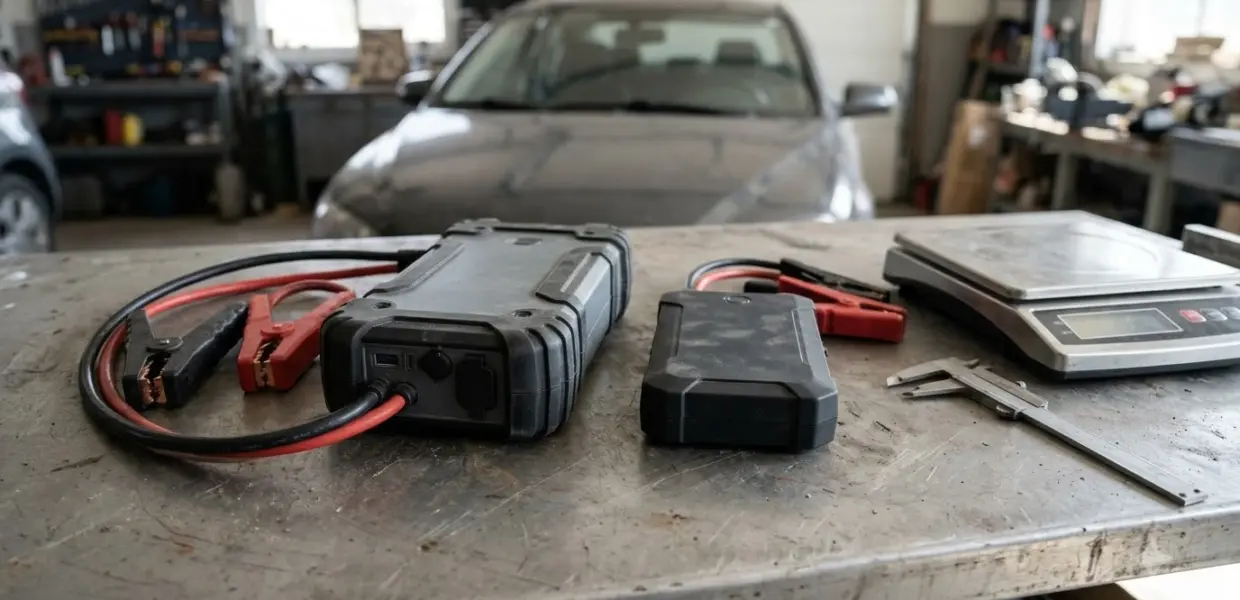

To learn how to use GOOLOO GP4000, check that it holds more than 60 percent charge, clamp the cables to the car battery, then start the engine once the smart cable shows a steady green light.
The GP4000 is a 4000A portable jump starter with a smart cable and safety lights. Read the warnings before the first use, because the limits are strict.
Jump-starting a battery carries risk to the battery and the electrical system. Follow the manufacturer’s warnings and your vehicle’s owner’s manual before you connect any clamp.
How to Use GOOLOO GP4000: What It Is and What You Need
The GOOLOO GP4000 is a lithium jump starter rated for 4000A peak current, and the manual limits it to 12V vehicles. The starting current is 800A for 3 seconds and 500A for 5 seconds, and the unit has a capacity of 99.2Wh.
Before you learn how to use GOOLOO GP4000, check the body size and weight. The manual lists 228 x 99.5 x 38 mm and 820 g, with an operating range of -20 to 60 C (-4 to 140 F). It also states a life of more than 1000 cycles.
The package includes the host unit, the smart jumper cable, a cigarette lighter socket adapter, a USB-A to Type-C cable, an EVA case and the GOOLOO GP4000 user manual. The manual warns against using it on anything other than a 12V vehicle.
Part of how to use GOOLOO GP4000 is checking the package contents against the list before you charge, since the smart cable and the USB-A to Type-C cable are the two items you need for a start and a charge.
Charge the GP4000 Before the First Use
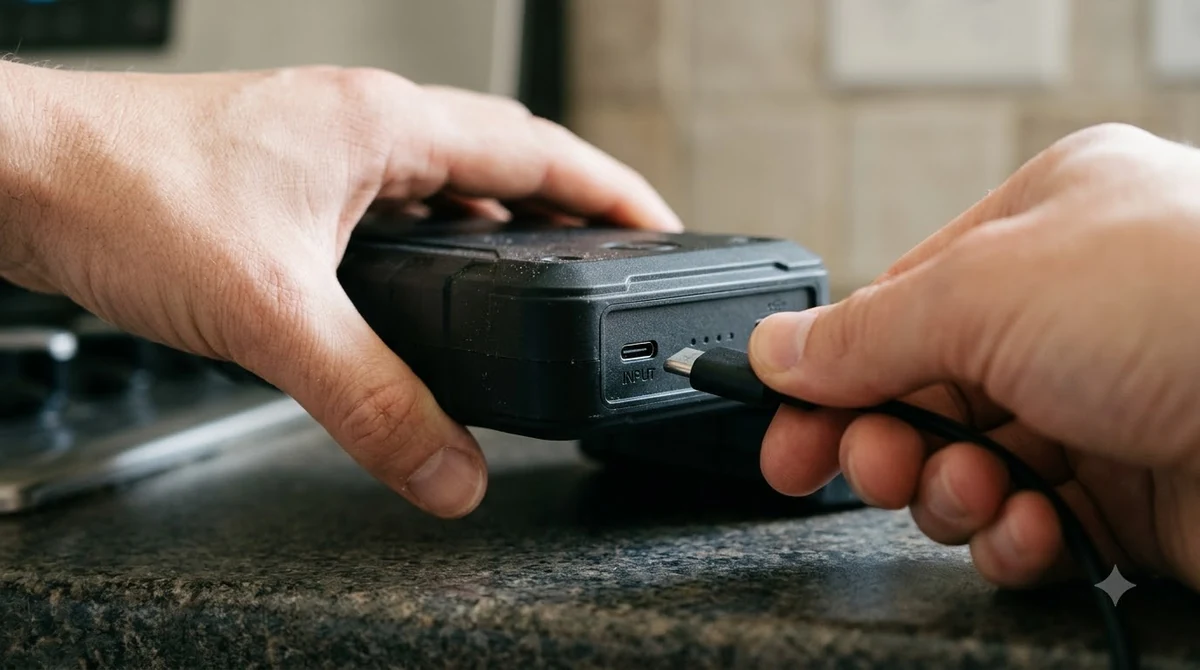
Charge the GP4000 through its USB-C port before the first use, because a low unit may not start the car. This is the first part of how to use GOOLOO GP4000. The English specification table lists 6 to 8 hours for a full charge at 5V/3A.
- Connect the USB cable to a car charger or a wall charger, which are sold separately.
- Connect the Type-C end of the cable to the host unit.
- Press the power switch to read the battery level on the four indicator lights.
- Recharge the unit until all lights stay on and charging is complete.
The manual says to charge the unit first if it has not been used for more than two months. It also warns against leaving it in a hot car for long periods, because high heat can change the internal structure of the lithium cells.
The 60 percent rule applies to every start, not only the first one. Check the level before each use, especially after the unit has sat unused, and recharge before you rely on it. Doing this first is part of how to use GOOLOO GP4000 in the right order.
Read the Smart Cable Lights Before You Start
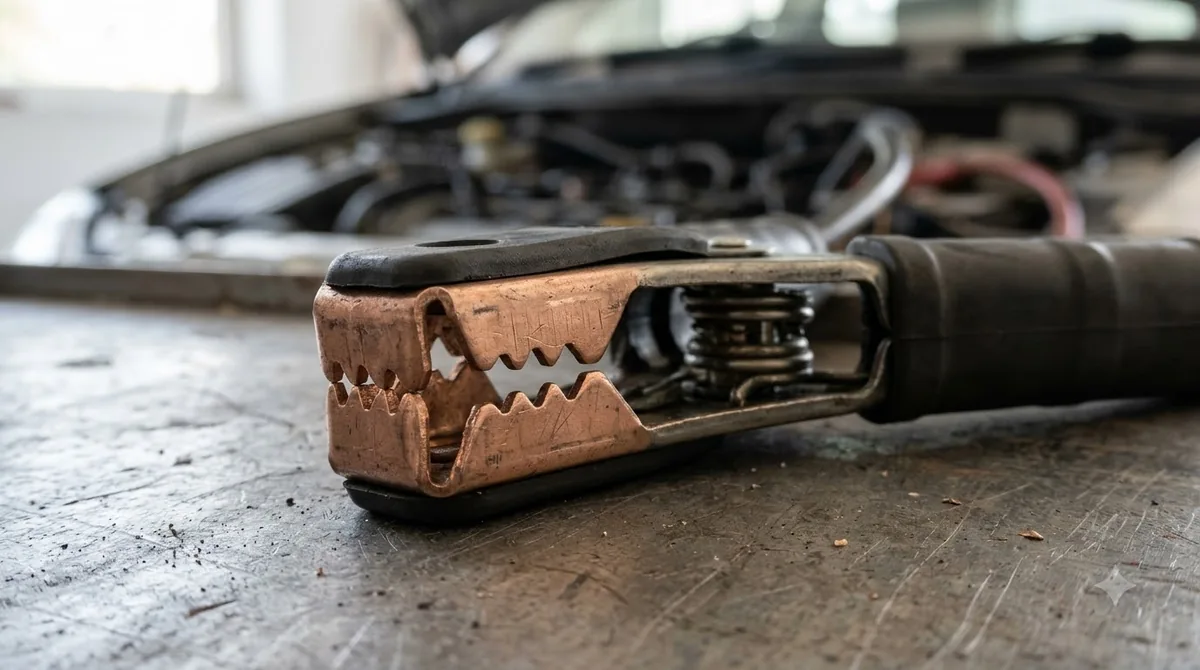
The smart cable shows a steady green light when the clamps are correct, and a red light with a beep when they are wrong. The lights are your check before you turn the engine over.
| Cable light | What it means | What to do |
|---|---|---|
| Steady green | The connection is correct | Start the engine |
| Red with beep | The connection is wrong | Do not start. Reconnect red to + and black to – until the green light is steady |
| Flashing green | The car battery is low | Press BOOST, wait for a steady green light, then start within 30 seconds |
| No lights and no beep | The clamps or connection may be faulty | Check the clamps, press BOOST, wait for a steady green light, then start within 30 seconds |
Dirty or corroded terminals can make a poor connection, so wipe them clean before you clamp and give the green light a solid contact to read.
A steady green light tells you the clamps are making contact, not that the car will start. If the engine still turns over slowly, the battery may be too weak, so recheck the light before trying again. When you practice how to use GOOLOO GP4000 on a new battery, read the lights once with the car off.
How to Use GOOLOO GP4000 to Jump Start a Car
Clamp red to the battery’s positive terminal and black to the negative, then start the car once the smart cable’s green light is steady. The manual’s sequence is below, and it is the safest order to follow. This sequence is the core of how to use GOOLOO GP4000.
- Confirm the GP4000 has more than 60 percent charge.
- Plug the smart cable into the unit and switch the unit on.
- Connect the red clamp to the positive terminal and the black clamp to the negative terminal of the car battery.
- Wait until the cable’s green light stays steady.
- Start the car. Do not try more than three times in a row, and wait two minutes between attempts.
- Within 30 seconds after the engine starts, unplug the cable from the unit, then disconnect the clamps from the car battery.
If the car does not start, recharge the GP4000 fully and try again. The manual limits you to three attempts in a row with a two-minute wait between them, so do not rush the next try.
Each new attempt should go through the full sequence again, starting from the light check, so a wrong connection does not go unnoticed. Treat that routine as the standard way to use GOOLOO GP4000 on every start, not a shortcut.
Flashlight and USB Outputs
In how to use GOOLOO GP4000, the flashlight is simple: hold the power switch for three seconds to turn on the LED flashlight, then press lightly to cycle through the flashlight, strobe and SOS modes. Press the same switch again to turn the light off.
Using the flashlight to check the clamp position in the dark can help when you learn how to use GOOLOO GP4000 at night. Keep it switched off when you do not need it, so the charge is saved for the start.
The unit has a USB-A output at 5V/2.1A, a Type-C output at 15W and a quick charge port. The manual says the Type-C output can power a MacBook-series laptop, but the unit cannot charge other devices while it starts a car. The outputs are secondary to starting the car, so use them only when the unit is not needed for a start.
Common Mistakes and Storage Tips
The manual points to a few mistakes that cause the most trouble when you learn how to use GOOLOO GP4000 for the first time. Avoiding them protects both the unit and the car battery.
- Using it on a vehicle that is not 12V, which the manual warns against.
- Leaving the clamps on for more than 30 seconds after the engine starts.
- Trying to start more than three times in a row without a two minute pause.
- Leaving the unit in a hot car for long periods.
- Leaving it unused for more than two months without charging.
The manual suggests recharging the unit about every three months while it sits in storage. Keep it indoors, out of extreme heat, and away from water.
Each mistake above breaks the order the manual sets, so keep the steps in sequence. A car battery charger guide covers charging a battery that is too weak to jump. Reading the manual once before you learn how to use GOOLOO GP4000 prevents most of the trouble. NOCO’s GB50 is a comparable portable jump starter, with its checks covered in the NOCO GB50 battery voltage check and steps.
Related Guides
Frequently Asked Questions
How long does the GP4000 hold its charge?
The manual suggests recharging the unit about every three months while it sits in storage. Check the level with the power switch before you rely on it for a start. That check is the first step of how to use GOOLOO GP4000 in practice.
Can I use it on a motorcycle or boat?
The manual limits the GP4000 to 12V vehicles and warns against using it on anything other than a 12V vehicle. Check your vehicle’s battery voltage before you connect any clamp, and do not use the unit on anything outside that limit. The same 12V rule applies whenever you learn how to use GOOLOO GP4000 on a new vehicle.
Why won’t my car start?
The manual says to recharge the unit fully and try again, waiting two minutes between attempts. Check the clamps and the smart cable light before each try, and stop after three attempts in a row. Following the steps in order helps narrow the cause.
What is the peak current of the GP4000?
The manual lists a 4000A peak current, with a start current of 800A for 3 seconds and 500A for 5 seconds. Those figures describe the unit’s output, not the amount your car needs to start.
Can it charge a phone during a jump start?
No. The manual says the unit cannot charge other devices while it starts a car. Charge your phone after the engine is running and the unit has been disconnected, or use the outputs only when no start is in progress.
Check the green light and the 30 second rule every time you use the unit. Keep the manual with the EVA case, and recharge the GP4000 on schedule so it is ready when you need a start. Knowing how to use GOOLOO GP4000 safely is about routine, not speed.