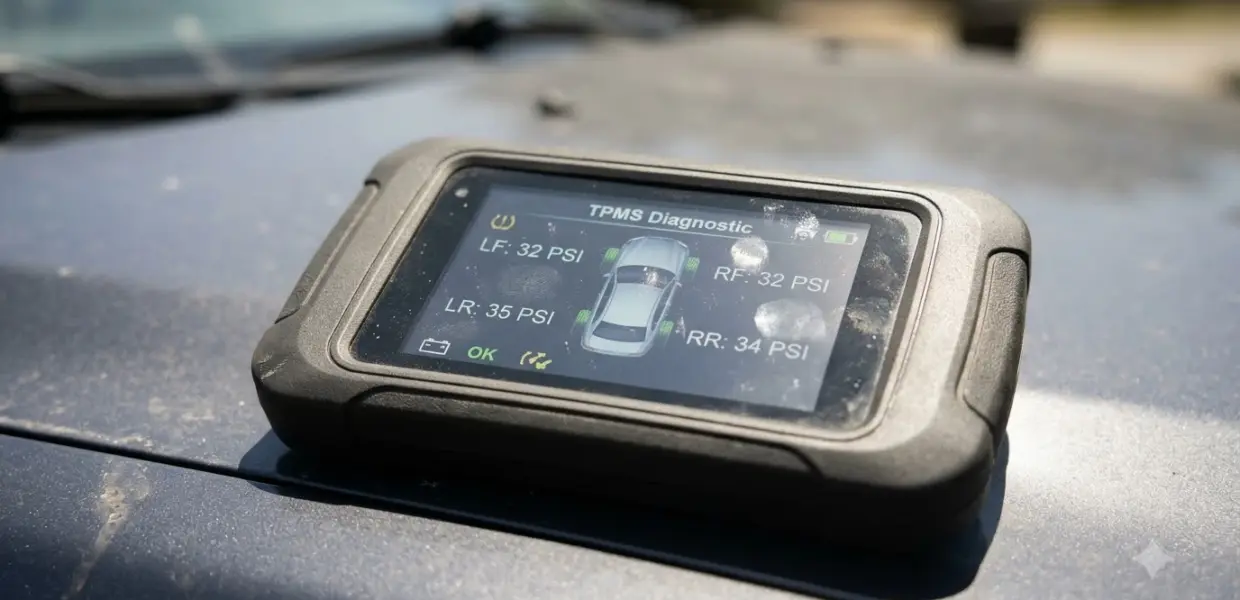

How to use a TPMS relearn tool comes down to three steps: connect the tool, put the car in relearn mode, and activate each tire pressure sensor in order. The exact sequence depends on your vehicle, so the procedure for your make and model always comes first.
Methods differ by manufacturer, so check your owner’s manual and the requirements shown on your tool’s screen before you start. A skipped step can mean starting the whole procedure over.
When You Need a TPMS Relearn
A TPMS relearn is needed after you change tire pressure sensors or rotate your tires. Without one, the dashboard TPMS light may stay on.
A relearn connects each sensor to the car’s monitoring system so the vehicle can recognize the sensor IDs and match them to the correct wheels. SimpleTire describes the process this way, and notes that it is typically needed after changing sensors or rotating tires.
The main symptom to watch for is the dashboard TPMS light. Afterward, confirm that the light is off, as the same guide advises, before you assume the job is finished. Set the tires to the recommended pressure first, as covered in portable tire inflator buying tips.
Rotation changes which wheel each sensor sits on, so the positions stored in the car no longer match the sensors. That mismatch is why rotation is a common trigger, and why the relearn belongs in the same visit as the rotation rather than as a later fix. For a compact Honda, the model-specific steps are in our Honda Civic TPMS reset guide.
Find Out Which Relearn Method Your Car Uses
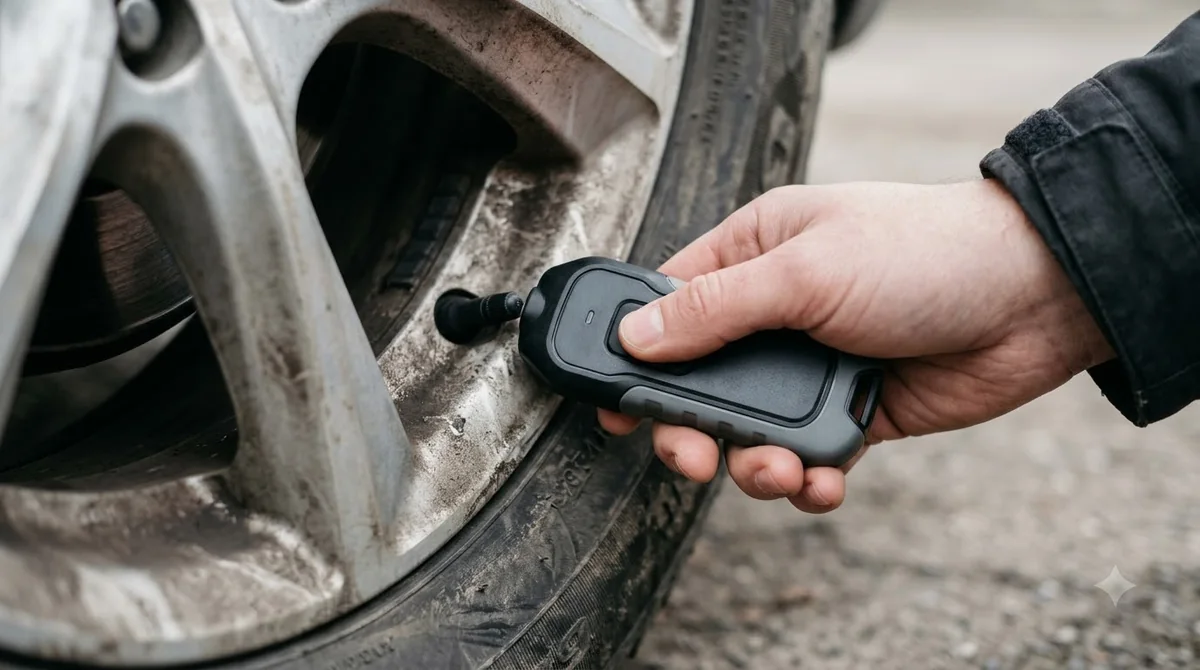
Most cars use an OBD relearn with a scan tool or a stationary relearn, and an auto relearn works through driving. Check your owner’s manual first, then compare the methods below; this choice is the heart of how to use a TPMS relearn tool correctly.
| Method | How it starts | What the car needs | Where it is used |
|---|---|---|---|
| OBD relearn | Tool plugs into the OBD port and writes sensor IDs to the vehicle’s computer | Tool connected to the OBD port | Frequently used on most Japanese and Korean vehicles, plus Chrysler, Fiat, Land Rover and Jaguar |
| Stationary relearn | Tool OBD function or onboard keys enter relearn mode, then each sensor is activated | Car in park | Follows the sensor order in the vehicle’s procedure |
| Auto relearn | The car learns the sensors while you drive | A drive at speed | Typically about 30 minutes at 50 mph or more, according to SimpleTire |
Autel describes the stationary procedure as one to run in park mode. If you searched for how to use a tpms tool or how to use a tpms reset tool, picking the right method is the first decision either way.
Innova’s SD35 documentation says the tool shows an advisory message when a vehicle does not support relearn. Check for that message before you spend time on a procedure your car does not offer. If you are still choosing a tool, bidirectional scan tool comparison lists what to check first.
Once you know which method applies, the rest of how to use a TPMS relearn tool is following that method’s steps in order. Read only the section that matches your car, and skip the others.
How to Use a TPMS Relearn Tool with OBD
The OBD route is the most common answer to how to use a TPMS relearn tool on a scan tool: you open the TPMS Relearn menu, start the sensor learn function, and wait until the tool confirms the result.
- Connect the tool to the vehicle’s OBD port and open Workshop Tools from the home screen.
- Select TPMS Relearn, then choose TPMS Relearn OBD.
- Select the function, such as Tire Pressure Sensor Learn. The function name varies by manufacturer, year and model.
- Press Next, then check that Command State shows None, which means the function has not run yet.
- Select Learn and press OK to start the function.
- Wait while the tool communicates with the vehicle.
- Confirm that Command State shows Learn, then select Back to return to the menu.
The steps above follow Innova’s SDS43 TPMS relearn guide, which asks you to confirm that your vehicle meets the listed requirements before you proceed. The page does not list those requirements, so read them on your tool’s screen first.
The OBD steps above use menu names from one tool family. Other brands may label the same screens differently, so match the names to what your own tool shows rather than the wording here.
How to Use a TPMS Relearn Tool in Stationary Mode
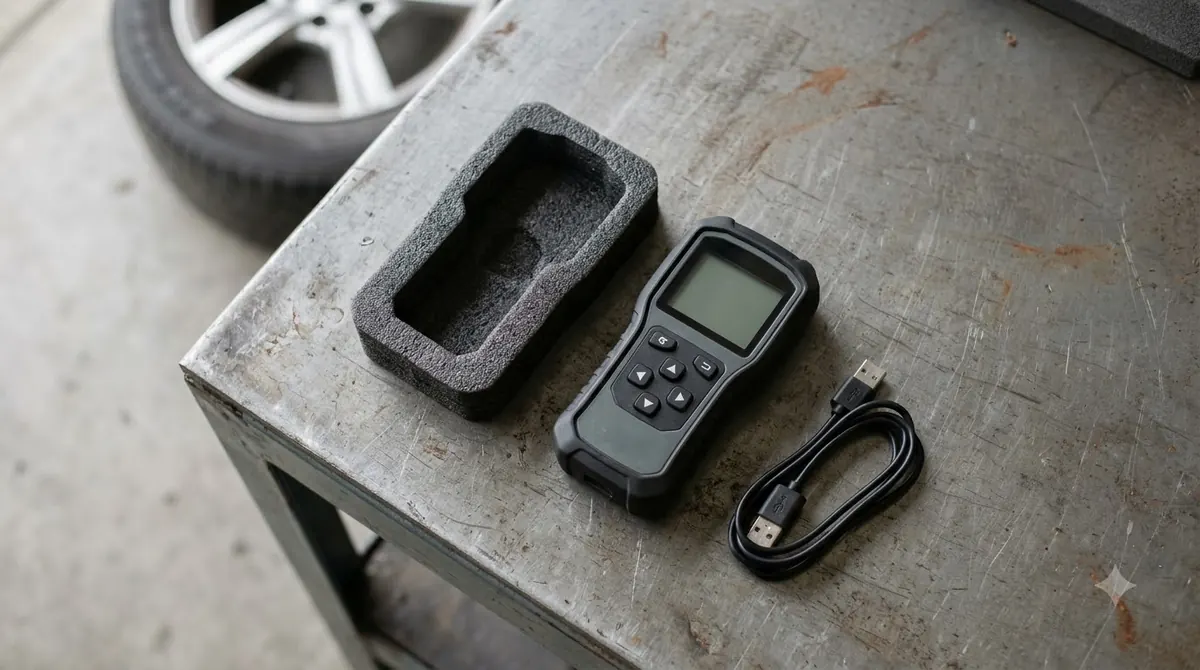
For how to use a TPMS relearn tool in stationary mode, keep in mind that the relearn is done with the car in park, and you activate each sensor clockwise, starting at the front left wheel.
- Park the car and open the relearn procedure for your make and model.
- Use the tool’s OBD function to enable Training or Relearn mode, or operate the onboard keys as the tool instructs.
- Activate the front left sensor with the tool.
- Activate the remaining sensors clockwise, ending with the rear left sensor.
- Watch for the confirmation signal that the procedure for your vehicle describes.
Autel’s TPMS relearn guide describes the clockwise order and the park mode requirement for this method. Activation order and enabling steps can still differ by make, so confirm the sequence in your vehicle’s procedure.
Because this method is tied to park mode, keep the car stationary for the whole run. Moving the car partway through can interrupt the sequence, and an interrupted procedure may need to start over.
Checks Before You Start a TPMS Relearn
Before you start how to use a TPMS relearn tool on any car, charge the tool fully, update its software, and keep it connected for the whole procedure. These checks prevent most interruptions in the middle of a relearn. If this is your first time with how to use a TPMS relearn tool, budget extra time for setup, since an interrupted session can mean starting over.
- Charge the tool fully so it does not drop out during the procedure.
- Update the tool software, as SimpleTire advises.
- Keep the tool securely connected until the procedure ends.
- Follow the exact procedure for your make and model, since SimpleTire warns that a missed step can cause problems.
- Expect to start over if you skip or change a step, which costs time.
This guide covers the general method only. Some vehicles need extra steps or a scan tool command, and the sources used here did not confirm those details for every make. Check the service information for your car when the general method does not match what you see. For a model-specific example, see the Honda CR V TPMS reset guide.
When a Relearn Takes a Drive
An auto relearn is the one case of how to use a TPMS relearn tool without a tool: it runs while you drive, and SimpleTire describes a typical run of about 30 minutes at 50 mph or more. Despite the name, it requires driving. Pick a safe road where you can hold speed steadily for the full run, and do not rush the drive. When it ends, look at the dashboard: the TPMS light should be off, which is the sign the car has matched each sensor to its wheel. If the light is still on, repeat the procedure for your make and model from the beginning rather than guessing at the cause.
Driving time and speed differ by vehicle, so treat that figure as a rough guide. Check your owner’s manual for the exact conditions, and confirm that the dashboard light is off afterward.
Frequently Asked Questions
Does every TPMS relearn need a tool?
Not always. Some vehicles use an auto relearn that works through driving, which SimpleTire describes as typically about 30 minutes at 50 mph or more. Most stationary and OBD methods do need a tool, so check your owner’s manual to confirm which method your car uses before you start.
What if the relearn fails?
Skipped or out-of-order steps are the main risk the sources describe, and skipping steps may require starting the procedure over. Check the sequence for your make and model, confirm the tool is fully charged and its software is current, then run the procedure again from the beginning.
Can any TPMS tool work on any car?
No. Not every tool supports every vehicle. Innova’s SD35 documentation says a tool shows an advisory message when a vehicle does not support relearn, so check the tool’s supported vehicle list before you buy or start a job.
Why does the TPMS light stay on after a tire rotation?
The car may not yet match each sensor to its new wheel position, and a relearn is what does that matching. SimpleTire says the dashboard TPMS light may stay on without a relearn. Once the procedure finishes, confirm that the light has gone off.
Is a relearn needed after changing a sensor?
Usually yes. SimpleTire says a relearn is typically needed after changing sensors, and the procedure may use a scan tool. The method varies by vehicle, so follow the procedure for your make and model rather than a general sequence.
Take the time to match the method to your car before you start. A relearn run in the wrong mode wastes time and can force a restart, so the owner’s manual is the best first stop. If the light stays on afterward, repeat the procedure exactly rather than improvising the steps.