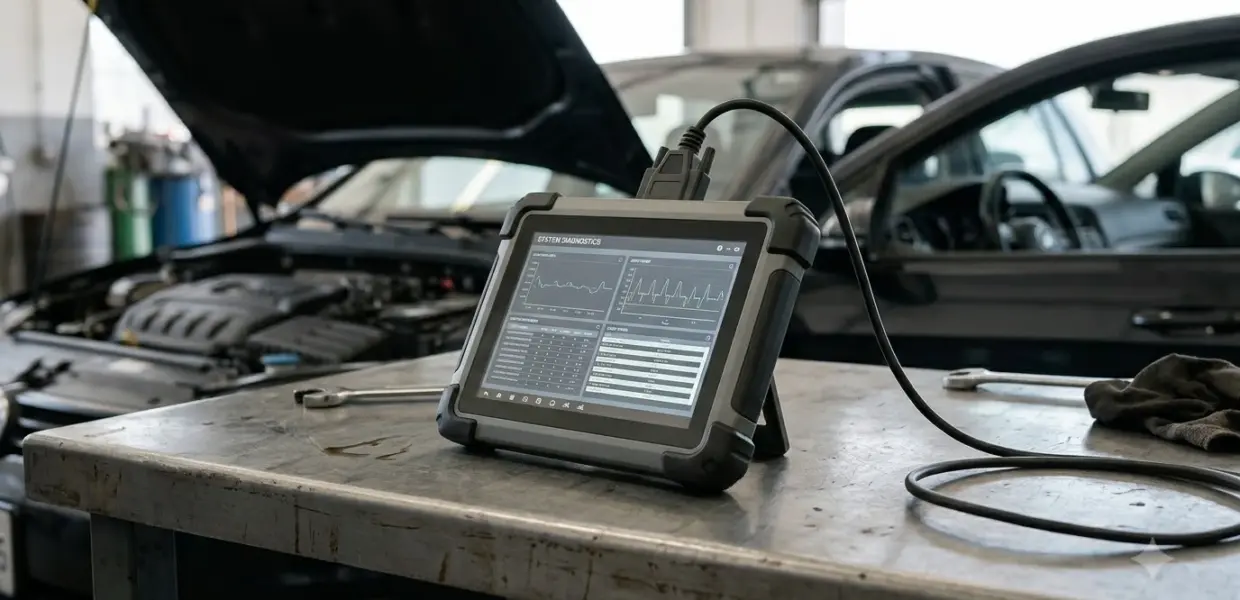

How to use xTool X100 PAD comes down to three steps: charge or power the tablet, update its software, and connect the OBD2 cable to the vehicle. Each model and brand has its own needs, so check those first.
Some makes need extra adapters, and advanced key programming on encrypted immobilizers uses paid points. Read the full steps for your model before you begin.
Key programming and ECU coding change vehicle security settings, so knowing how to use xTool X100 PAD for these jobs matters. Read the full procedure for your model and vehicle before you start, and ask the seller or xTool support if anything is unclear.
What the xTool X100 PAD Does
If you are learning how to use xTool X100 PAD, start by confirming what the device is. The xTool X100 PAD is an automotive diagnostic and key programming tablet, not the laser engraver that shares the xTool name.
xTool also sells laser engravers, so searches for xtool x100 pad often mix two product lines. xTool’s key programmer menu lists several models, including X100 PADS, X100 PAD3, X100 PAD3 SE, X100 PRO2 and X100 PRO3.
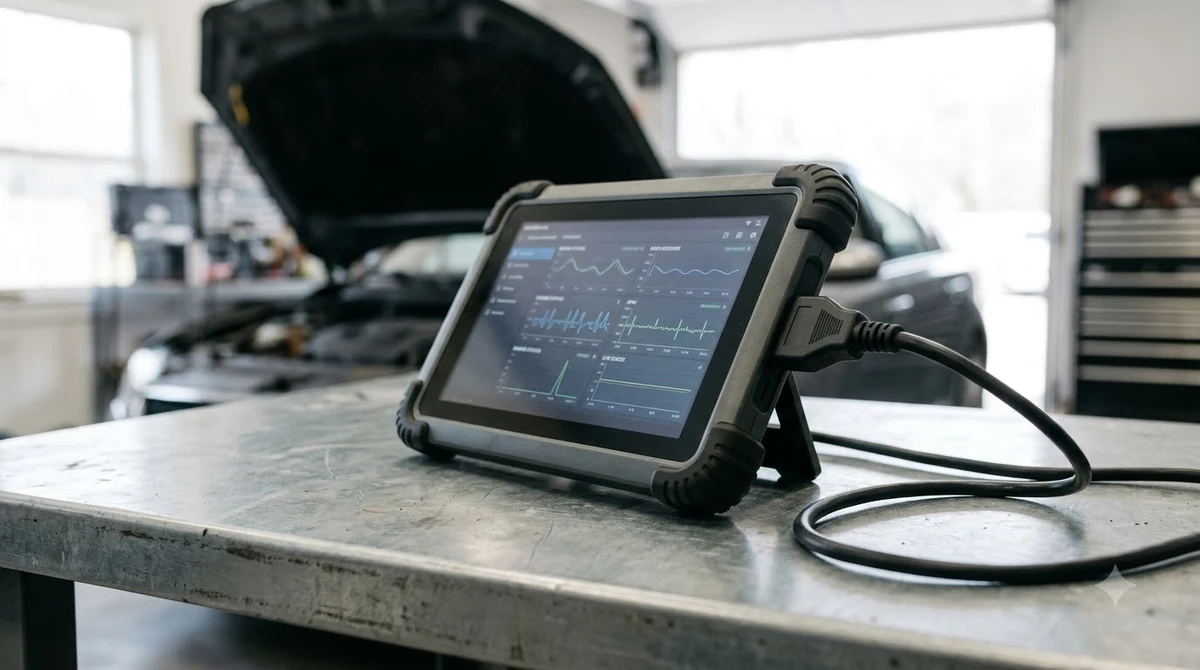
Check which model you own before you follow any steps, because the functions differ by model. The table below groups the main functions that xTool lists for the X100 PADS. Diagnostics and key programming are different jobs with different costs, so keep them separate in your planning when you learn how to use xTool X100 PAD.
| Function group | Examples listed by xTool |
|---|---|
| Diagnostics | Full-system OBD2 diagnostics and live data streaming |
| Key programming | Immobilizer (IMMO) work, PIN code reading, smart key programming, EEPROM read and write, all-keys-lost (AKL) programming |
| Special functions | ECU coding, EPB reset, TPMS programming and throttle relearn |
How to Use xTool X100 PAD: Charge and Update First
Knowing how to use xTool X100 PAD safely starts with power. xTool says to keep the device fully charged or connected to a power source for uninterrupted operation, so charge it before a job or plug it in for the whole session.
xTool also says to keep the software current when you learn how to use xTool X100 PAD. Its example is Toyota software version V26.90 or higher, so check the version your vehicle needs before you connect the tablet.
- Charge the tablet fully, or connect it to a power source.
- Check the software version your vehicle brand needs.
- Update the software if the installed version is older.
- Keep the tablet on power until the job is finished.
Activation and first-time setup vary by model, so follow the activation section of your model’s manual. This guide does not list those steps, because the sources it could check did not confirm the full sequence.
Connect the OBD2 Cable to the Vehicle
Here is how to use xTool X100 PAD for a basic connection: xTool says to use the provided OBD2 cable to connect the X100 PADS to the vehicle’s OBD2 port. Use the cable that came in the box, because the connection is the first step of every diagnostic job. The OBD2 port is the link between the vehicle and the tablet, so a loose connection stops the job before it starts.
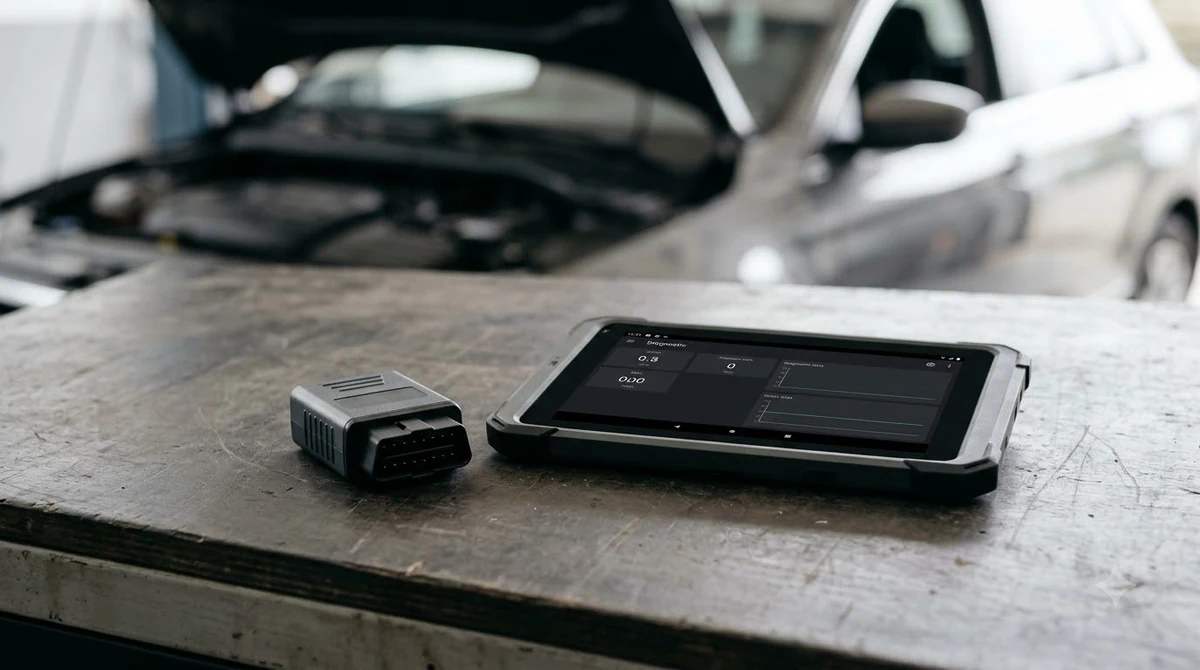
- Turn the tablet on, or confirm that it is running on power.
- Plug the provided OBD2 cable into the tablet.
- Plug the other end of the cable into the vehicle’s OBD2 port.
- Select the vehicle from the tablet menu before you start a function.
Some brands need extra hardware. xTool says Mercedes, BMW, Audi, Volkswagen and Toyota may require additional adapters, such as the M822, KC100 or KC501. Some procedures also need a KS-1 emulator. xTool’s X100 PADS overview lists these requirements.
Key Programming and the 50 Points
According to xTool, basic key programming is free for most standard vehicles. Encrypted immobilizers, which xTool says are common in American, European and luxury cars, need points for advanced functions.
| Task | Cost according to xTool |
|---|---|
| Basic key programming on most standard vehicles | Free |
| Encrypted immobilizers | Points needed for advanced functions |
| PIN code reading and all-keys-lost programming | Uses points |
| Smart key operations and dealer-level key generation on certain models | Uses points |
xTool describes the 50 points as virtual credits used for premium or encrypted key programming functions, not as rewards. Each advanced operation uses a fixed number of credits, which are deducted from your device account through XTOOL Online.
What the 50 points mean explains how the credits work, and xTool advises contacting [email protected] to confirm compatibility before you buy them.
Key programming changes security settings, so a mistake can be costly. Read the full procedure for your model and vehicle before you start, and ask a locksmith or dealer if the steps are unclear. Learning how to use xTool X100 PAD for key programming means understanding the points first.
Checklist Before You Buy Points or Adapters
Before you spend on points or adapters, confirm the basics. These checks follow directly from the xTool facts above, so they cost nothing to do. This is the best place to start for how to use xTool X100 PAD on a paid function.
- Confirm the exact model name, because xTool lists several X100 PAD models with different functions.
- Write down the make, model and year of the vehicle, since the adapter and points rules depend on them.
- Ask whether the vehicle uses an encrypted immobilizer, because that decides whether points are needed.
- Check the adapter list for your brand before you order any hardware.
- Send the details to xTool support and wait for a compatibility answer before you buy points.
Compatibility and Known Limits
xTool describes compatibility as wide, but it does not give a count of supported brands or models. How to use xTool X100 PAD on your car depends on the model and vehicle, so confirm your make, model and year with support first.
A reader comment on xTool’s blog says there is little information on Audi key programming for newer models, such as the 2016 A6 C7. That is a user report, not a claim from xTool, but it is a good reason to check support first.
If your vehicle is not clearly on the supported list, stop before buying points or adapters. Anyone learning how to use xTool X100 PAD should confirm support first. Basic diagnostics through the OBD2 port are the most general feature xTool lists. For a wider view of two-way testing, read about bidirectional OBD2 scan tools.
Related Guides
Frequently Asked Questions
Where should I start if I am learning how to use xTool X100 PAD?
Start by confirming the model name and the vehicle. Then charge the tablet, check the software version, and connect the provided OBD2 cable. Basic steps stay the same across models, but the functions and adapters differ.
Is the xTool X100 PAD the same as an xTool laser engraver?
No. The X100 PAD is an automotive diagnostic and key programming tablet. xTool also makes laser engravers, so search results can mix the two. Confirm the model before you buy accessories.
Do I need to pay to program a key?
Basic key programming is free for most standard vehicles, according to xTool. Encrypted immobilizers and advanced functions need points, and xTool advises confirming compatibility before you buy them.
Which cable connects the X100 PAD to the car?
xTool says to use the provided OBD2 cable to connect the tablet to the vehicle’s OBD2 port. Use the cable that came with your model.
Which brands may need adapters?
xTool says Mercedes, BMW, Audi, Volkswagen and Toyota may require additional adapters. Check the adapter list for your model before you start the job.
How do I activate the tablet for the first time?
Activation steps depend on the model, so follow the activation section of your manual. This guide does not list them, because the sources it could check did not confirm the full sequence.
Before you learn how to use xTool X100 PAD for paid functions, confirm your exact model, the points rules and any adapter needs. Key programming changes vehicle security, so do not rush it.