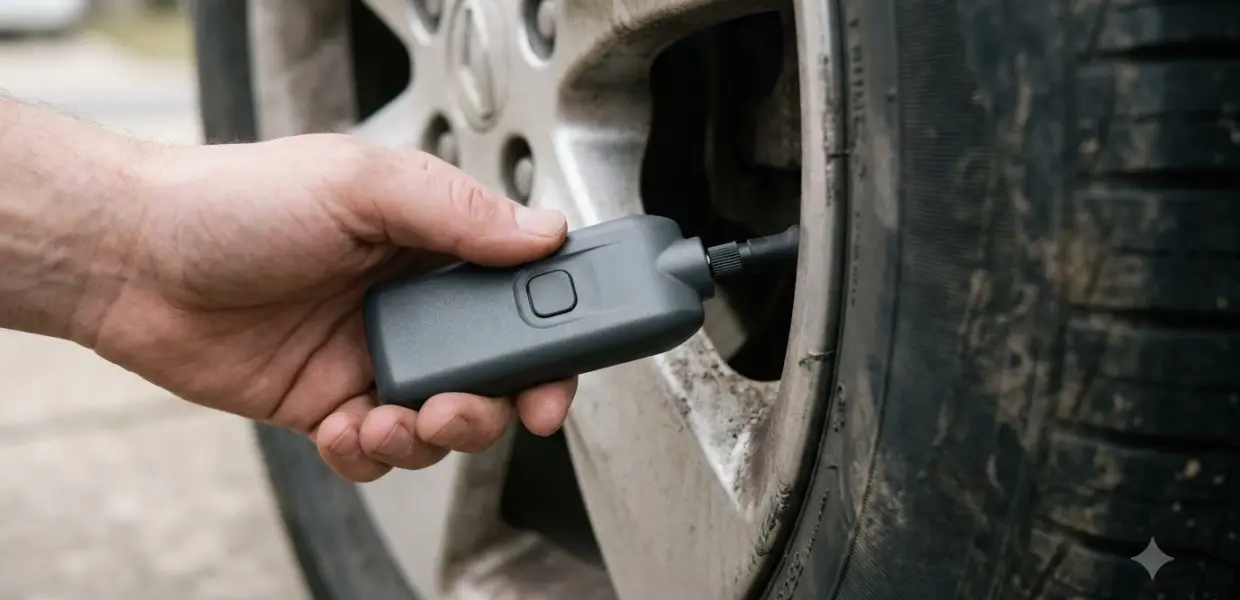

A Honda Civic TPMS reset is a calibration you run after you change tire pressure, rotate the tires, or replace one. Honda’s manual calls it TPMS calibration, so look for that wording in your own manual. It does not fix low pressure, so check all four tires first, then start the calibration from the settings menu.
The steps below for a Honda Civic TPMS reset follow the TPMS section of Honda’s 2023 Civic Hatchback owner’s manual. Other model years may use different menus, so compare with your own manual before you start.
What the Honda Civic TPMS Light Means
The Honda Civic low tire pressure and TPMS light means one or more tires is significantly under-inflated, according to Honda’s 2023 Civic Hatchback manual.
This is an indirect system. Instead of measuring the pressure in each tire, it monitors and compares the rolling radius and rotation of each wheel while you drive. Honda’s TPMS owner’s manual section describes this method. Because it works from wheel behavior, it does not show you the exact pressure in each tire.
The light does not come on because a tire is overinflated. Temperature also changes pressure, since tires checked in warm weather can become under-inflated in colder weather. A light in cold months may simply mean the tires need air.
The light may come on late, or not at all, during rapid acceleration, braking, or sharp steering. It can also be delayed on snowy or slippery roads and when tire chains are fitted. A Honda Civic TPMS reset teaches the system the current wheel readings after tire work, so it can detect under-inflation again.
Which Civic Models This Guide Covers
The steps in this guide were checked only against Honda’s 2023 Civic Hatchback owner’s manual, so other years and trims may differ.
That manual’s TPMS section describes touchscreen menus for both 7-inch and 9-inch displays. Those are the menu paths used for the Honda Civic TPMS reset below. Honda publishes a separate owner’s manual for each model year and body style, so the TPMS section can change from one to the next.
This guide does not confirm the reset method for older Civics or for the 2023 Civic Sedan. Some models may use a button or a different menu path. If your manual describes tire pressure sensors instead of a calibration, the guide on how to use a TPMS tool may be a better fit. Look up the TPMS section in the manual for your exact model year and body style before you run a Honda Civic TPMS reset.
Check Tire Pressure Before You Reset
Set the cold tire pressure in all four tires to the value on the vehicle placard or tire inflation pressure label before you start a Honda Civic TPMS reset.
Honda’s manual says each tire, including the spare if one is provided, should be checked monthly when cold. Inflate each tire to the placard pressure, and use a reliable gauge, such as one of the choosing a tire gauge type we compared. Driving on a significantly under-inflated tire can make it overheat and lead to tire failure, and under-inflation also reduces fuel efficiency and tire tread life.
- Set the cold pressure in all four tires before you calibrate.
- Use the value on the placard or tire inflation pressure label as your target.
- Check the pressure again after you rotate or replace any tire.
- Remember that a Honda Civic TPMS reset does not add air to a tire.
Safety warning: the TPMS light is a warning about tire pressure. A Honda Civic TPMS reset does not inflate a tire and does not replace a pressure check. The manual states that TPMS is not a substitute for proper tire maintenance, and keeping correct pressure is the driver’s responsibility.
Honda Civic TPMS Reset Steps on the Touchscreen
On a 7-inch touchscreen, the Honda Civic TPMS reset starts from the Home button, then Settings, Vehicle settings, and TPMS calibration. Stop the car, set the power mode to ON, and put the transmission in P (CVT) or the shift lever in N (manual) before you begin.
- Press the Home button, select Settings, then press the left selector wheel. Vehicle settings appears on the display.
- Roll the left selector wheel until TPMS calibration appears.
- Press the left selector wheel. A setup screen appears with Cancel or Calibrate.
- Roll to Calibrate and press the left selector wheel. The Calibration started screen appears, then the display returns to the menu.
If the Calibration failed to start message appears, repeat the Calibrate step. Once the calibration starts, it finishes automatically.
On a 9-inch touchscreen, set the power mode to ON, press the Home button, select Vehicle Settings, then select TPMS Calibration. Choose Calibrate, or Cancel to stop. If the Calibration Failed To Start message appears, repeat the Calibrate selection.
Driving Conditions That Finish the Calibration
A Honda Civic TPMS reset needs about 30 minutes of cumulative driving at 31 to 62 mph (50 to 100 km/h) to finish. Count only the time you actually spend driving in that speed range.
During calibration, if the power mode is ON and the car is not moved within 45 seconds, the light may come on briefly. Honda says this is normal.
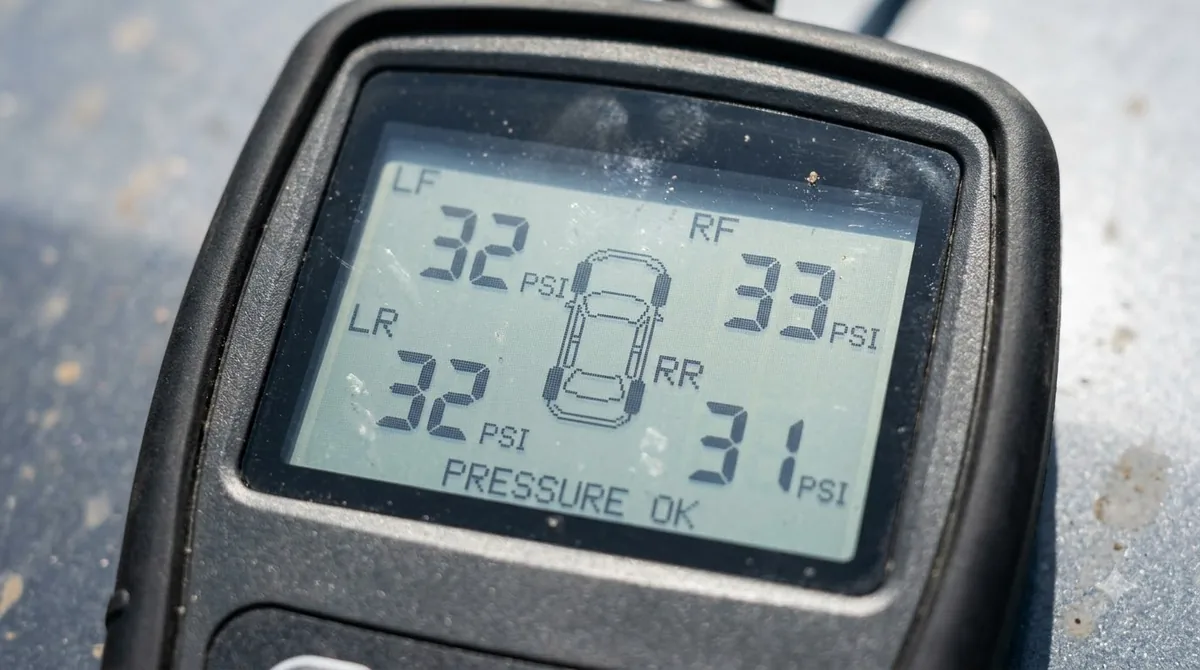
- Remove tire chains before you calibrate.
- Do not start the calibration while a compact spare is installed, because TPMS cannot be calibrated that way.
- Run the Honda Civic TPMS reset again after you rotate tires or replace one or more of them.
If a compact spare is fitted, the light may also come on because of it. Check the pressure in all four regular tires once the spare is no longer in use, then run the calibration.
When the TPMS Light Stays On or Blinks
If the Honda Civic TPMS light blinks for about one minute and then stays on, the manual says the system has a fault rather than just low pressure. The light repeats this pattern at later starts while the fault exists.
When the malfunction indication is on, the system may not detect or signal low tire pressure as intended. The manual also says to check the TPMS telltale after replacing one or more tires or wheels, to confirm the new tires still let the system work.
After you reconnect the battery, the low tire pressure, TPMS, and other indicators may come on. Drive a short distance above 12 mph (20 km/h). Each indicator should go off. If any stay on, have a dealer check the vehicle.
If the light stays on even with properly inflated, specified regular tires installed, have a dealer check the vehicle. A tire pressure gauge is the tool for the manual check described above, while a code reader shows engine fault codes that the TPMS light alone does not reveal.
Common Mistakes to Avoid
The most common mistake in a Honda Civic TPMS reset is starting the calibration before all four tires are set to placard pressure. The light responds to pressure, so it can come back soon after a Honda Civic TPMS reset that was run too early.
- Starting a Honda Civic TPMS reset before the cold pressure is set in all four tires.
- Expecting a reset to fix a slow leak. A reset does not add air or repair a leak.
- Leaving tire chains on during the calibration drive.
- Skipping the pressure check after tires are rotated or replaced.
Related Guides
Frequently Asked Questions
Does a Honda Civic TPMS reset fix low tire pressure?
No. A Honda Civic TPMS reset only recalibrates the system after tire work. Honda’s manual says to set the cold pressure in all four tires first, using the placard value, and then run the calibration. The reset does not inflate a tire or repair a leak.
Why does the TPMS light come back after a reset?
The light can come back if a tire is still significantly under-inflated, if the calibration did not finish, or if the system has a fault. Check the pressure in all four tires again, then repeat the calibration. If the light blinks for about a minute and then stays on, have a dealer check the car.
How long does a Honda Civic TPMS calibration take?
According to the 2023 Civic Hatchback manual, calibration needs about 30 minutes of cumulative driving at 31 to 62 mph (50 to 100 km/h). The car must be stopped with the power mode on and the transmission in P or N to start. The process finishes automatically once the driving is complete.
Can I calibrate the TPMS with a compact spare?
No. The manual says TPMS cannot be calibrated while a compact spare tire is installed, and a compact spare can also turn on the light. Run the Honda Civic TPMS reset only after the regular tires are back on the car and all four are set to the placard pressure.
When should I see a dealer about the TPMS light?
Have a dealer check the vehicle if the light stays on even with properly inflated, specified regular tires installed. Also see a dealer if the light blinks for about one minute and then stays on, or if it remains on after a battery reconnection and a short drive above 12 mph.
Treat the light as a prompt to check your tires, not as a finished fix. Run the Honda Civic TPMS reset only after the pressure is correct in all four tires, and bring the car in if the light returns. The other routine reset on this car is covered in Honda Civic oil life reset steps.